IST5 Tower UPS 10kVA~40kVA User Manual 27
4.2.3 LCD Screen
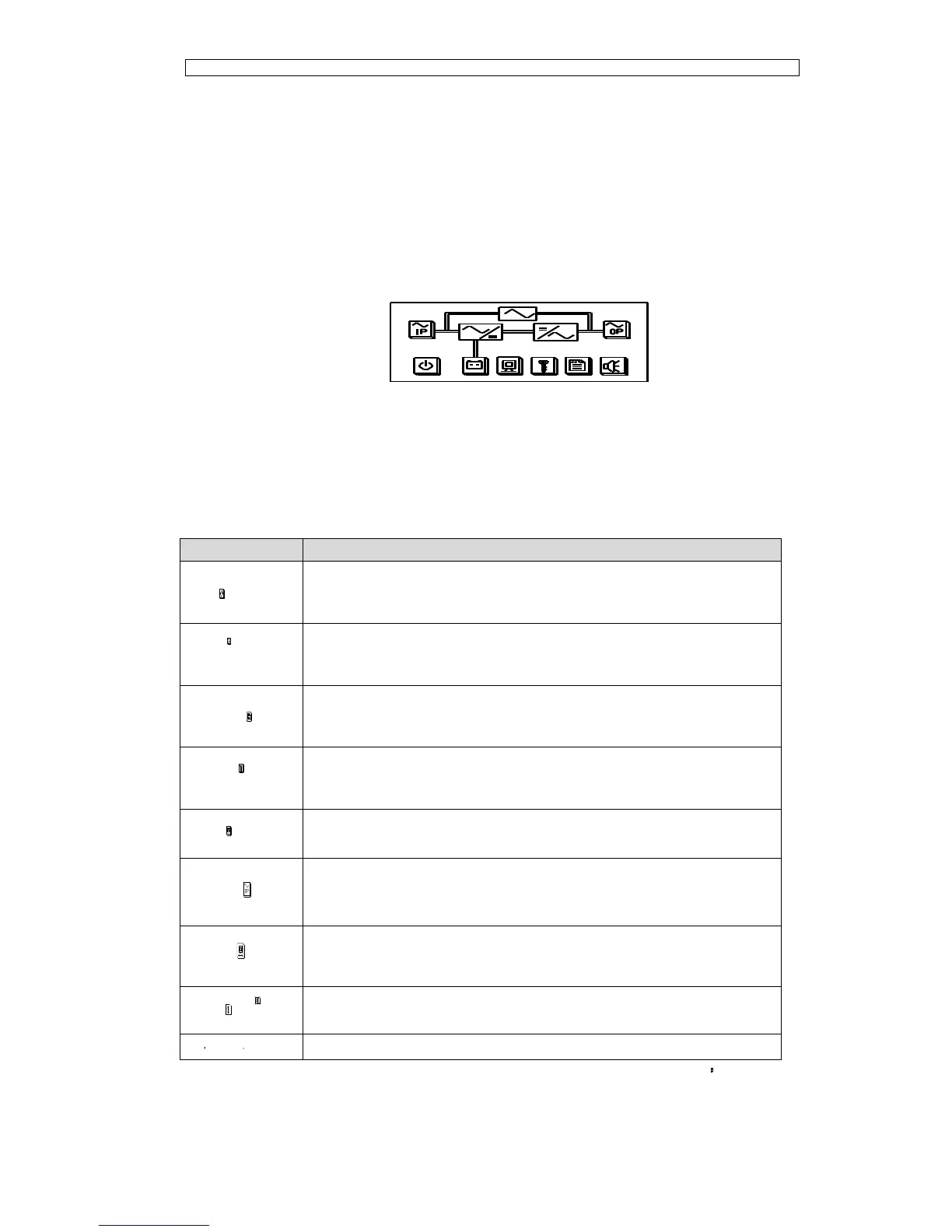
After the monitoring system starts self-test, the system enters the home page, following
the welcome window. The home page is shown in Fig.4-2.
Home page consists of System Information Window, Menu Window and Current
Command and Record Menu.
Fig.4-2 Home page
The description of LCD icons is shown in Table 4.4.
Table 4.4 Description of LCD Icons
Parameters of Main & Bypass Input
Function set(Fault Clear, Battery Test, Battery Maintenance,
language set, Manual Transfer, etc.), System Configuration(For
Service Engineer Only)
Parameters of Battery, DC bus information, Temperature etc.
Parameters of Output & Load
Warning, S-code and System Information(Rated parameters, Version
Information)
Select the icon, system enters the corresponding page; take the icon (Main
Input) for example, as shown in Fig.4-3.



 To Next Page