IST5 Tower UPS 10kVA~40kVA User Manual 29
4.3 System Information Window
System Information Window displays the current time and UPS model, as is shown in
the following Table 4.5.
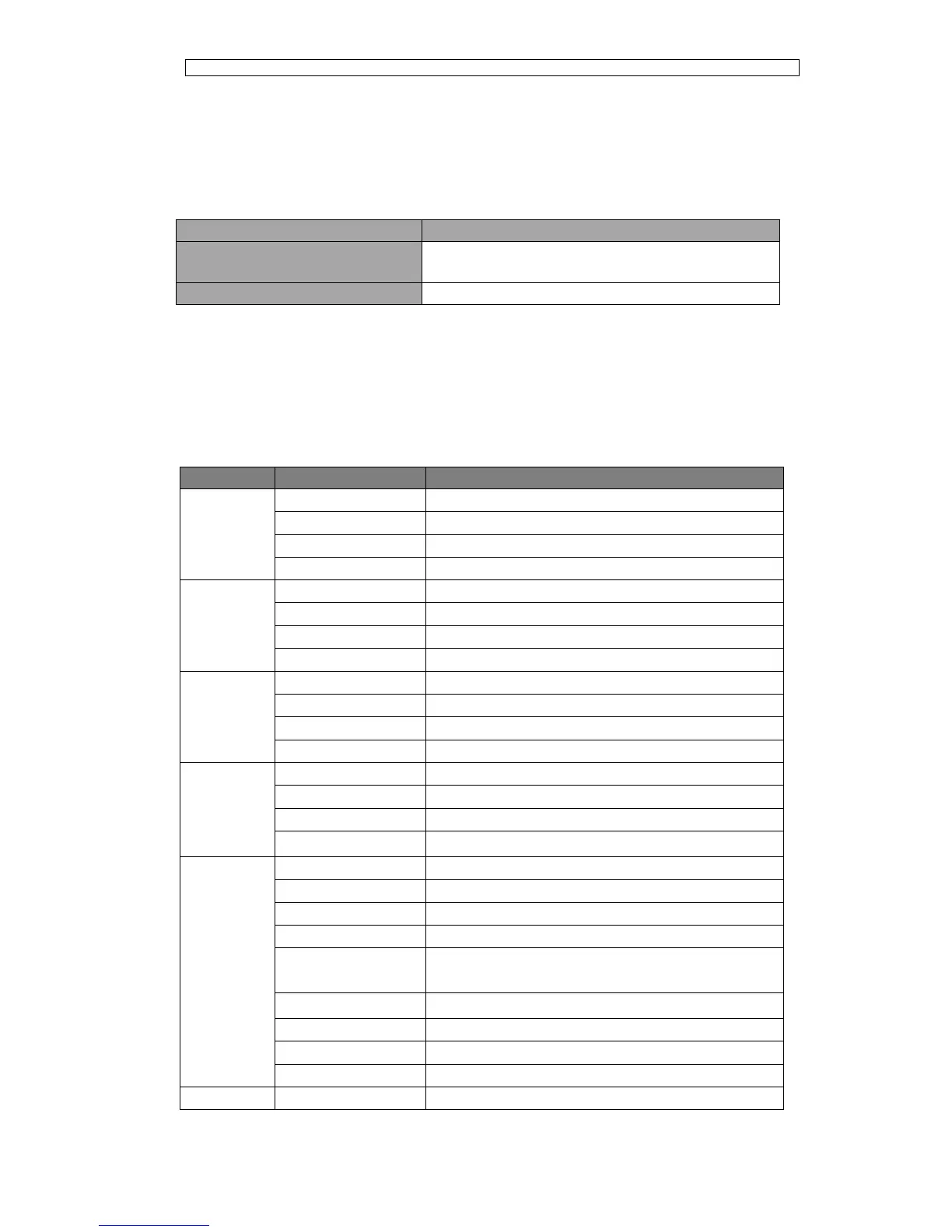
Table 4.5 Description of System Information Window
UPS mode:3-phase in 3-phase out 20kVA,standard
backup type
4.4 Menu Window
The Menu Window displays the menu name of data window, while the data window
displays the related contents of selected menu in menu window. Select UPS menu and
data window to browse related parameters of UPS and set related functions. The details
are given in Table 4.6.
Table.4.6 Description of UPS Menu
Positive and negative battery voltage
Positive and negative battery current
Remained battery backup time
Remained battery capacity
Battery is working in boost charging mode
Battery is working in float charging mode
Display all current alarm. The alarms are displayed on



 To Next Page