Subject to Export Control, see Cover Page for details. 2-9
2-2-1. SYSTEM ICONS (cont)
ICON FUNCTION
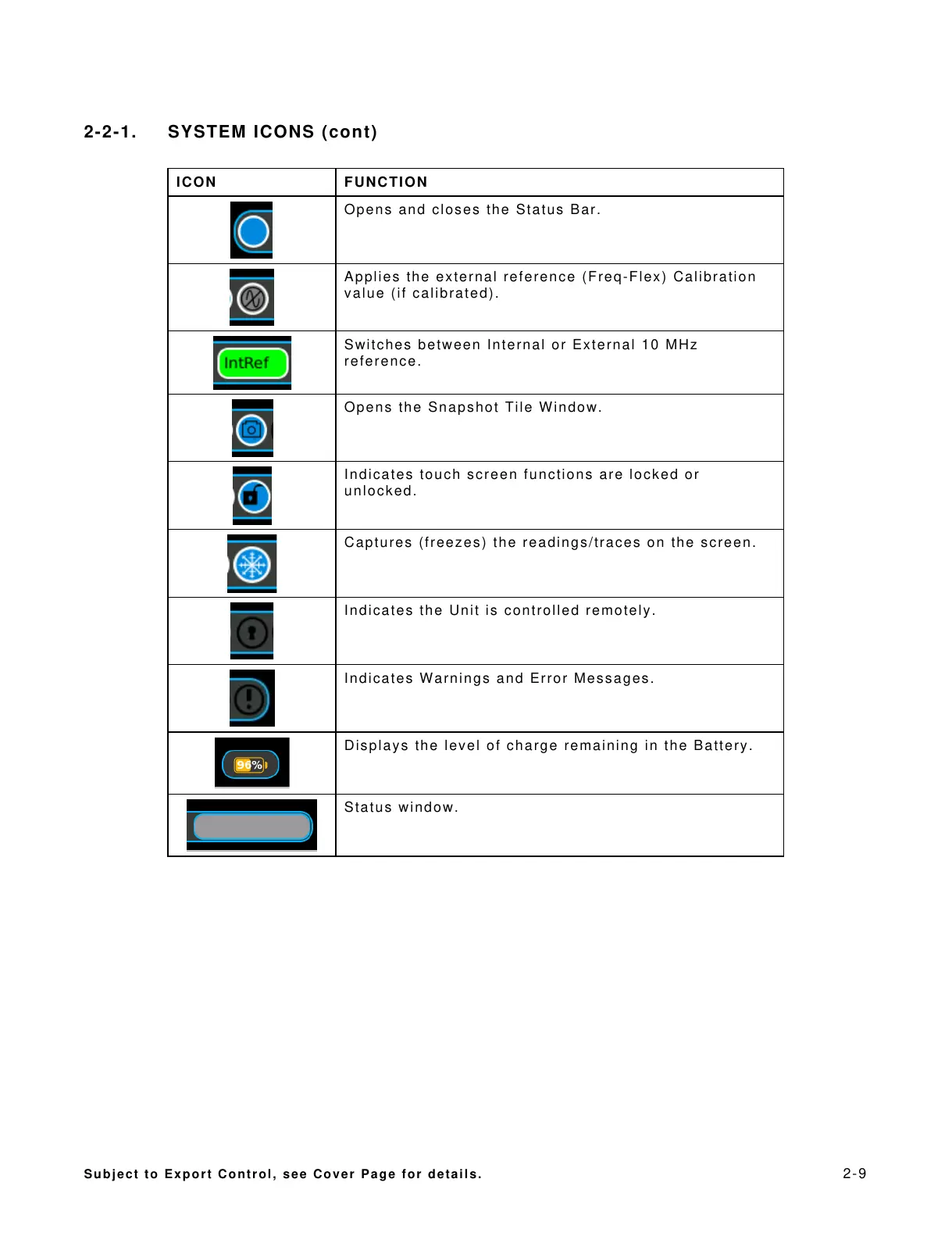
Opens and closes the Status Bar.
Applies the external reference (Freq-Flex) Calibration
value (if calibrated).
Switches between Internal or External 10 MHz
reference.
Opens the Snapshot Tile Window.
Indicates touch screen functions are locked or
unlocked.
Captures (freezes) the readings/traces on the screen.
Indicates the Unit is controlled remotely.
Indicates Warnings and Error Messages.
Displays the level of charge remaining in the Battery.
All manuals and user guides at all-guides.com













 To Next Page