Subject to Export Control, see Cover Page for details. 2-15
2-2-3. USER INTERFACE (UI) COMPONENTS (cont)
C. Tile Windows
Tile Windows provide visual access to the Digital Radio Test System’s operating parameters and
measurement data.
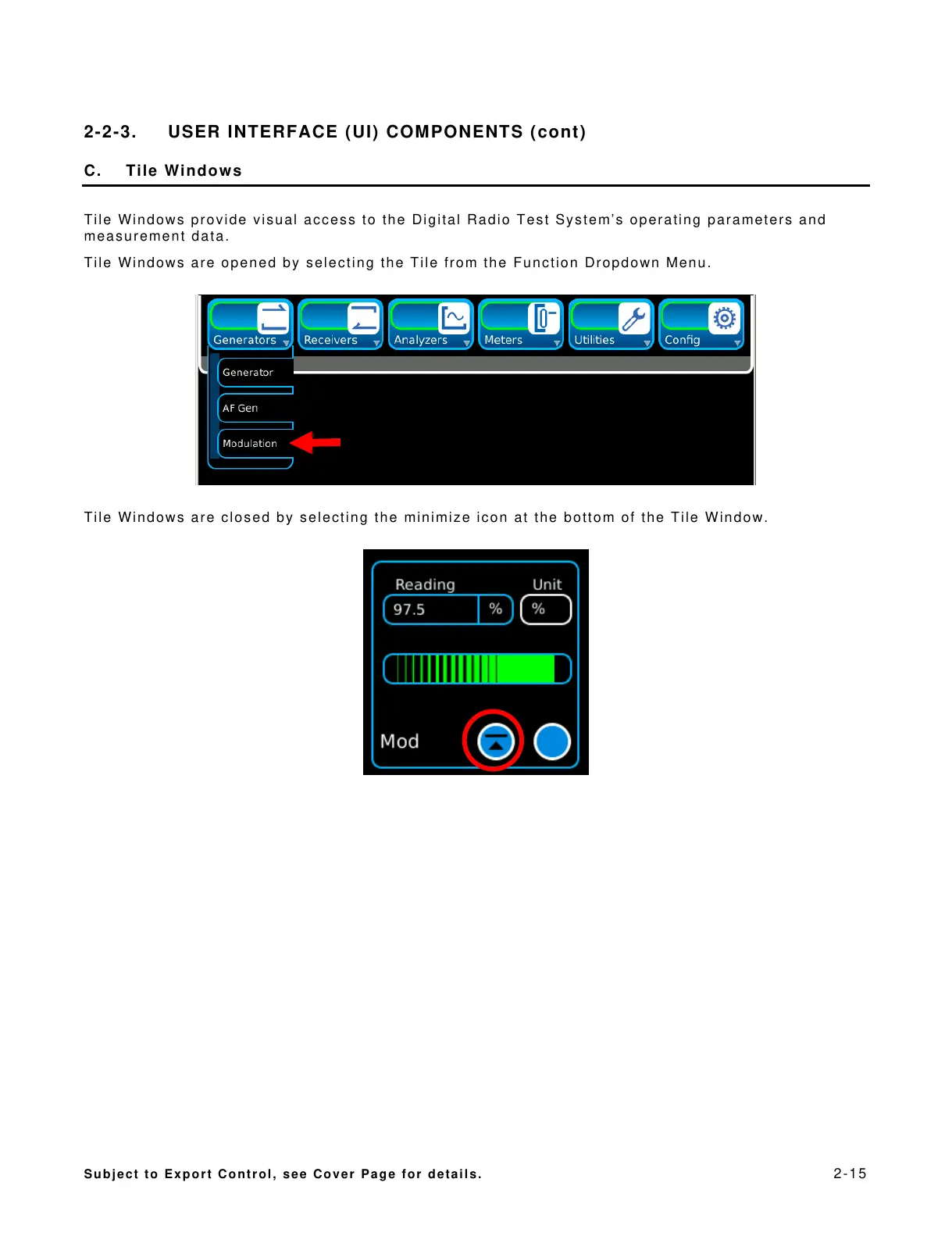
Tile Windows are opened by selecting the Tile from the Function Dropdown Menu.
Tile Windows are closed by selecting the minimize icon at the bottom of the Tile Window.













 To Next Page