2-8 Subject to Export Control, see Cover Page for details.
2-2-1. SYSTEM ICONS
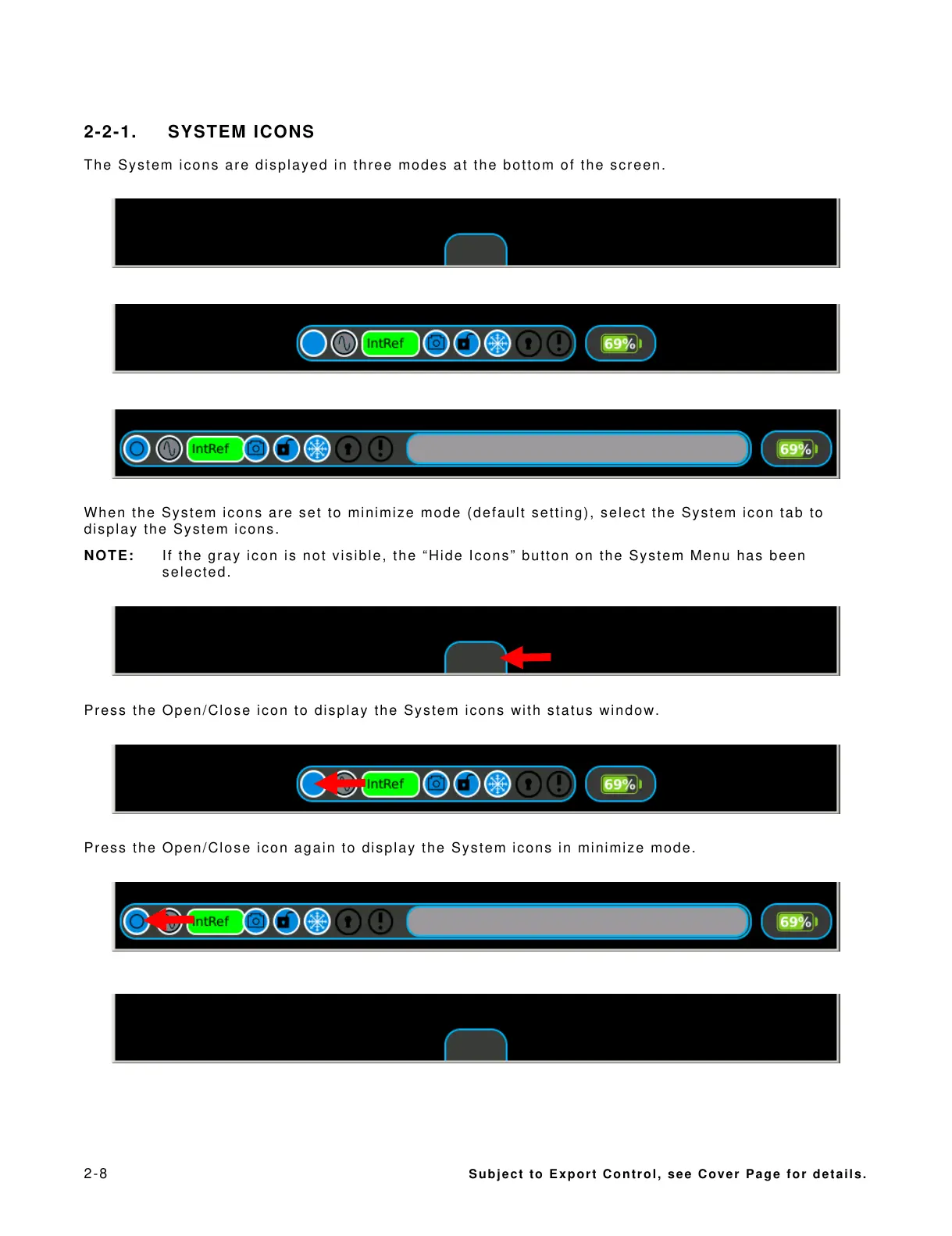
The System icons are displayed in three modes at the bottom of the screen.
When the System icons are set to minimize mode (default setting), select the System icon tab to
display the System icons.
NOTE: If the gray icon is not visible, the “Hide Icons” button on the System Menu has been
selected.
Press the Open/Close icon to display the System icons with status window.
Press the Open/Close icon again to display the System icons in minimize mode.













 To Next Page