Subject to Export Control, see Cover Page for details. 2-11
2-2-1. SYSTEM ICONS (cont)
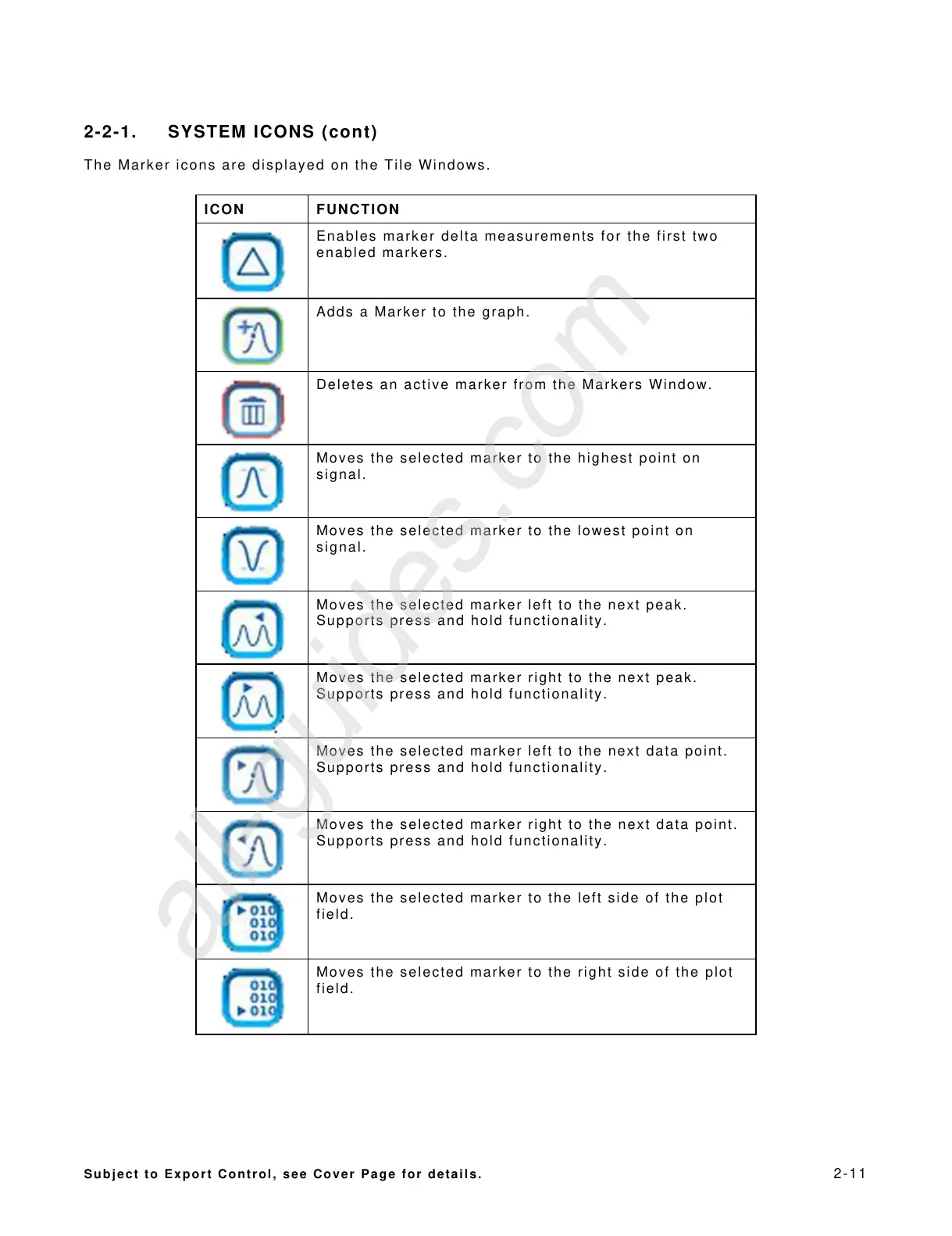
The Marker icons are displayed on the Tile Windows.
ICON FUNCTION
Enables marker delta measurements for the first two
enabled markers.
Adds a Marker to the graph.
Deletes an active marker from the Markers Window.
Moves the selected marker to the highest point on
signal.
Moves the selected marker to the lowest point on
signal.
Moves the selected marker left to the next peak.
Supports press and hold functionality.
Moves the selected marker right to the next peak.
Supports press and hold functionality.
Moves the selected marker left to the next data point.
Supports press and hold functionality.
Moves the selected marker right to the next data point.
Supports press and hold functionality.
Moves the selected marker to the left side of the plot
field.
Moves the selected marker to the right side of the plot
field.
All manuals and user guides at all-guides.com
all-guides.com













 To Next Page