Subject to Export Control, see Cover Page for details. 2-37
2-4-3. INSTALL SOFTWARE (cont)
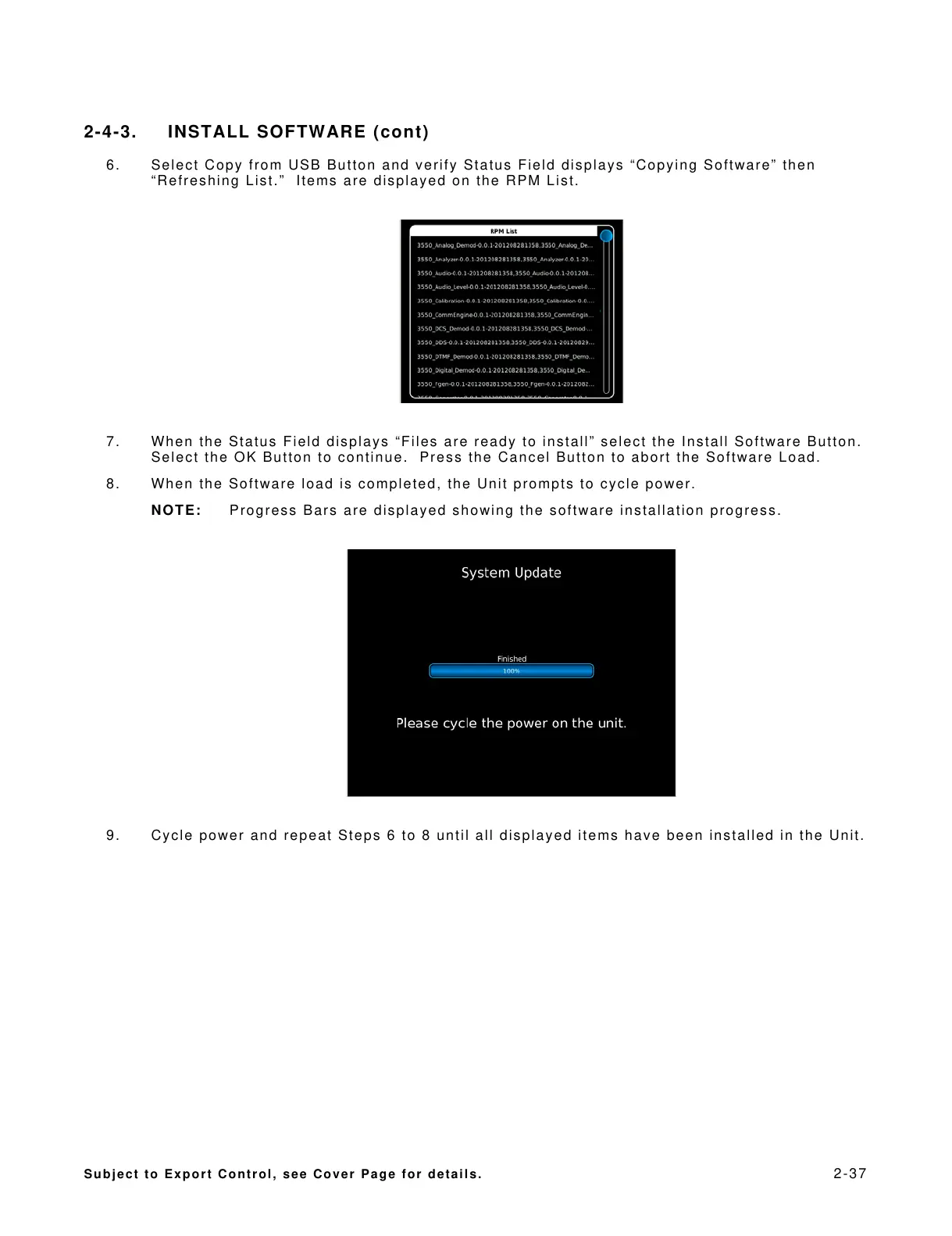
6. Select Copy from USB Button and verify Status Field displays “Copying Software” then
“Refreshing List.” Items are displayed on the RPM List.
7. When the Status Field displays “Files are ready to install” select the Install Software Button.
Select the OK Button to continue. Press the Cancel Button to abort the Software Load.
8. When the Software load is completed, the Unit prompts to cycle power.
NOTE: Progress Bars are displayed showing the software installation progress.
9. Cycle power and repeat Steps 6 to 8 until all displayed items have been installed in the Unit.













 To Next Page