DD+DIS014.02E
Maintenance
Edition 2, Revision 8 ADC Compact Section 12 / 7
(Type 5145 / 100/101/140/200/201/240)
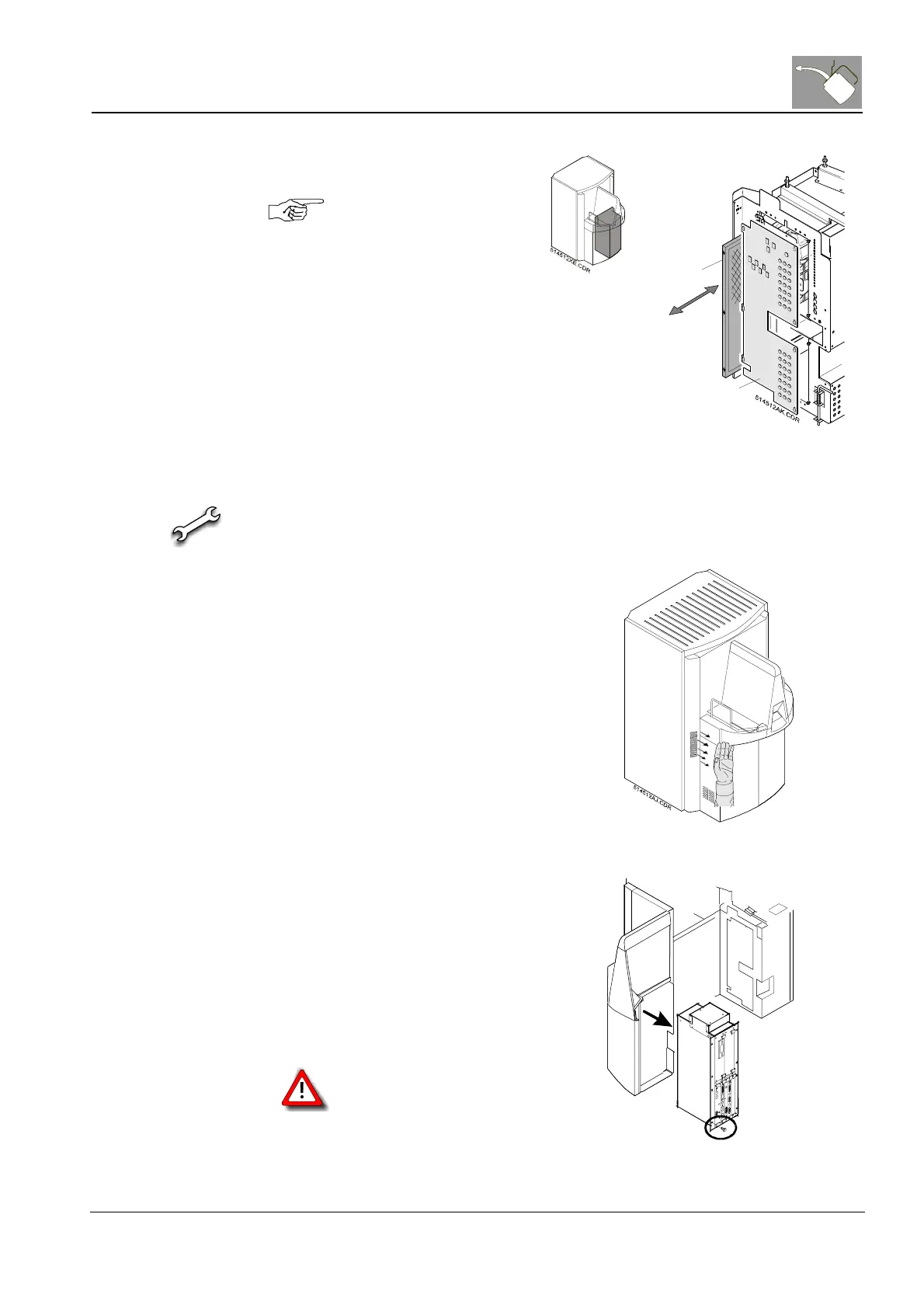
Air filter (3) Exchange the air filter 1 by
opening the cover plate 2.
Observe the installation
position of the filter.
1
2
Figure 4
3.5 VME Rack
· Vacuum cleaner
· Soft cloth
VME fan
(1) Check the function of the fan
by holding the hand in front of
the grid. The fan must blow
the air out of the machine.
Figure 5
Housing
(2) Clean the VME Rack.
Therefore it is necessary to
remove the VME Rack.
(3) Unplug the cables carefully,
unscrew the mounting screws
and take out the VME Rack.
(4) Dust the VME Rack itself, the
housing of the rack and all
fan-grids.
Handle the cables with
care! Danger of damage
by unplugging and
plugging.
5
1
4
5
6
5
B
R
.
C
D
R
Figure 6



 To Next Page