62
2241A EN 20040210
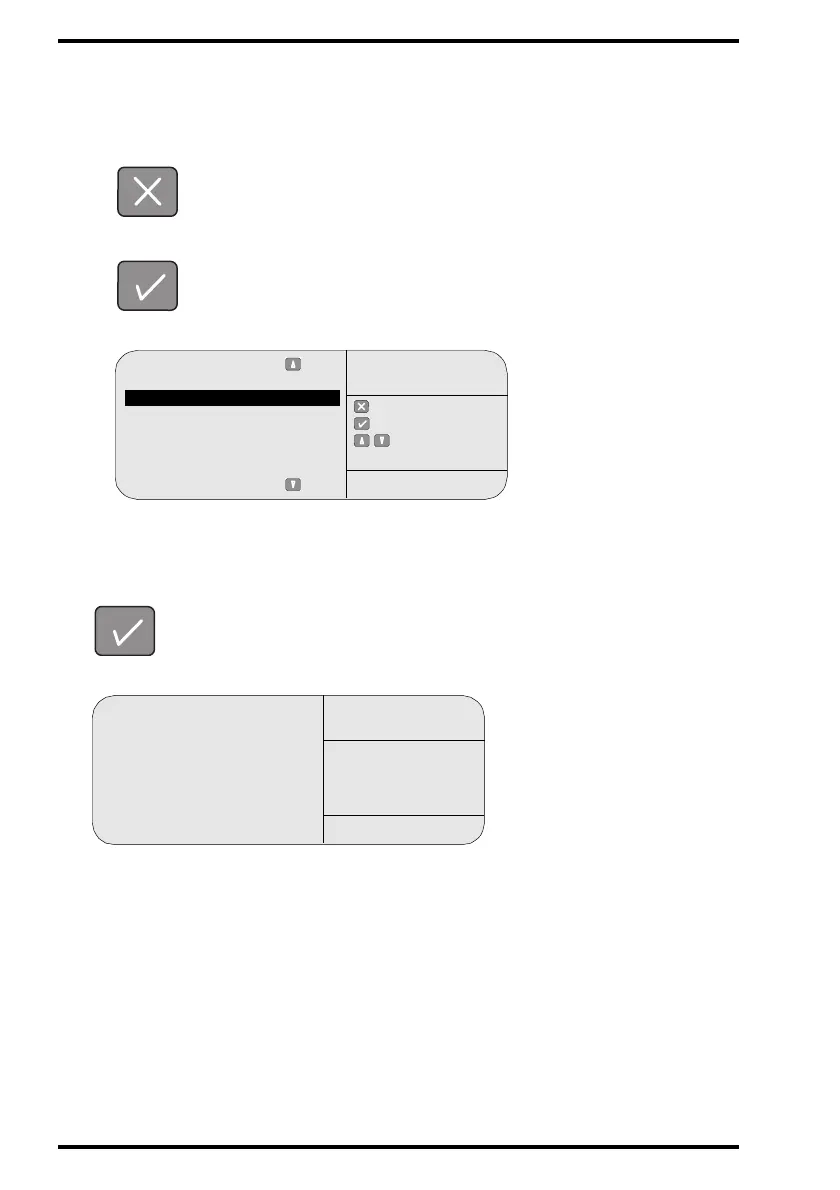
8 You have the choice to change the language of the user interface:
• If you do not want to change the language of the user interface, press the
Escape key and proceed with step 10.
• If you want to change the language, press the Confirm key.
The CR 75.0 will display:
9 Select the desired language from the list via the Up and Down keys and
confirm
your choice.
The CR 75.0 will display:
Select from list:
Dutch
English
French
German
Italian
Japanese
Spanish
: quit
: ok
: select
INSTALL
LANGUAGE
SERVICE XXXXX
Initializing new
user terminal
language . . .
INSTALL
LANGUAGE
SERVICE XXXXX


 To Next Page