67
2241A EN 20040210
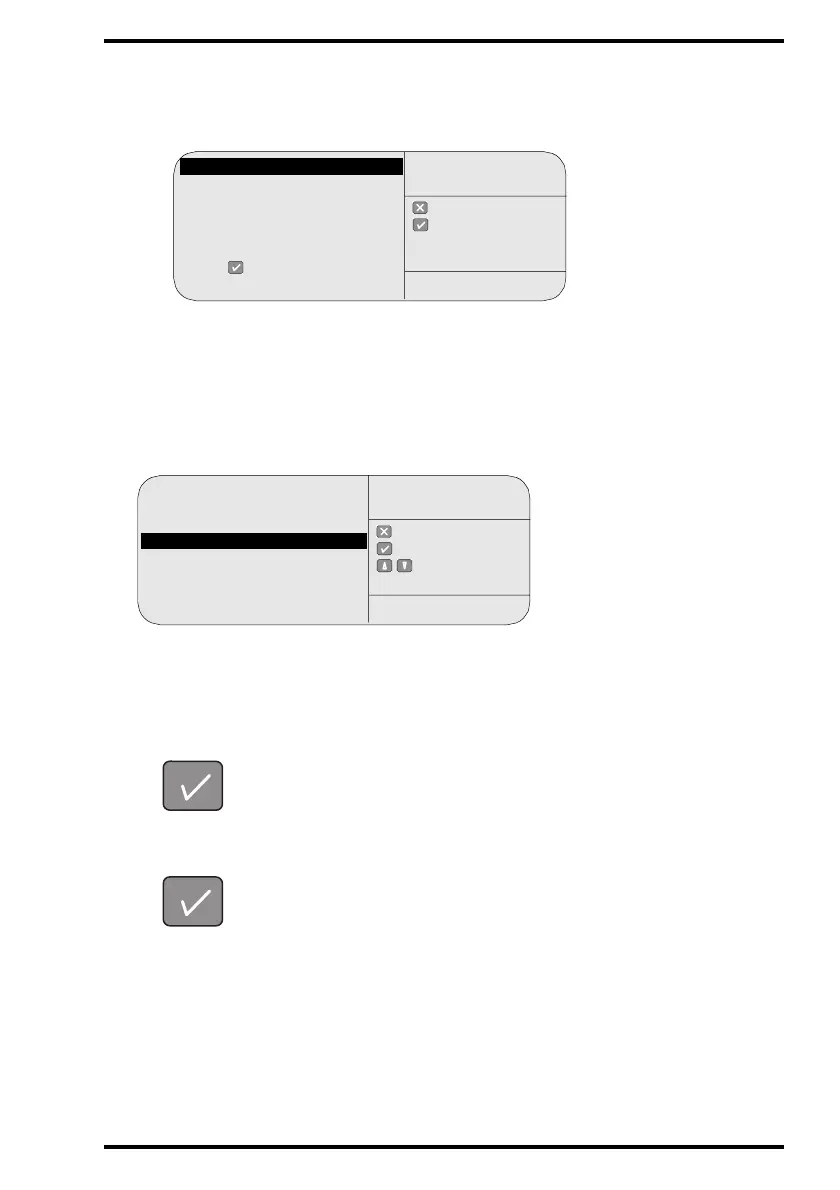
# If the CR 75.0 displays the screen below, the image queue is not empty,
and therefore you cannot change the IP address of the CR 75.0.
Press the Confirm key to consult the image transmission queue and if necessary
delete the images in the queue. Refer to ‘Consulting the images in the queue’ on
page
42. When the queue is empty, restart the ‘Install - Configuration’ function,
refer to step 2.
9 Wait until the CR 75.0 displays:
This screen offers you the possibility to change the IP address of the CR 75.0.
10 You have the choice whether or not to change the IP address:
• To keep the current IP address, press the Confirm key.
• To change the IP address of the CR 75.0, select an IP address and the
corresponding name via the Up and Down keys and confirm.
: quit
: ok
INSTALL
CONFIGURATION
SERVICE XXXXX
Image queue not empty!
Check the queue then
restart ‘INSTALL -
CONFIGURATION’ -
Press for queue
management . . .
: quit
: ok
: select
INSTALL
CONFIGURATION
SERVICE XXXXX
Confirm ID or select new:
SOLOxxxxxxxxxx1.............. 201
SOLOxxxxxxxxxx2 ............. 202
COMPxxxxxxxxxx3 ............203
SOLOxxxxxxxxxx4 ............. 204
COMPxxxxxxxxxx5.............205
SOLOxxxxxxxxxx6.............. 206



 To Next Page