86
2241A EN 20040210
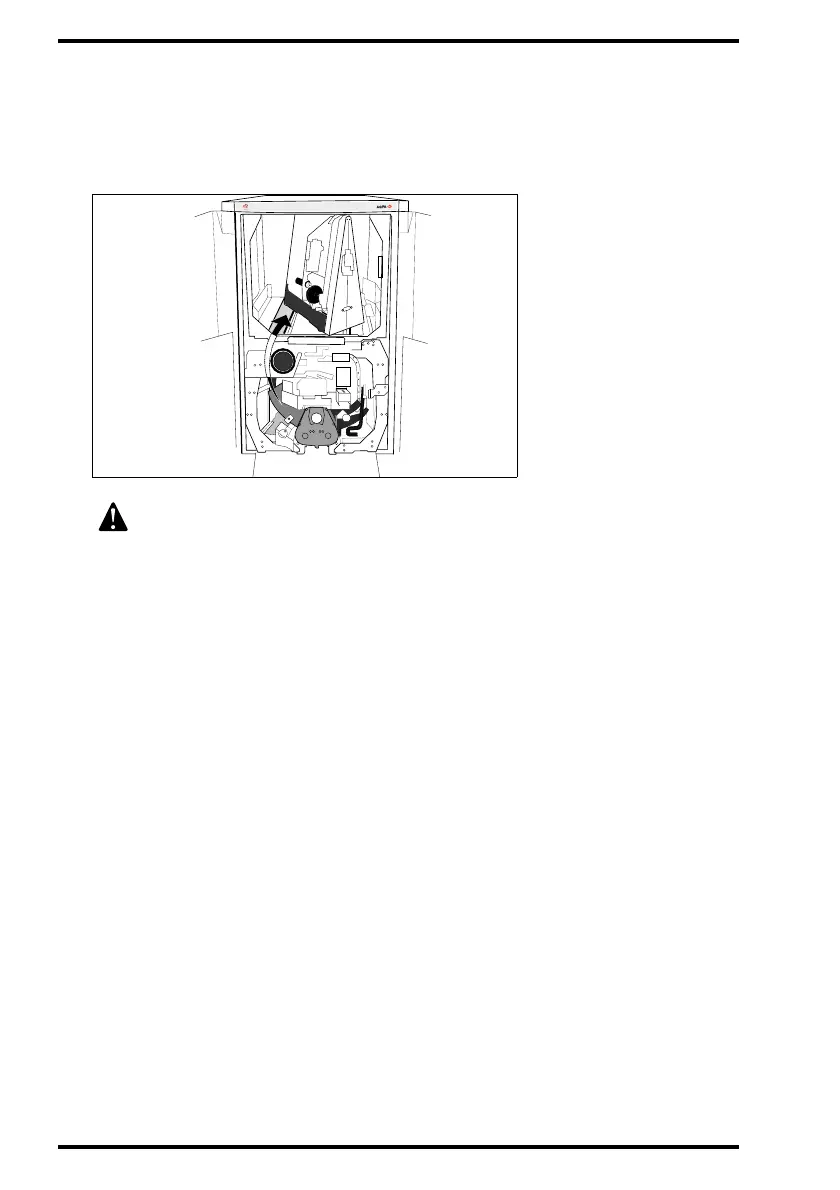
4 If an image plate is jammed in the post-scan unit, try to remove the jammed
image plate by pulling it carefully towards you.
If the access is too narrow, lift the jammed plate over the erase unit and remove it
through the upper section of the Digitizer.
5 Close the front doors.
The CR 75.0 will restart automatically.
After start-up, the operator main screen is displayed.
If it is still not possible to remove the image plate, do not dismantle the
unit any further. Contact your local service organization.
MUSIC
A



 To Next Page