85
2241A EN 20040210
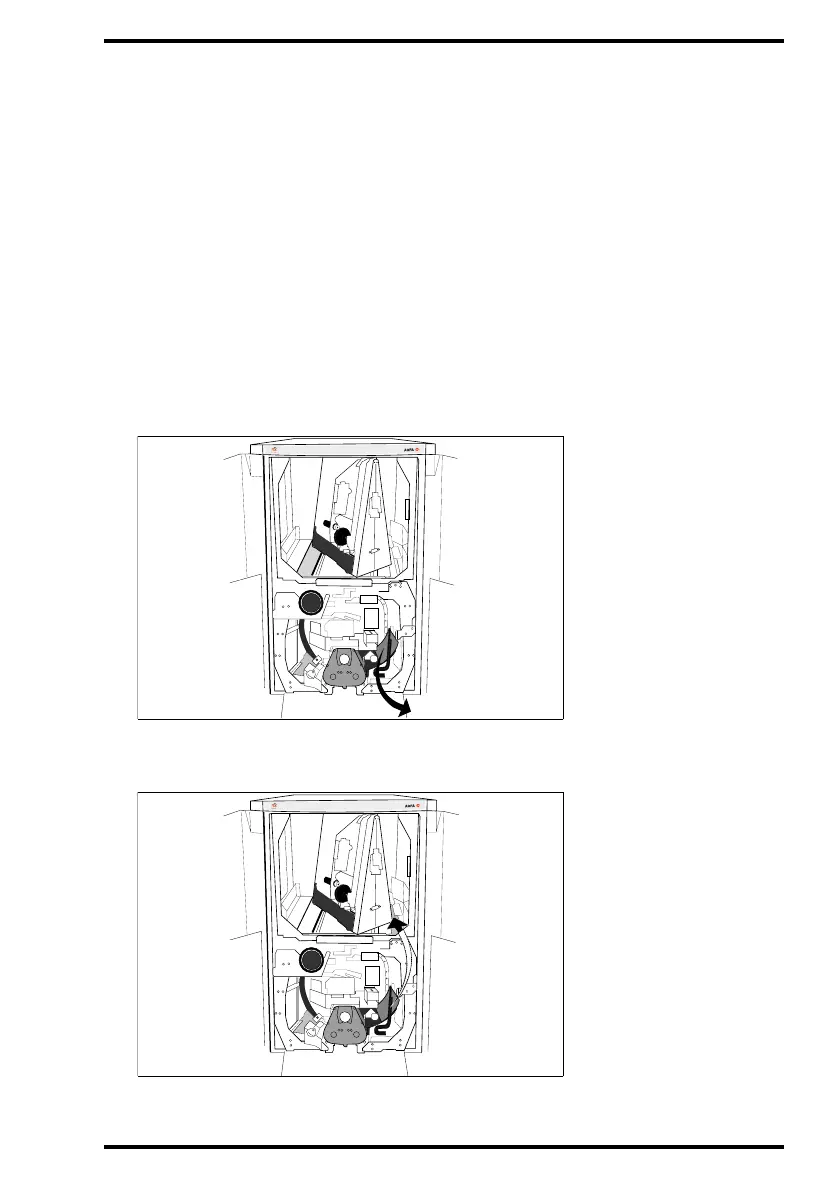
To clear an image plate jam:
1 Remove the cassette.
Refer to ‘Clearing cassette jams’ on page 80.
2 Check whether the image plate is jammed in the pre-scan or in the post-scan
unit.
Refer to the diagram above.
• If the image plate is jammed in the pre-scan unit, continue with step 3.
• If the image plate is jammed in the post-scan unit, continue with step 4.
3 If an image plate is jammed in the pre-scan unit, remove the jammed image
plate by pulling it carefully towards you.
If the image plate cannot be removed by pulling it towards you, lift the jammed plate
and remove it through the upper part of the Digitizer.
MUSICA
MUSICA



 To Next Page