DR Detector Calibration|Calibrating the DR Detector|31
Fixed DR Detector (4343R, Pixium RAD 4343) Exposure Sequence
For using the fixed DR Detector, the temperature difference between calibration and usage must be
within the recommended range of +/-6°C (for a DR Detector with CsI conversion screen) or +/-10°C
(for a DR Detector with GOS conversion screen). Check the environmental conditions and observe
the warming-up time of the DR Detector.
Modality Settings
Depending on the DR Detector model, modality settings may be specified by the DR Calibration
Tool.
If the DR Calibration Tool does not specify modality settings, refer to following table.
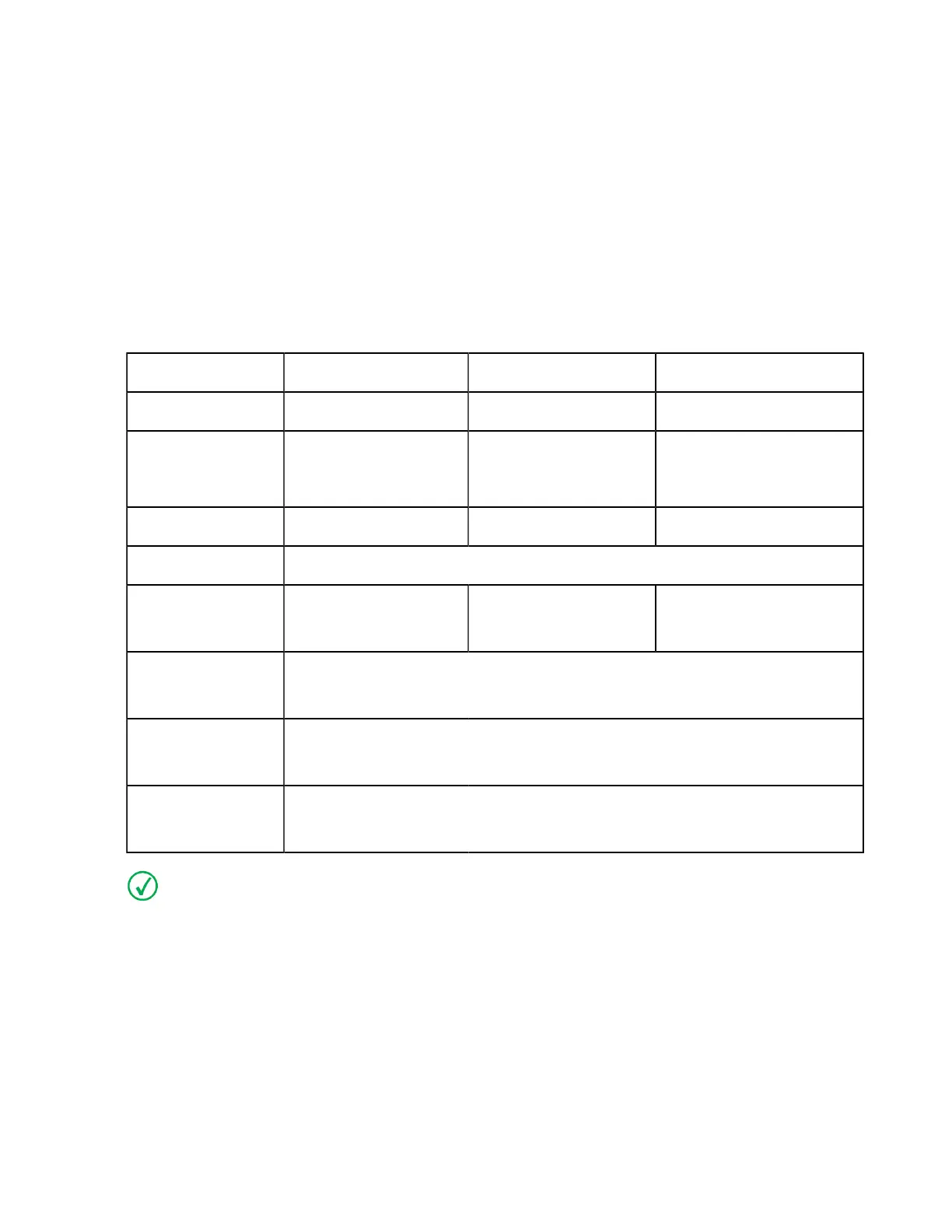
Table 12: Modality settings
DR Table DR Wall Stand DX-D 300 U-arm
kV 75 kV 75 kV 75 kV
mAs (indicative
value for first expo-
sure level)
28 mAs 32 mAs 32 mAs
Focus large focus large focus large focus
SID Use the (average) SID for normal operation.
Position - - arm angle 0°
detector angle 0°
Grid Remove the grid.
If the grid is fixed, use 32 mAs as indicative mAs-value.
Filtration Mount the Agfa calibration filter (Cu 1.5 mm).
Check that there is no additional filtration.
Collimation 46 cm x 46 cm
(collimation area should extend at least 1.5 cm on each side of the detector)
Note If the exposure settings used for a previous calibration are known, use these settings.
On modalities that support automatic collimation, the collimation settings are applied automatical-
ly and must be checked by the user.
Ralco collimators may limit the X-ray field. To overrule the limitation, the collimator must be un-
locked using a key and the collimation must be applied manually.
Exposure Sequence
Procedure:
1. Set the mAs value to the indicative value for the exposure level.
2. Make exposures as instructed by the DR Calibration Tool.
0134KEN20240524 1323



 To Next Page