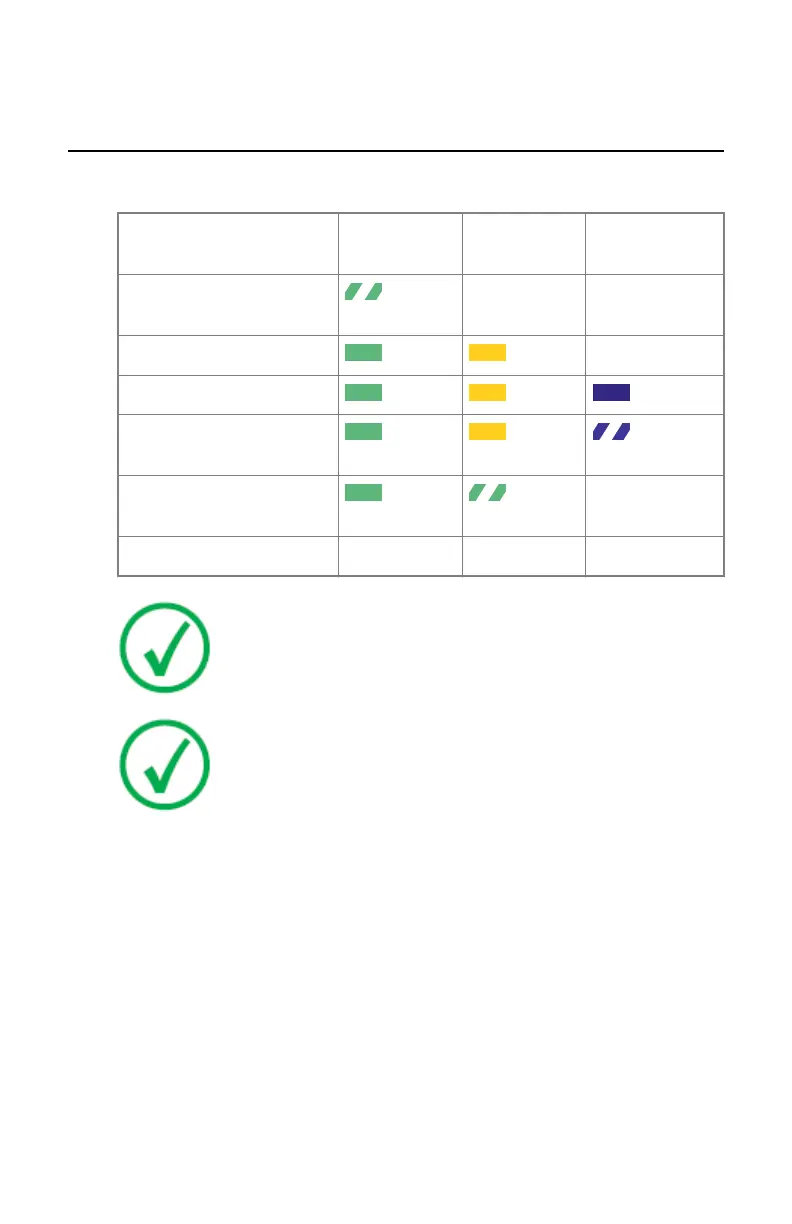
Detector Status Indicators
Table 2: Detector status
Status
Power indica-
tor
Status indica-
tor
Data indicator
Power on but not ready
yet
OFF OFF
Power on
OFF
Detector ready
Data communication on-
going
Wireless data communica-
tion setup ongoing
OFF
Power off
OFF OFF OFF
Note: When two or more status indicator lights are flashing, an
error has occurred.
Note: The indicator next to the S-button must be green or
orange when the DR Detector communicates via a System
Control Unit or a wireless access point that is connected to the
workstation. The indicator must be blue when the DR Detector
communicates via the internal wireless adapter of the
workstation.
Related Links
Problem solving on page 98
90 | DX-D 45C, DX-D 45G | Advanced Operating
0292B EN 20190401 1627



 To Next Page