34
2321 E EN 20130722
DX-G/DX-M
4 Plug the power plug into the socket.
Switch on the UPS, if installed.
Cleaning the optical unit
The only maintenance action which you must perform is checking the image
quality. Refer to the User Manual of the NX
TM
Software.
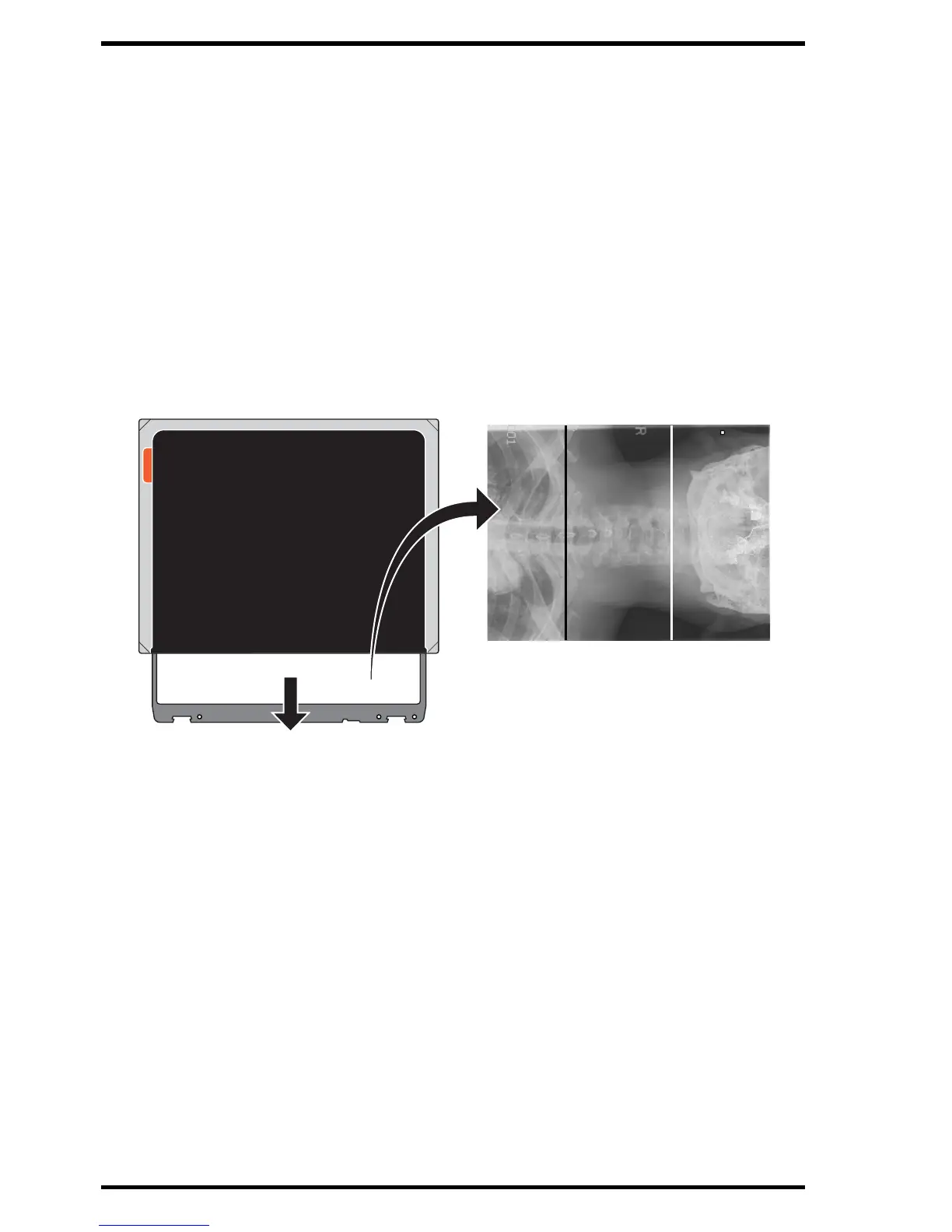
Cleaning the optical unit is required if stripes parallel to the image plate
movement within the digitizer can be seen in the image. When you recognize
this type of artefact, when using the digitizer, clean the optical unit using the
cleaning brush.
To clean the optical unit:
1 Switch off the digitizer.
2 Remove the power plug from the socket.
Image with two artefacts on it, a
black line and a white line.



 To Next Page