:ANAPURNA L/XL OPERATOR MANUAL
AB]]]]]]]]]]]]]]]]]]]]]]]]]]]]]]]]]]]]]]]]]]]]]]]]]]]]]]]]]]]]]]]]]]]]]]]]]]]]]]]]]]]]]]]]]]]]]]]]]]]]]]]]]]]]]]]]]]]]]]]]]]]]]]]]]]]]]]]]]]]]]]]]]]]]]]]]]]]]]]]]]]]]]]]]]]]]]]]]]]]]]]]]]]]]]]]]]]]]]]]]]]]]]]]]]]]]]]]]]]]]]]]]]]]]22] 8/09/2006]
When purging with “Cleaning-Solution”, always work the in three steps.
To clean all 8 heads, first purge the 4 right heads (Lc, Lm, W1, W2), close them,
and in the second stage, purge the remaining 4 left heads (K, C, M, Y).
Finally, open the 4 right heads again, and purge all 8 heads together now.
By doing so, you’ll have the most optimal cleaning pressure.
CLEANING the failing heads:
- Set the valves of the failing heads to the “S” position.
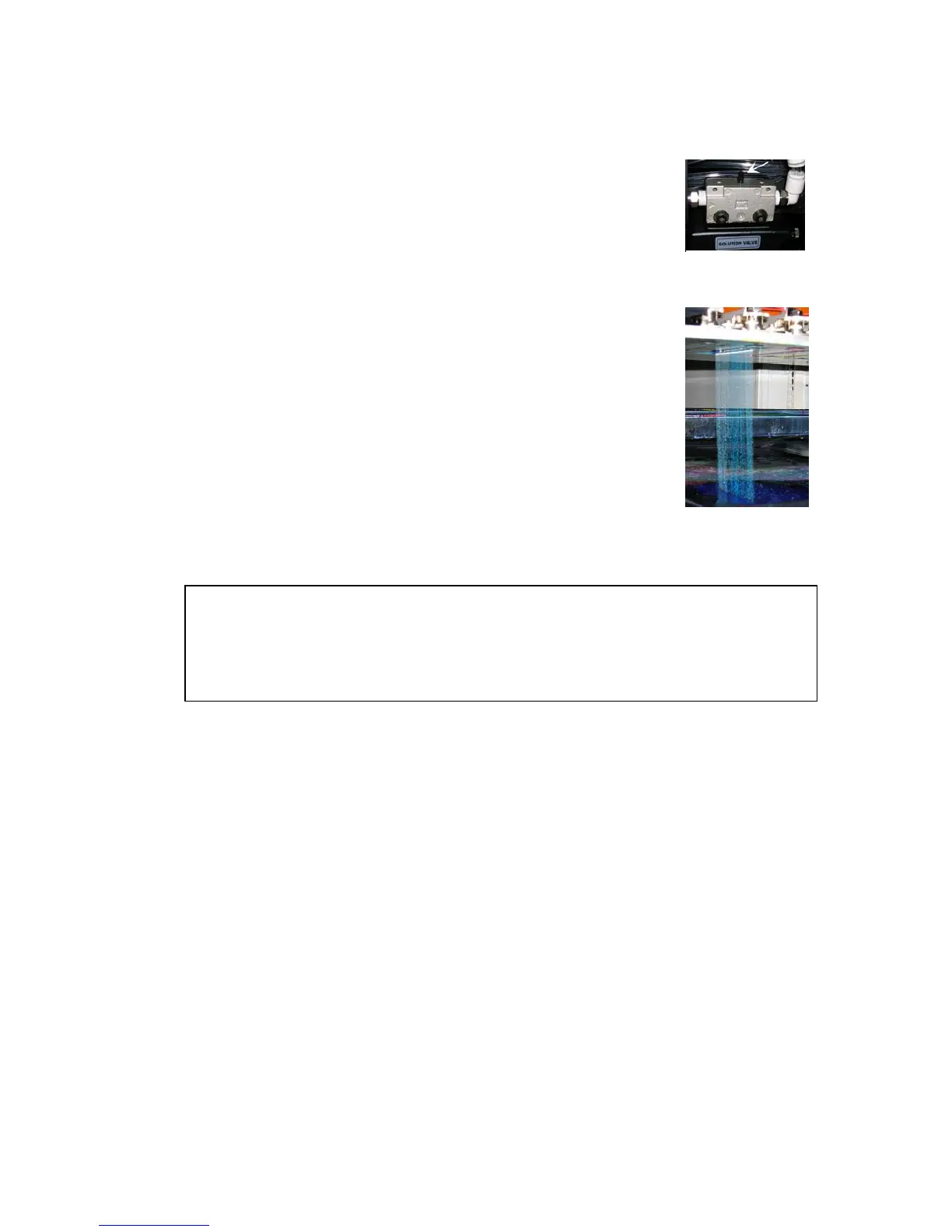
- Set the Solution valve to “S”.
- Push the “Solution-Purge” button on the back of the carriage.
(Keep pushing until you see a CLEAR “Solution-Curtain”
under the heads, then stop pushing)
- Leave the heads in this condition for at least 5 minutes.
- Set the valves back to “I”.
- Set the Neg. Pressure to “0”, leave the system for 1 minute
(Ink will now start dripping out the heads)
- Restore the Neg. Pressure back to “-.034”
- Clean the heads with a fiber-free cloth.
- Check on “weeping” (**)
Solution Valve
Solution-Curtain














 To Next Page