Charging the DR detector using the power adapter
CAUTION:
Charge the battery in an environment within a temperature
range of 15 to 35 °C. Not doing so may result in battery leakage,
overheating or damage. Not doing so may also lead to a decrease
in the battery efficiency or capacity.
1. Plug the AC-DC power adapter into the wall socket.
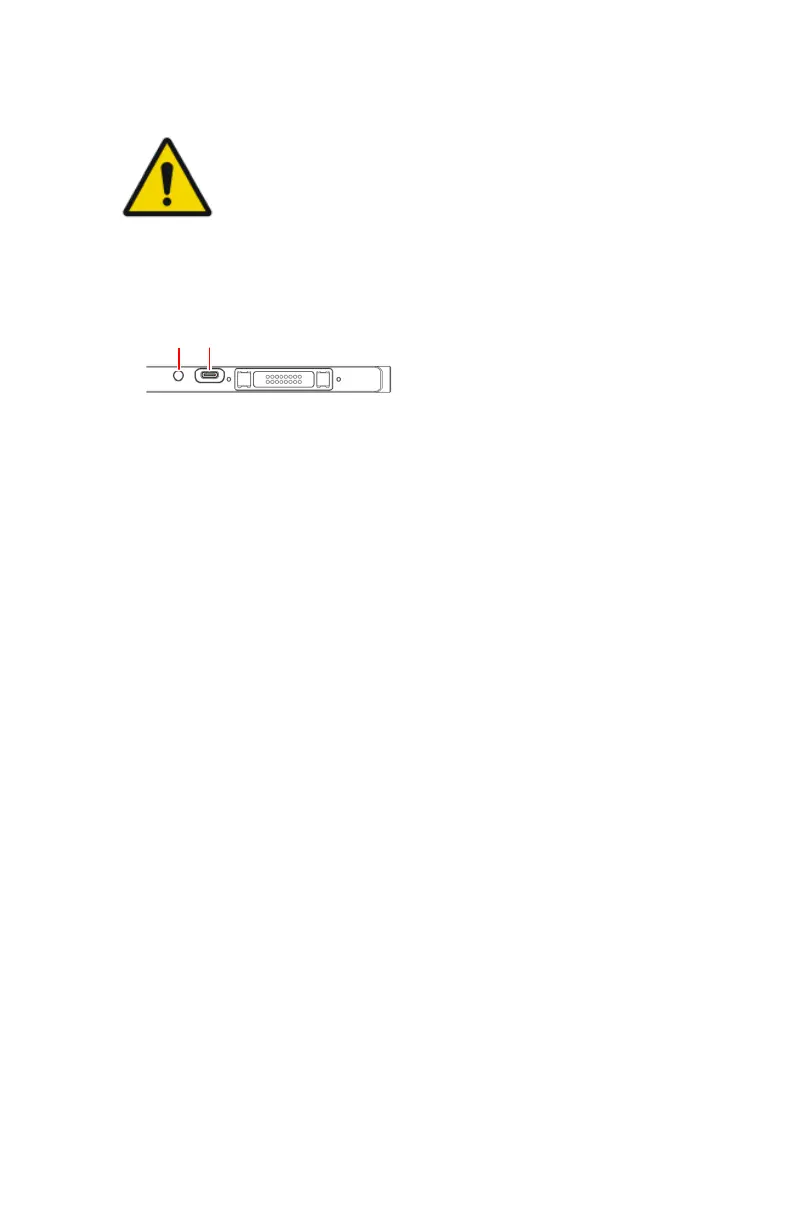
2. Connect the USB Type-C cable to the connector on the DR detector.
1.
Battery status indicator
2.
Connector for power adapter (USB Type-C)
Figure 24: Connector for power adapter (USB Type-C)
The battery status indicator lights up orange to indicate that the battery is
charging.
3. When the DR detector is turned on, the battery status can be read from the
status display.
When the battery is fully charged, the batterystatus indicator light turns
green.
XD 14, XD⁺14 | Advanced Operating | 103
0430A EN 20210426 1355



 To Next Page