DR detector not ready for exposure
Details The DR detector is turned on. The DR detector status
icon on the DR Detector Switch is not green.
Cause
(only if the DR detec-
tor is configured in
client mode and used
on more than one
MUSICA Acquisition
Workstation)
The DR detector is not connected to the MUSICA Ac-
quisition Workstation.
Brief Solution Connect the DR detector to the MUSICA Acquisition
Workstation.
Cause
(only if the DR detec-
tor is configured in
access point mode)
The AP mode button has been pushed accidentally.
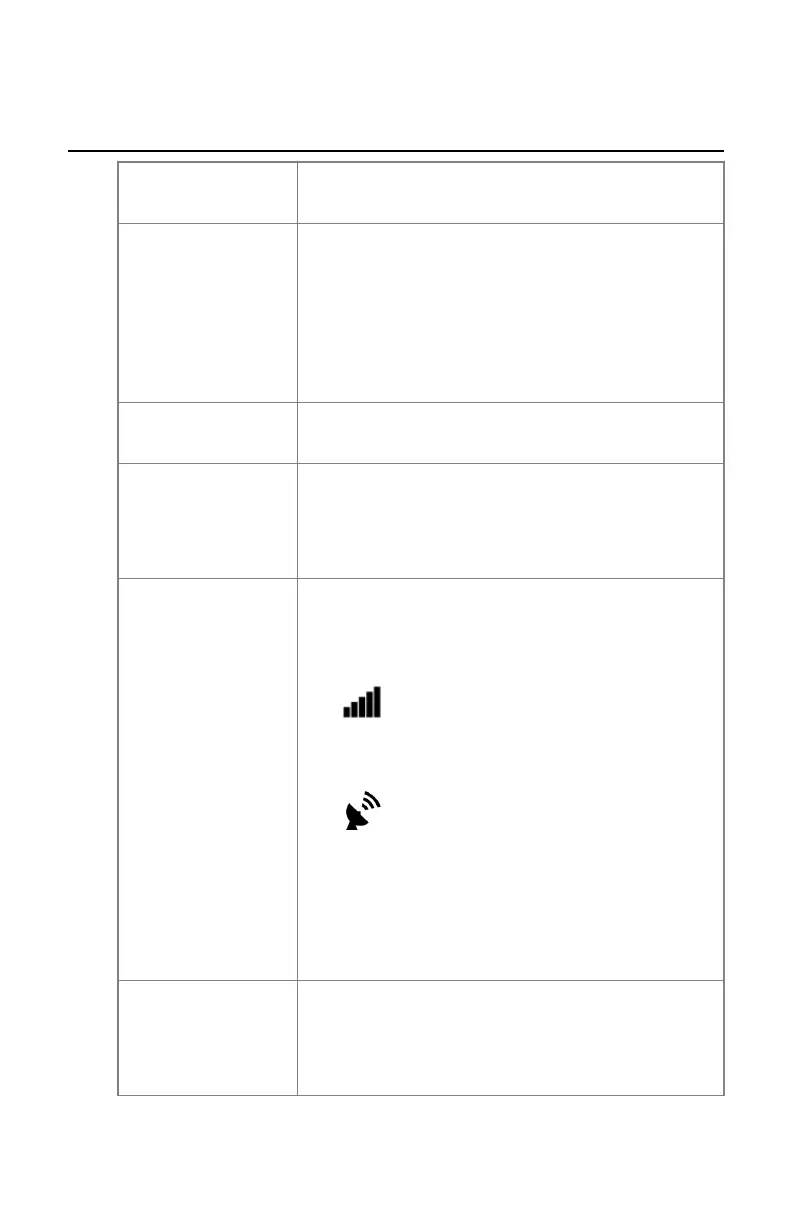
Brief Solution Check the detector status display.
• If the DR detector is in client mode, the connec-
tion status is displayed.
• If the DR detector is in access point mode, the ac-
cess point icon is displayed.
If the status does not match the way it should com-
municate to the workstation, press and hold the AP
mode button for 3 seconds.
The DR detector switches to the other communica-
tion mode.
Cause
(only if the DR detec-
tor is configured in
access point mode)
The MUSICA Acquisition Workstation is not connec-
ted to the DR detector via the wireless network.
116 | XD 14, XD⁺14 | Problem solving
0430A EN 20210426 1355



 To Next Page