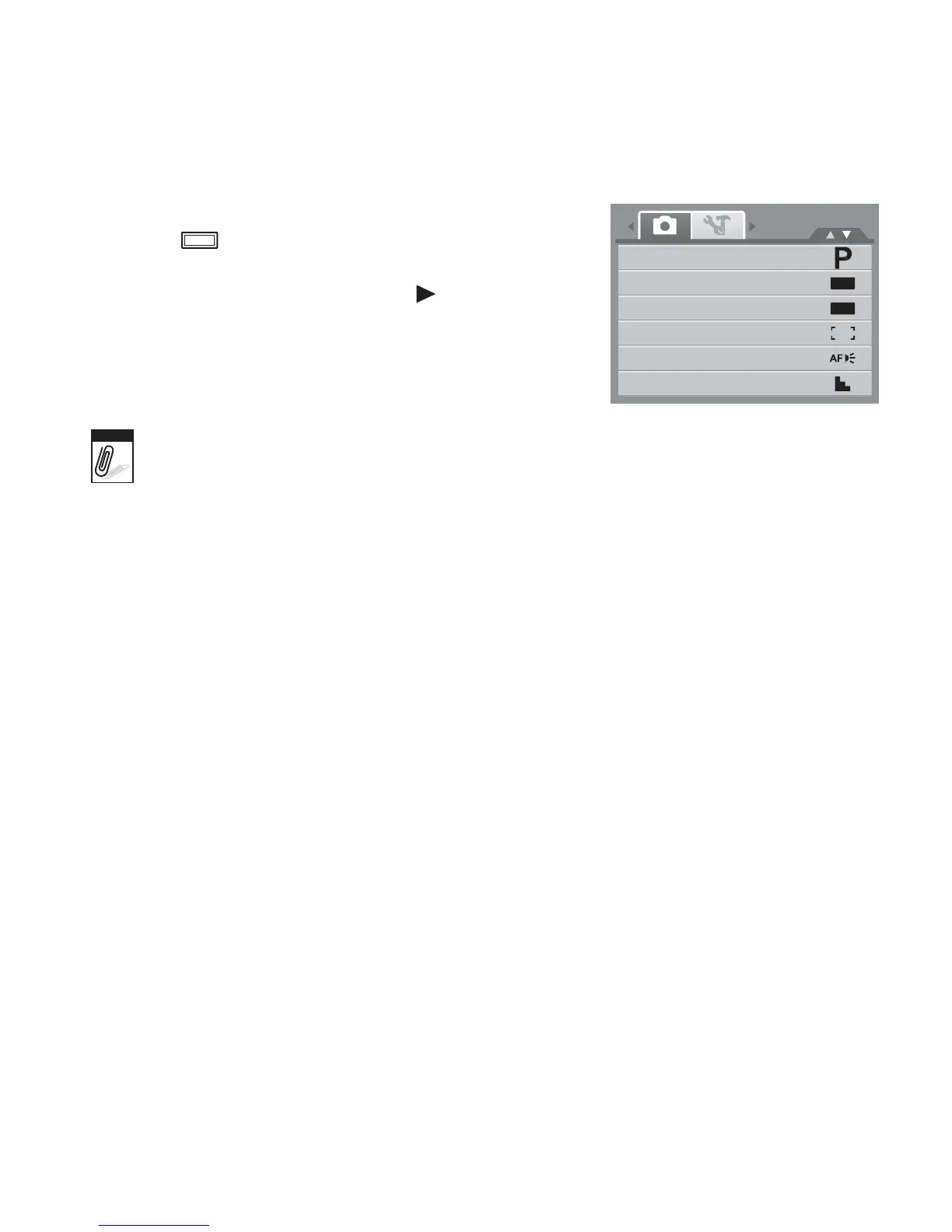
1. Set the camera to Record mode.
2. Press to launch Record Mode Menu.
3. Select Record Mode, then press to enter
submenu.
4. Select a mode.
5. Press the SET button to apply selected mode.
Record
Mode
Drive
Mode
AEB
AF
Area
AF
Lamp
Sharpness
OFF
OFF
Note
• For more information, see "Using the Record Menu” on page 32.
• Use the 4-way navigation control to move through the menu selections.














 To Next Page