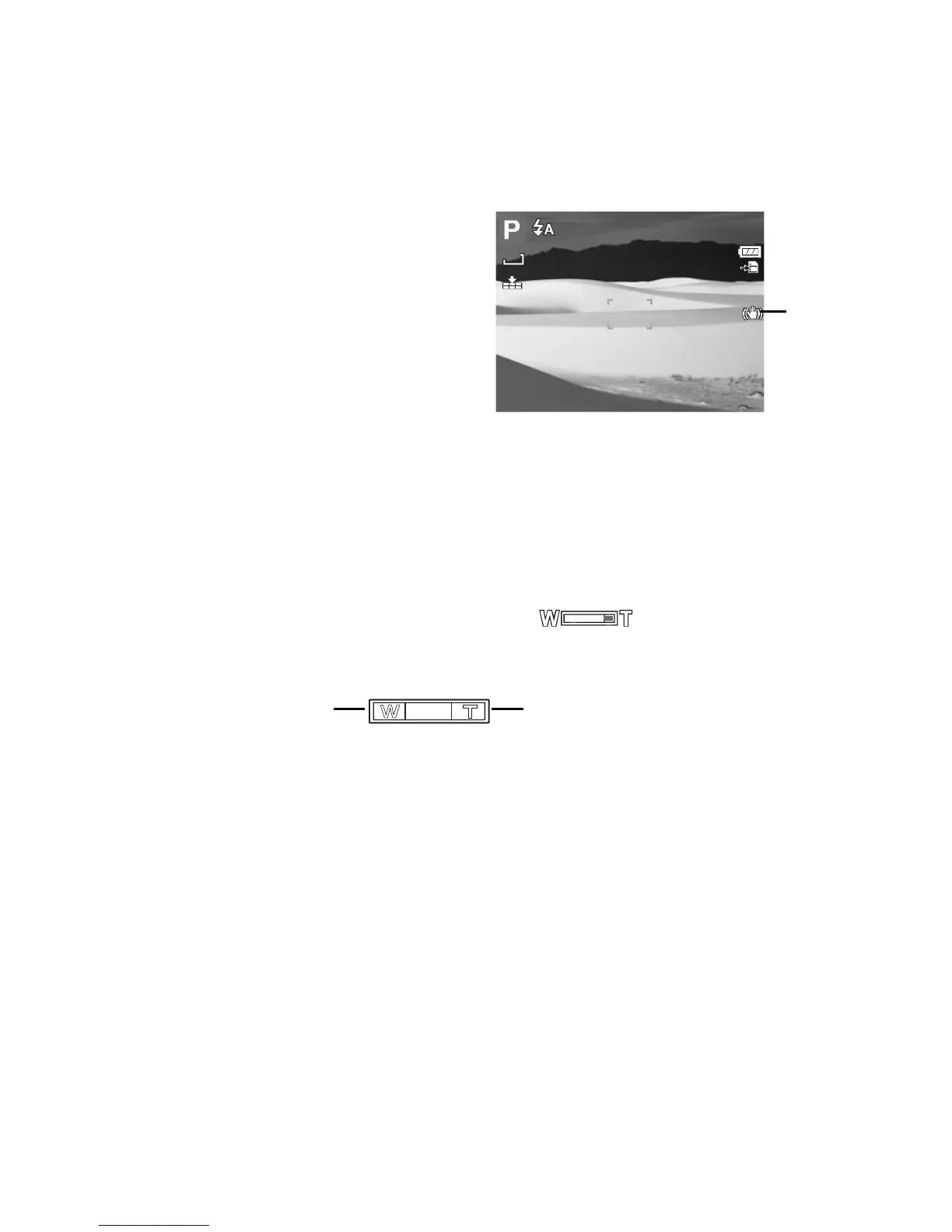
To
activate
Stab
il
izer
• Press the Stabilizer button on top of
your camera to enable/disable stabilizer.
If Stabilizer is enabled, the stabilizer icon is
displayed on the LCD monitor and the ISO
setting is automatically set to Auto. See “ISO”
on page 30 for more details.
Setting the Zoom Control
12M
307
Stabilizer
on
Your camera features up to 3x optical zoom and up to 5x of digital zoom. Optical zoom is
achieved by mechanically adjusting the lens. While digital zoom is activated through the menu
settings. Please refer to “Setting the Digital Zoom” on page 48 on how to setup digital zoom.
To
adjusts
the
optical
zoom:
1. Press the Zoom buttons to zoom in or zoom out an image.
2. The zoom indicator appears on the LCD monitor.
Zoom
buttons
Press to zoom out. Press to zoom in.
To
adjusts
the
d
i
gital
zoom:
1. Activate digital zoom. See “Setting the Digital Zoom” on page 48.
2. Press the T button to optically zoom in to the maximum until it stops.
3. Release the button.














 To Next Page