Item Available Settings Description
Startup
Sound 1, Sound 2,
Sound 3, Off
Selects the startup sound when camera is turned
on.
Shutter
On, Off
Enables or disables shutter sound when shutter
button is pressed. Shutter sound is not available
when recording movies or voice clips.
Operation On, Off Enables or disables operation sound.
Volume 0-4 Adjusts volume.
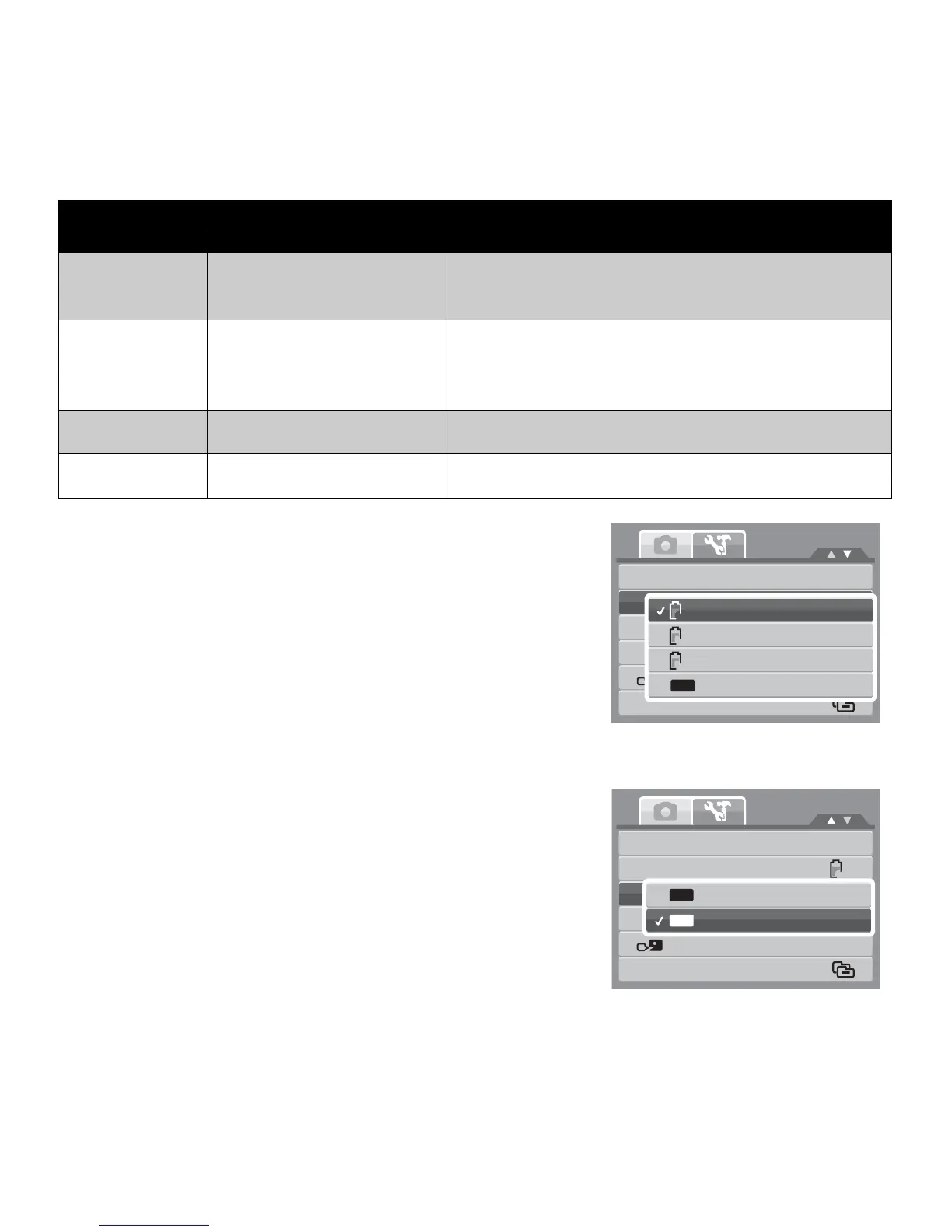
Setting Power Save
The Power Save function allows you to set an idle time
after which the camera automatically sets to sleep mode to
save power. After a minute of being in sleep mode, the
camera eventually turns off power.
This function is not available in the following instances:
• Recording a movie or audio file
• Playing a slide show/movie/audio file
• Using the USB connector
Setting LCD Save
Enable the LCD Save function to automatically decrease the
LCD brightness to conserve battery power. When the
camera is idle for 20 seconds, the LCD darkens. Press any
button to resume to normal brightness.
• The camera is idle when no buttons are pressed. LCD
Save, though enabled, does not function during movie
playback, slide show, and video recording.
Sounds
Power
Sav
1
e
min.
LCD
Save
3
min.
Date
&
Tim
5
e
min.
L
O
a
F
n
F
gu
O
a
f
g
f
e
File
Numbering
Sounds
Power
Save
LCD
S
O
a
N
ve
On
Date
&
OF
T
F
im
O
e
ff
Language
File
Numbering
1min
OFF
1min
OFF
1min
Sounds
Power Save
LCD Save
Date & Time
Language
File Numbering
OFF
1 min.
3 min.
5 min.
Off
1min
3min
5min
OFF














 To Next Page