42
Using Aperture Priority Mode
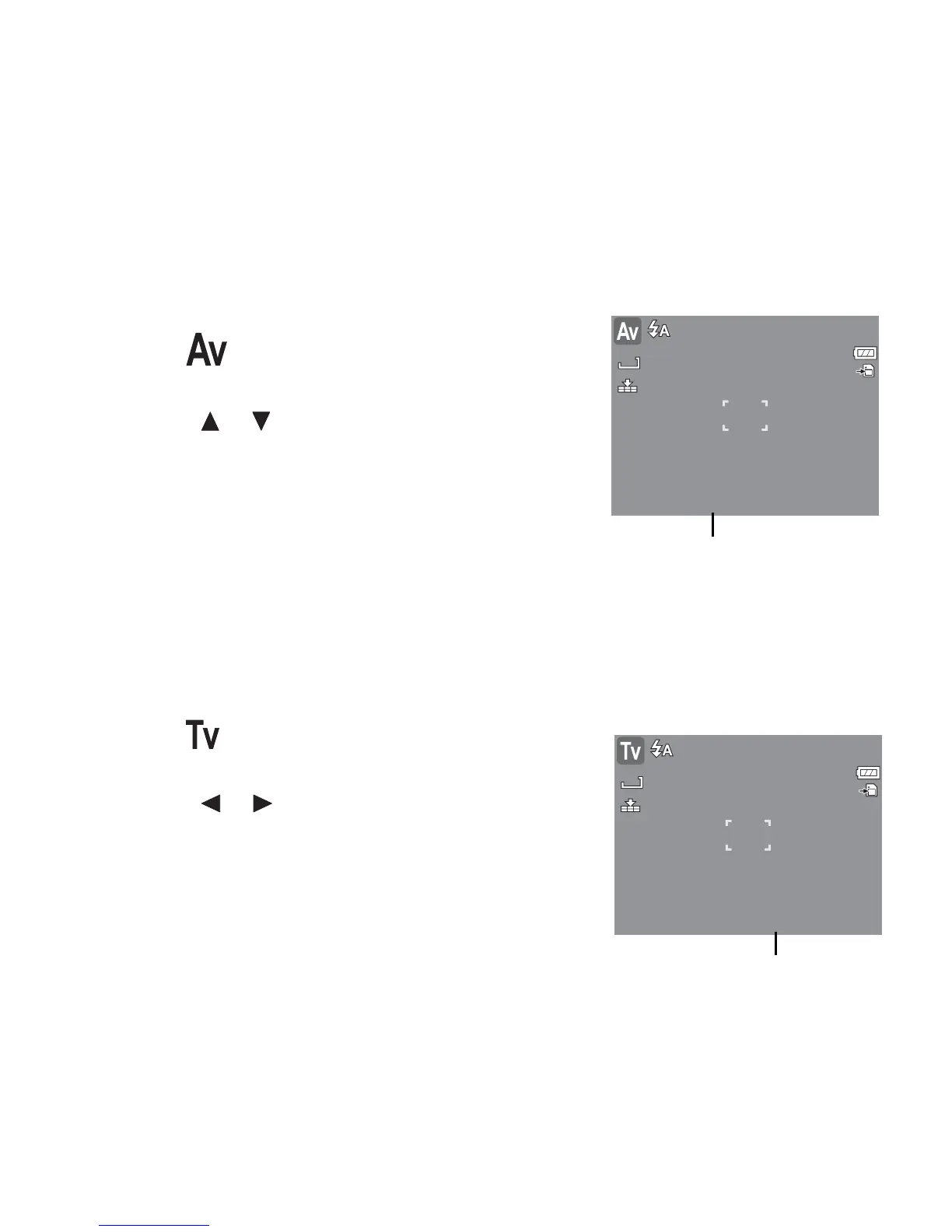
With Aperture Priority mode, users can adjust the aperture value and the camera automatically
sets the shutter speed to match the brightness.
To activate Aperture Priority
1. Select from the Scene Mode submenu.
2. Press SET button to enter the adjust mode.
3. Use the or keys to select the aperture value
options.
4. Press the shutter button to capture the image.
Using Shutter Priority Mode
With Shutter Priority mode, users can adjust the shutter speed and the camera automatically
sets the aperture value to match the brightness.
To activate Shutter Priority
1. Select from the Scene Mode submenu.
2. Press SET button to enter the adjust mode.
3. Use the or keys to select the shutter speed
options.
4. Press the shutter button to capture the image.














 To Next Page