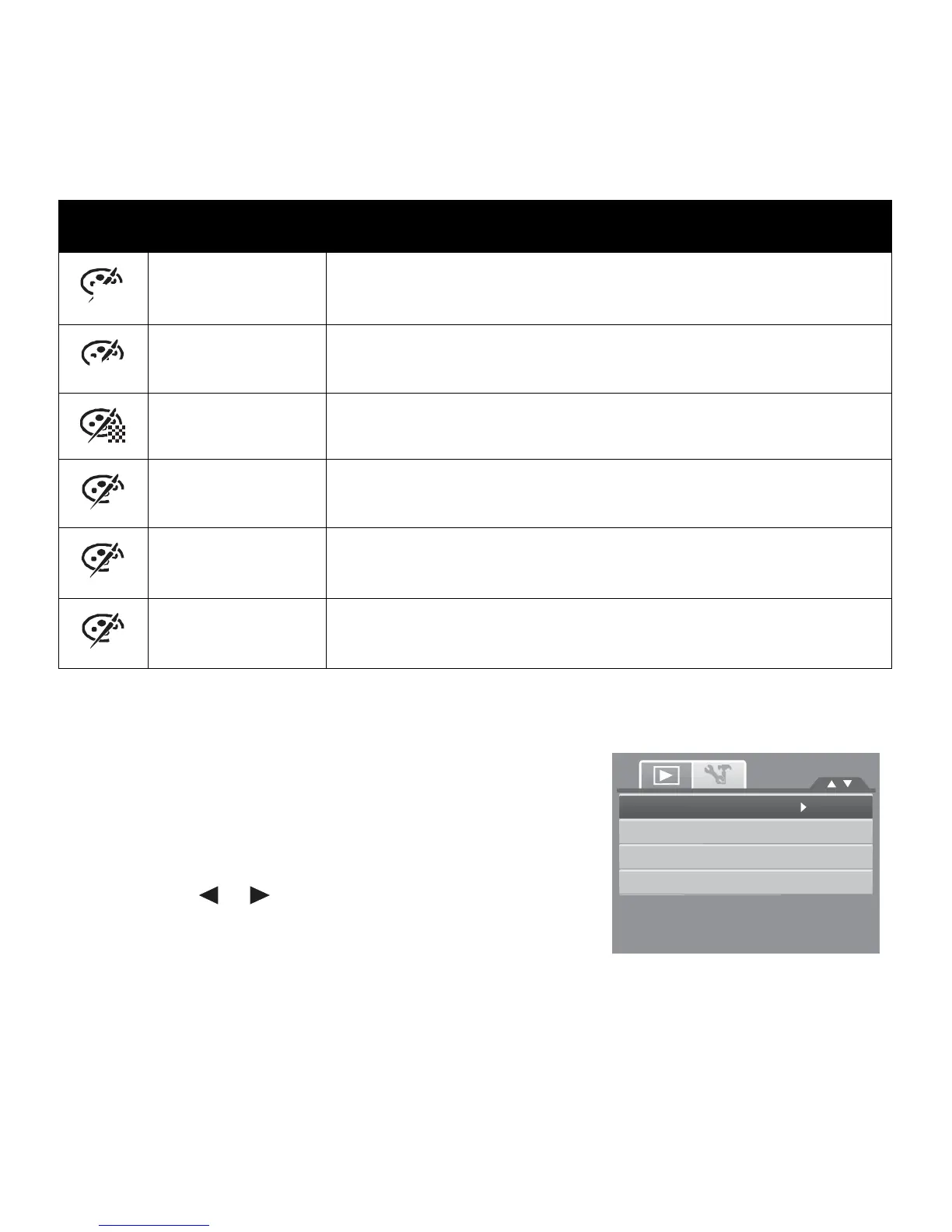
Icon Item Description
BW
B&W
Image is saved in black and white.
Neg.
Negative
Image appears to be the opposite of the original image.
Mosaic
Image is saved with mosaic tiles.
R
Vivid Red
Image is saved with reddish tint.
G
Vivid Green
Image is saved with greenish tint.
B
Vivid Blue
Image is saved with bluish tint.
Trim
The Trim function allows you to trim an image to another
image size. This function is only available for still images.
To
trim
an
image:
1. Set the camera to Playback mode.
2. Use the or keys to scroll and select an image to
trim.
3. Press the MENU button to launch the Playback menu.
Trim
Resize
Startup
Image
DPOF














 To Next Page