80
Making
Connections
You can connect your camera to: TV, computer, or a printer.
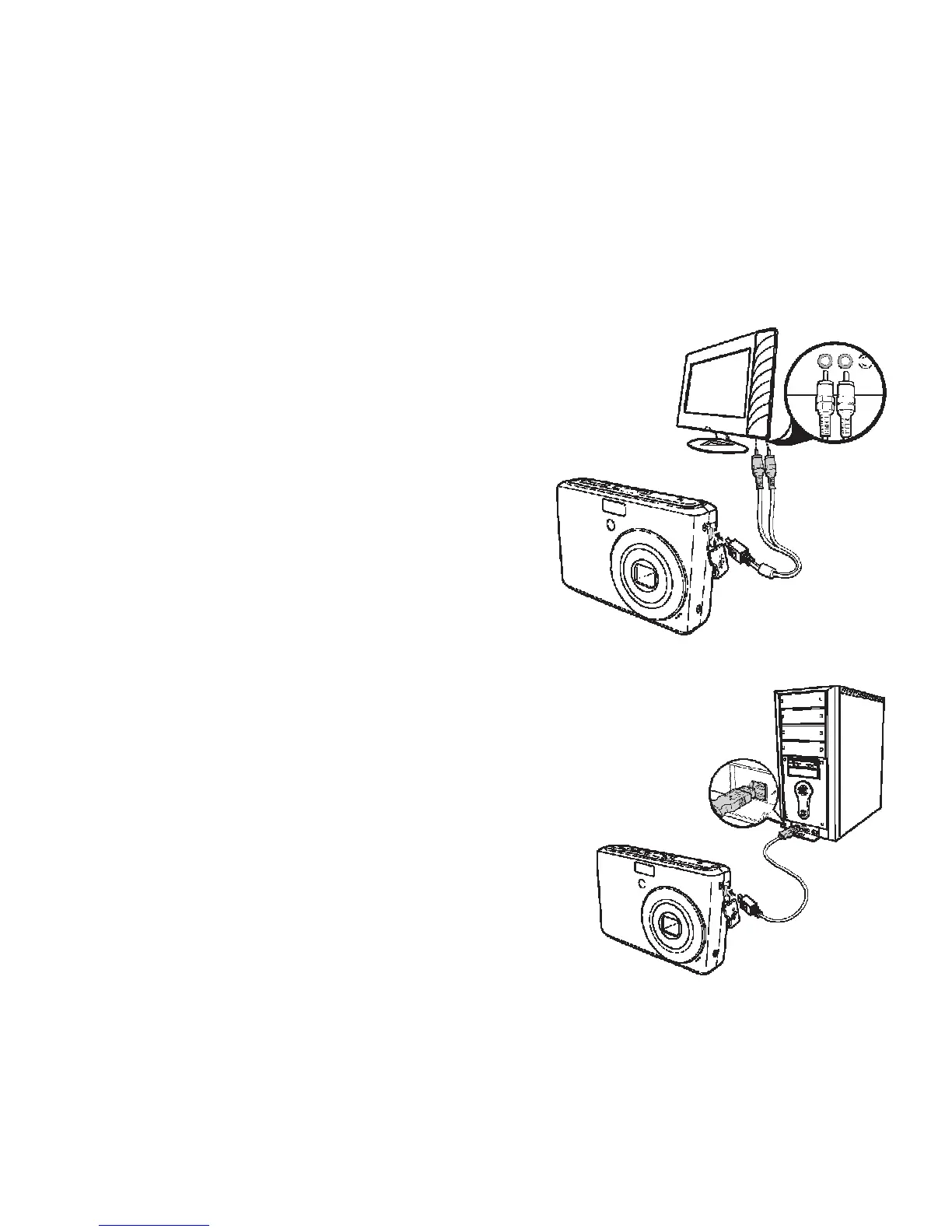
Connecting the Camera to a TV
To connect your camera to a TV:
1. Turn on the camera.
2. Set the TV out to match the TV’s video out
format. See “Setting TV Out” on page 78.
3. Connect the USB/AV 3-in-1 cable to the USB
port on the bottom of your camera.
4. Connect the other end of the cable to the TV’s
AV input port.
5. The LCD monitor turns black and all images
and video clips are displayed on the TV.
Connecting the Camera a PC
You can transfer photos, videos and audio files to
your PC.
1. Connect the camera to a PC using the USB
cable.
2. Turn on the camera.
3. The PC detects the connection. The camera’s
internal memory and memory card display as
removable drives in the file manager. No
image is displayed on the LCD monitor.
deo
A














 To Next Page