• Recorded movies are set to Internet standard resolution of 640 X 480.
• Recording automatically stops when the file reaches 100 MB.
Recorded movies in the Internet mode are stored following the DCF rule, however movies are
saved in a specific folder named “_UTUBE”. For more details, please refer to “Folder Structure”
on page 82.
• To record a YouTube® movie, select from the Movie Size function.
Available recording time for a YouTube® movie is up to 10 minutes.
Recording Voices
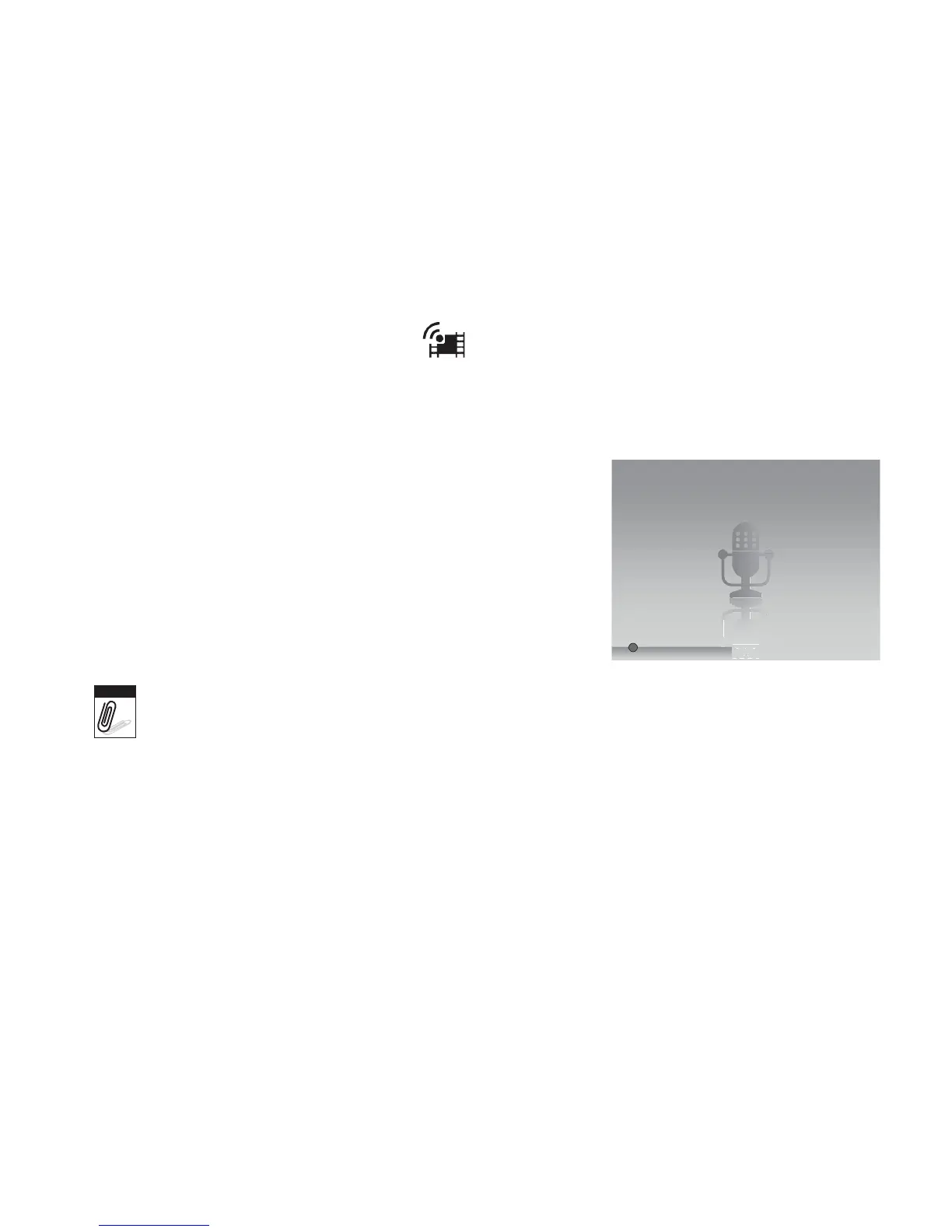
1. From the Record mode menu, select Voice. The Voice
Recording screen layout is displayed on the LCD
monitor.
2. Press the Shutter button to start recording.
3. Press the Shutter button again to stop recording.
0:00:16
Note
Voice recording will automatically stop when the maximum memory capacity is full.














 To Next Page