25
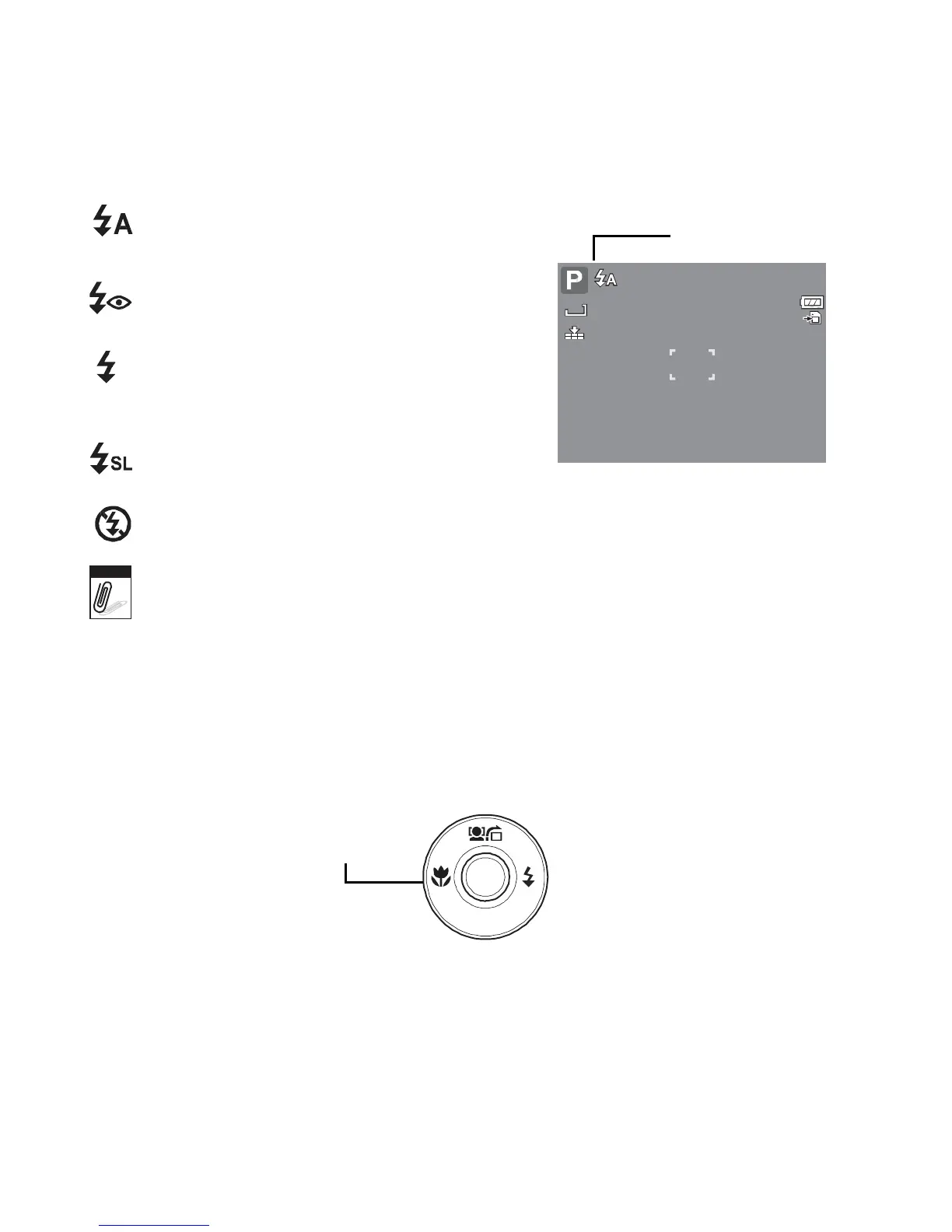
Auto The flash fires automatically
whenever
extra lighting is needed.
Red-eye reduction The flash fires
twice to reduce the red-eye effect.
Forced on The flash fires whenever
you press the shutter button regardless
of lighting conditions.
Slow sync The flash fires with a slow
shutter speed.
Forced off The flash is turned off.
12M
Auto flash is enabled.
307
Note
• Flash function is only available in shooting still images but not available in Burst and
AEB modes.
• Do not charge the flash while pressing the zoom button. Charge the flash after
releasing the zoom button if necessary.
Setting the Focus Mode
This function allows users to define the type focus when recording a still image or a movie clip.
To
set
the
Focus
mode
• Press the Macro button repeatedly until the desired focus mode icon is displayed on the
lower left corner of the LCD monitor.
Macro button
SET
DISP














 To Next Page