Note
• The OSD information may vary depending on the record mode type.
• The following icons, if enabled, are still displayed on the LCD even when OSD
off or Guide lines on: AEB, Face tracking, AF lamp, Drive mode, and Macro.
• Use the “Guide lines” to properly set image for capture.
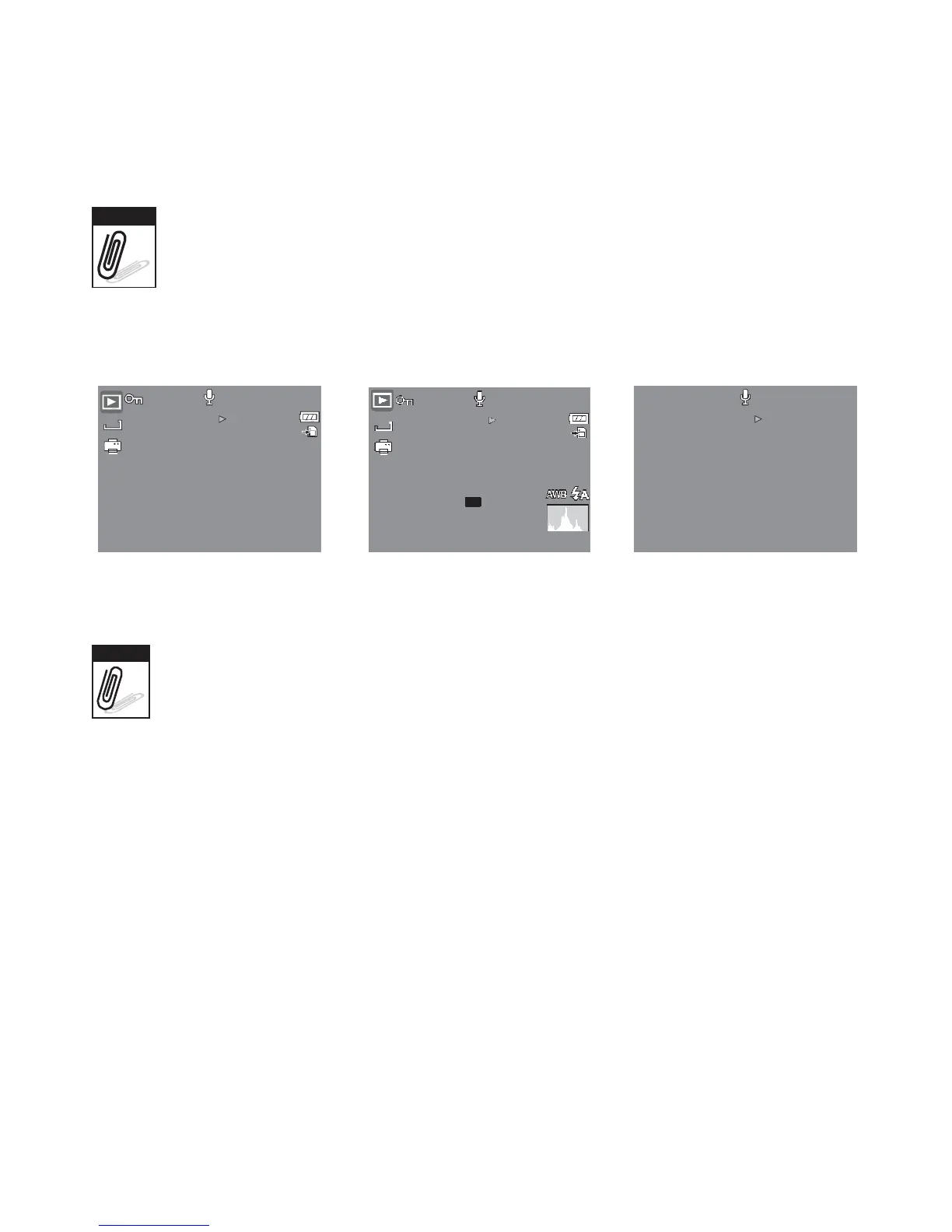
In Playback mode, the LCD display can be changed into any of the following:
12M
SET
:
27/27
12M
SET
:
27/27
SET
:
2009/01/01
01:57
ISO
400
0EV
F
3.0
1/
30
2009/01/01
01:57
OSD on Full OSD on OSD off
Note
LCD display cannot be changed in the following situations:
• Manual exposure mode
• Recording movie or audio clips
• Playing movie or audio clips
• Playing slide show














 To Next Page