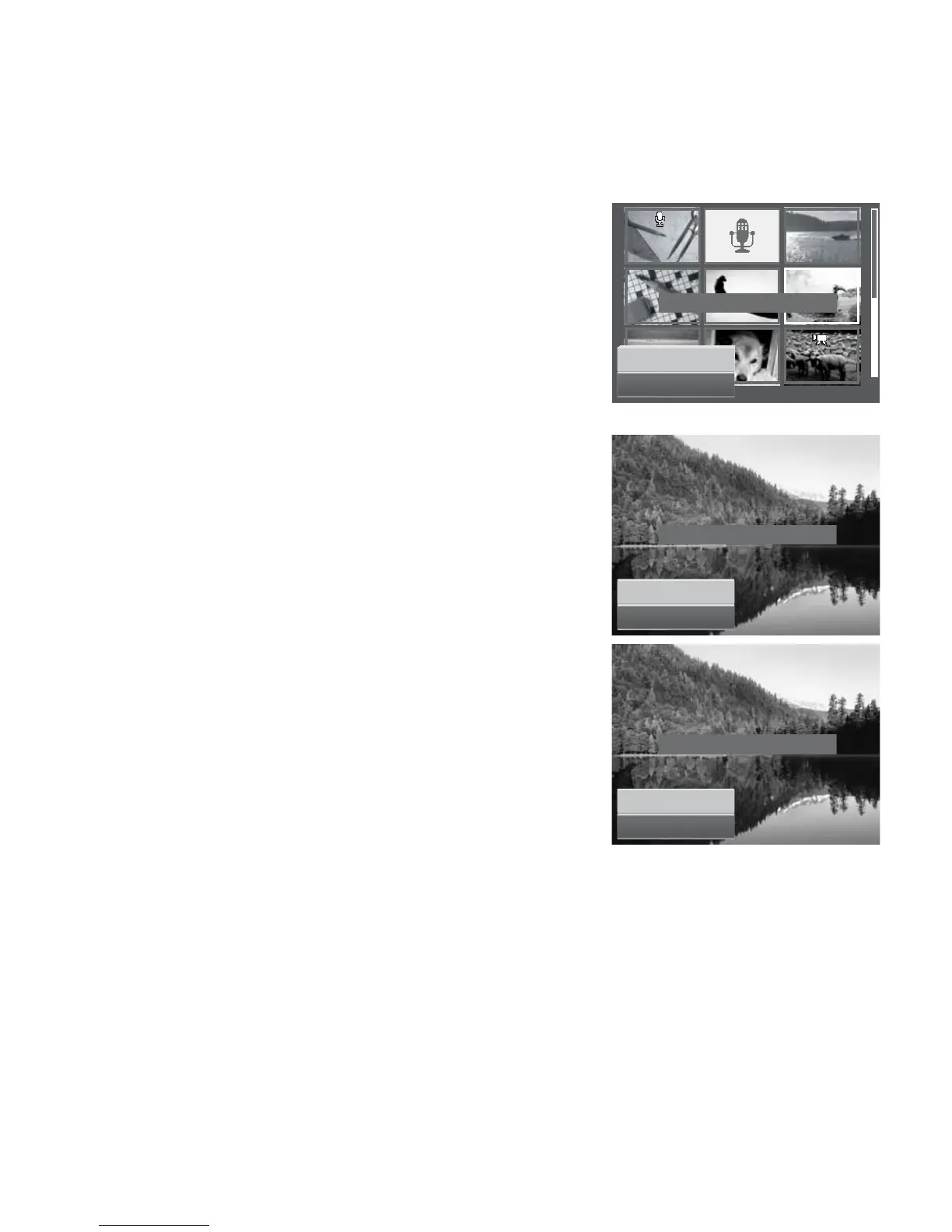
4. Repeat step 3 until all desired files to protect are
marked.
5. Press the MENU button. A confirmation selection
appears.
6. Select Yes.
7. Press the SET button to lock files and go back to
Playback mode.
Yes
Cancel
Change
protect
settings
?
To
protect
al
l
files:
1. Select Lock all in the Protect submenu. A
confirmation message appears.
2. Select Yes.
3. Press the SET button to delete all files.
Yes
Lock all files ?
To
unlock
al
l
files:
1. Select Unlock all in the Protect submenu. A
confirmation message appears.
2. Select Yes.
3. Press the SET button to unlock all protected files.
Cancel
Unlock all files ?
Yes
Cancel














 To Next Page