Ailunce HS2 HF/VHF/UHF Full Mode SDR Transceiver
Back Homepage
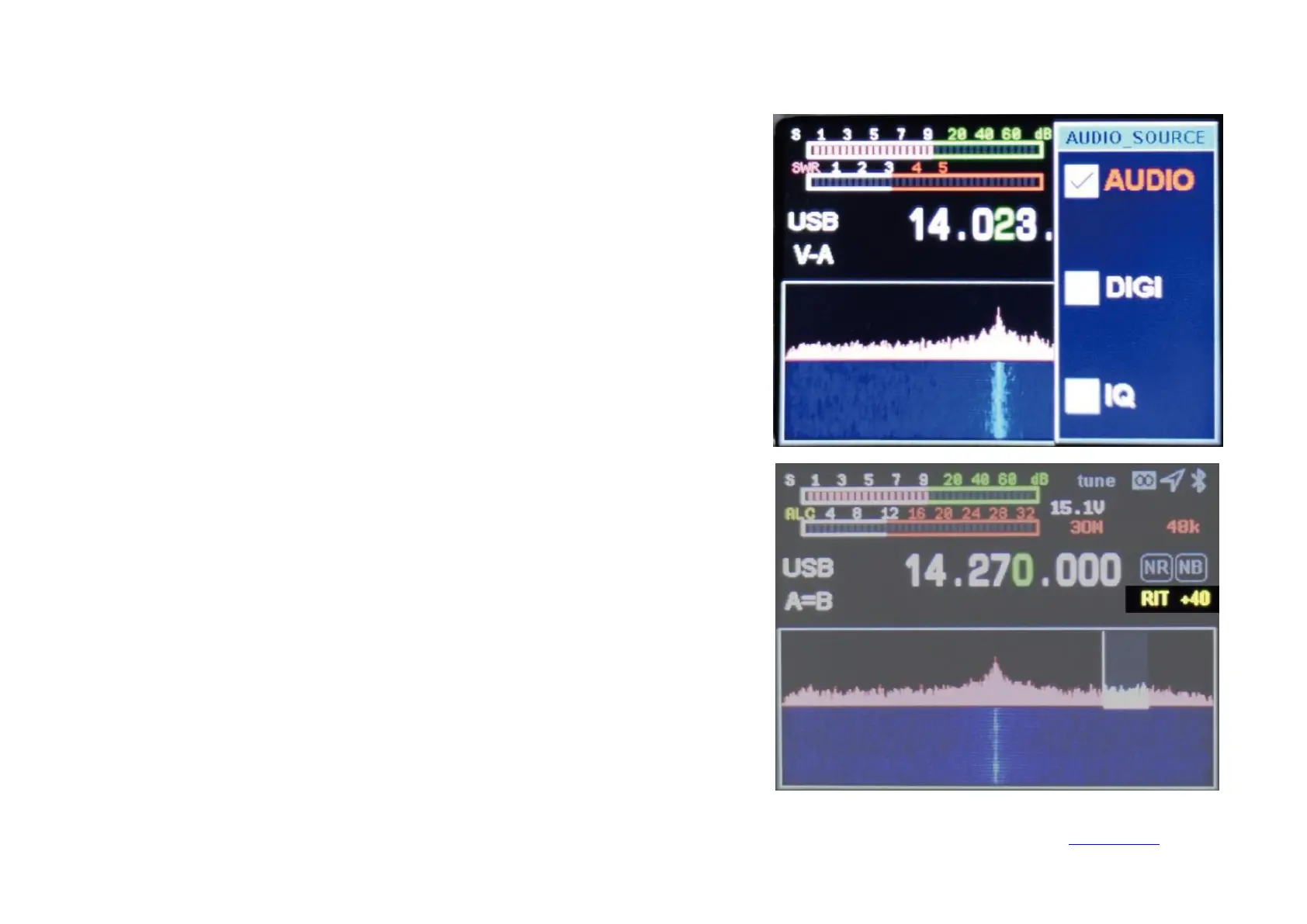
USB sound card data output format setting
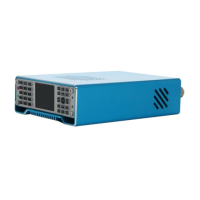
Transceiver frequency offset setting
Long press the 【RF】 key to enter the USB sound card data output format selection
interface, and use the up and down keys to select the output mode. Press and hold again
to exit.
AUDIO: Select when using a microphone.
DIGI: Select when entering digital modes such as FT8/HRD/N1MM/LOG32/RTTY.
IQ: Select when using software such as SDR#/HDSDR.
Long press
【
R/X
】
to open the interface for sending and receiving frequency offset
setting, then long press to exit. Short press to select the receiving frequency offset RIT,
and then short press to set the transmitting frequency offset XIT. Use the left and right
direction keys to set the frequency deviation frequency.
Frequency offset frequency = key display value * 20Hz.


 To Next Page