Ailunce HS2 HF/VHF/UHF Full Mode SDR Transceiver
Back Homepage
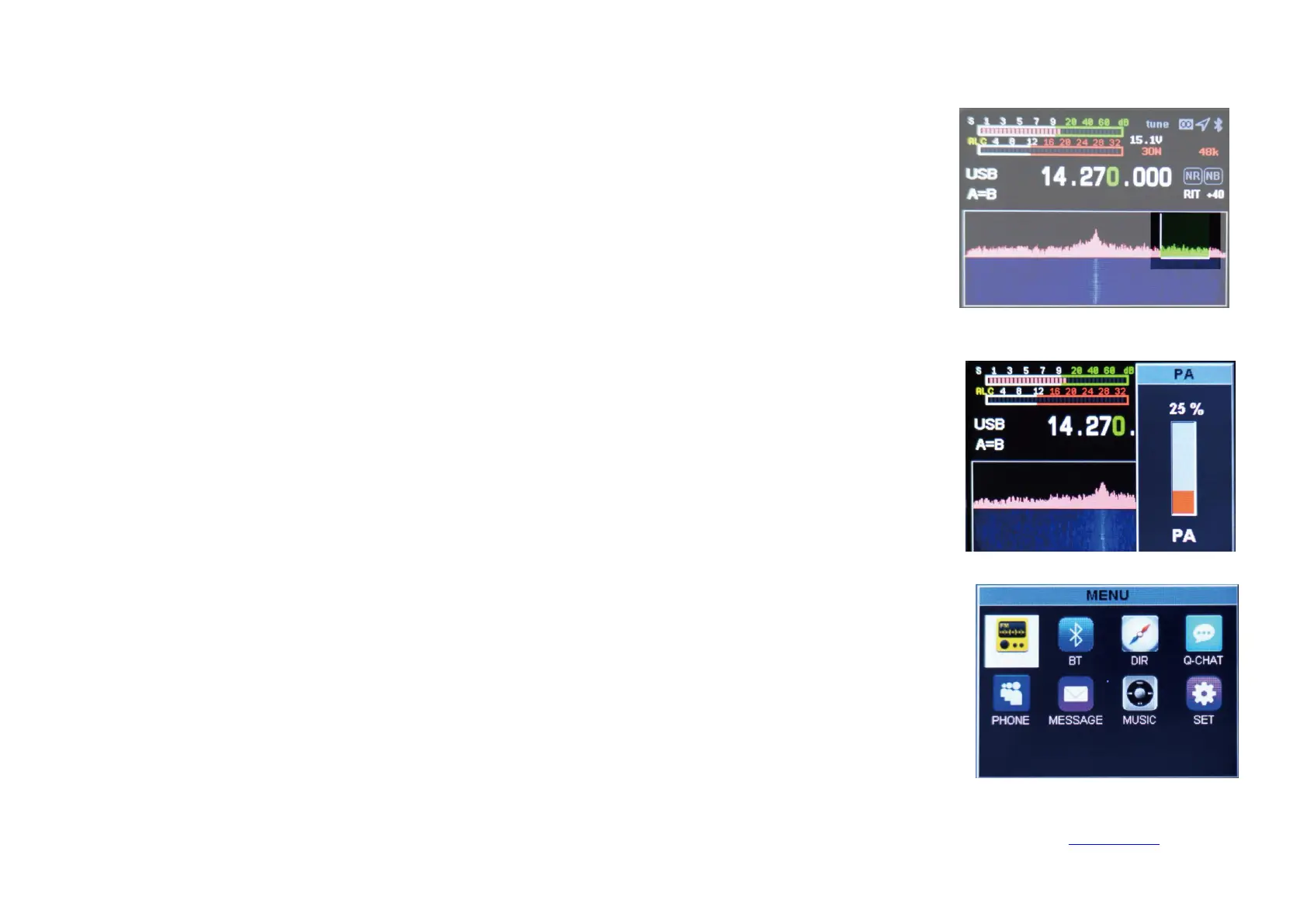
Digital filter operation
Transmitting power setting
Application menu operation
Short press
【
BW
】
key to select digital filter, left or right direction key to select filter bandwidth, short press
【
BW
】
key to ensure filter bandwidth.
Short press【PA】key to select power setting, up and down keys to increase or decrease power. We short press【PA】
to launch the power setting. Long press to select 30W mode, then long press to select QRP 5W mode.
Long press the
【
Menu
】
key to enter the menu interface, long press the
【
Menu
】
key to exit the menu interface, left
and right, up and down keys to select the application, and short press the
【
Menu
】
key to select the application.


 To Next Page