Ailunce HS2 HF/VHF/UHF Full Mode SDR Transceiver
Back Homepage
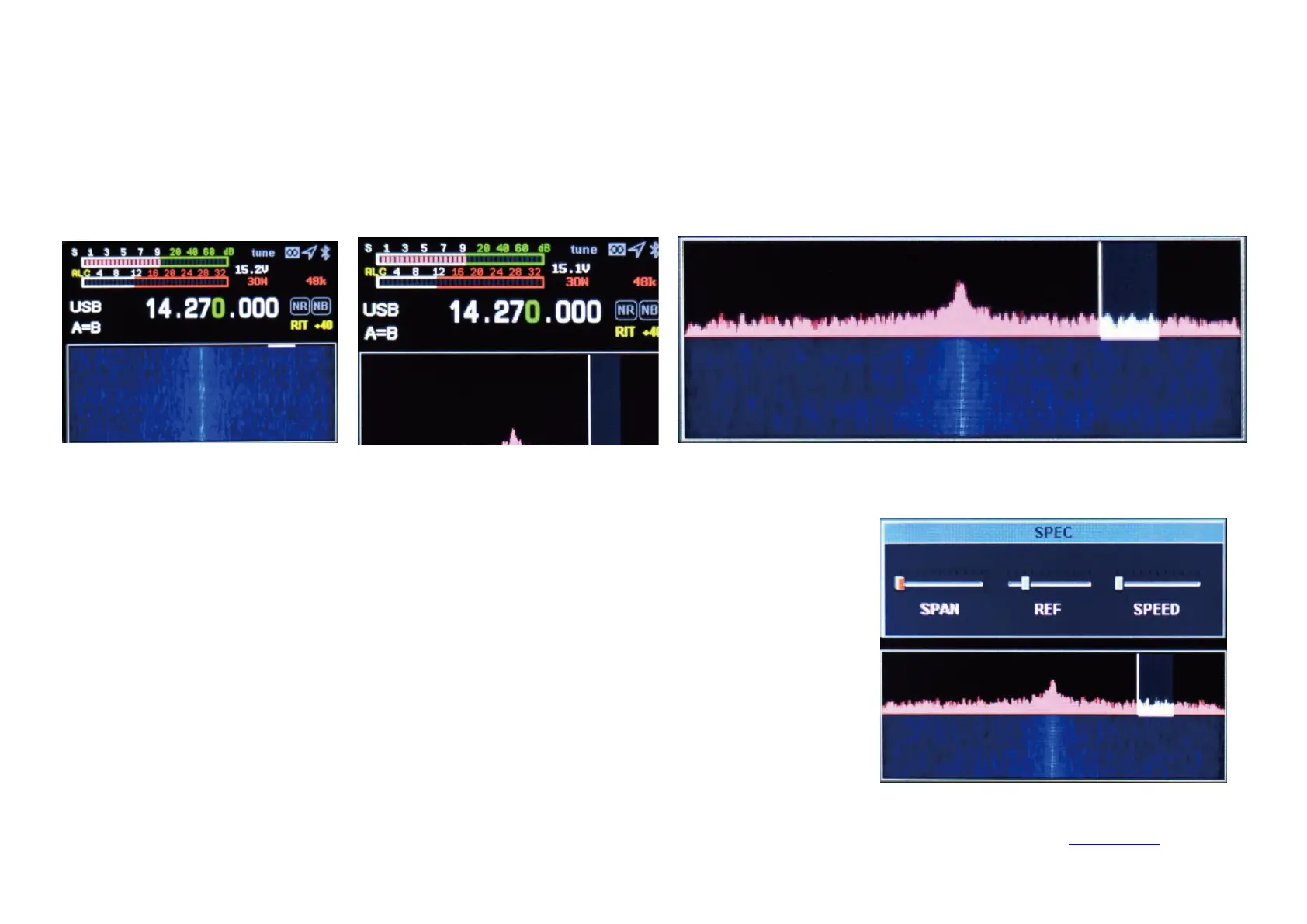
Spectrum and waterfall display setting
Spectrum parameter display setting
Long press the
【
NR
】
key to select and display the waterfall chart, and long press to select and display the spectrum chart, and long press the waterfall
chart and the spectrum chart to display at the same time.
Long press the【BW】key to set spectrum bandwidth, reference level, refresh rate, up and down
direction keys to select setting items, left and right direction keys to set value.
SPAN: Spectrum bandwidth.
REF: Spectrum reference level.
SPEED: Spectrum refresh rate.


 To Next Page