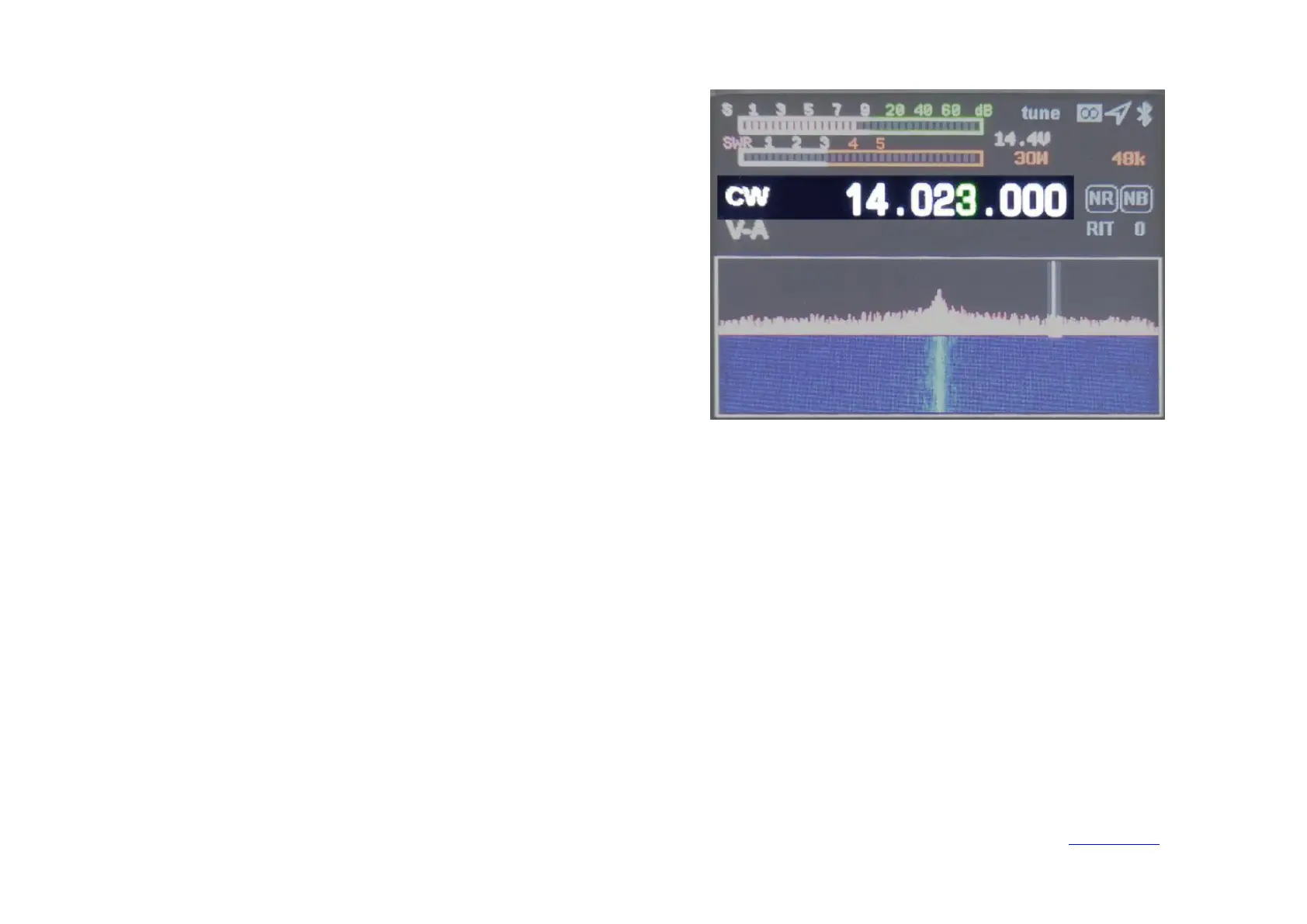
Short press 【Mode】 button to select the mode.
FM mode: long press to select NFM/WFM.
SSB mode: Long press to select USB/LSB.
Followed by recycling AM, FM, USB/LSB, CW.
1. Short press【Power】key to switch to SWR standing wave instrument.
2. Short press 【Tune】key, HS2 will automatically enter CW mode 5W state long tone transmission. The word TUNE will be displayed on the display
interface.
3. Observe the SWR value of the standing wave instrument, adjust your antenna feeder system so that the standing wave is displayed below 2, indicating
that the antenna feeder system is normal, press the【Tune】key again to exit.
4. Long press the【Tune】key to enter the automatic tuning of the unit. The machine will make a short click. After completion, check whether the antenna
standing wave is less than 2 or less, otherwise please check your antenna system.


 To Next Page