11
4.5 – Parameters setting at start up or while riding
Traction Control (S-KTRC) can be set while riding:
press (using a Long pressure) UP and DOWN buttons with the stock ECU
press (using a Short pressing) UP and DOWN buttons with Kawasaki Racing kit.
If you power the bike off with Traction Control disabled it will be automatically enabled and set on
Level 1 at the following power on.
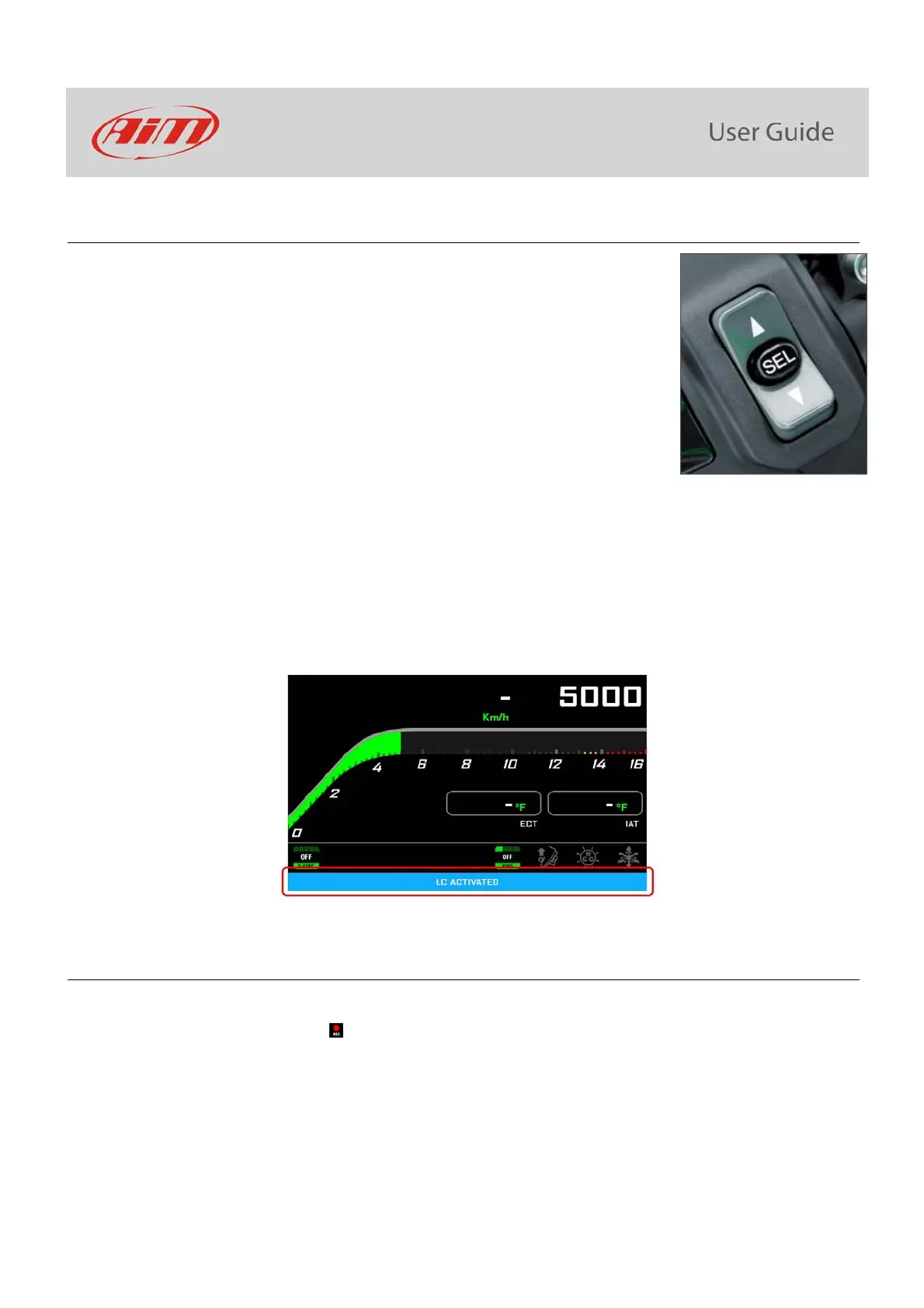
Launch Control Level allows to depart from a standstill with the power completely open. It can be set:
only at start up with the bike in FULL POWER mode (see paragraph 5.1.1) with the stock ECU
only at start up in any power mode with Kawasaki Racing Kit
To activate it press START/STOP and SEL at one time. A message with blue background appears bottom of the display and remains until
one of the following conditions occurs:
the bike reaches 150 km/h
the third gear is engaged
the bike is turned off
4.6 – Data Recording
In Road Mode data recording is disabled. To enable it push START/STOP for 5 seconds and push it again for 5 seconds to disable it.
In Track Mode data recording is automatically enabled and activates when RPM reaches 2000 and speed is higher than 20 km/h. When
MXK10 is recording the related icon appears (
)



 To Next Page