46
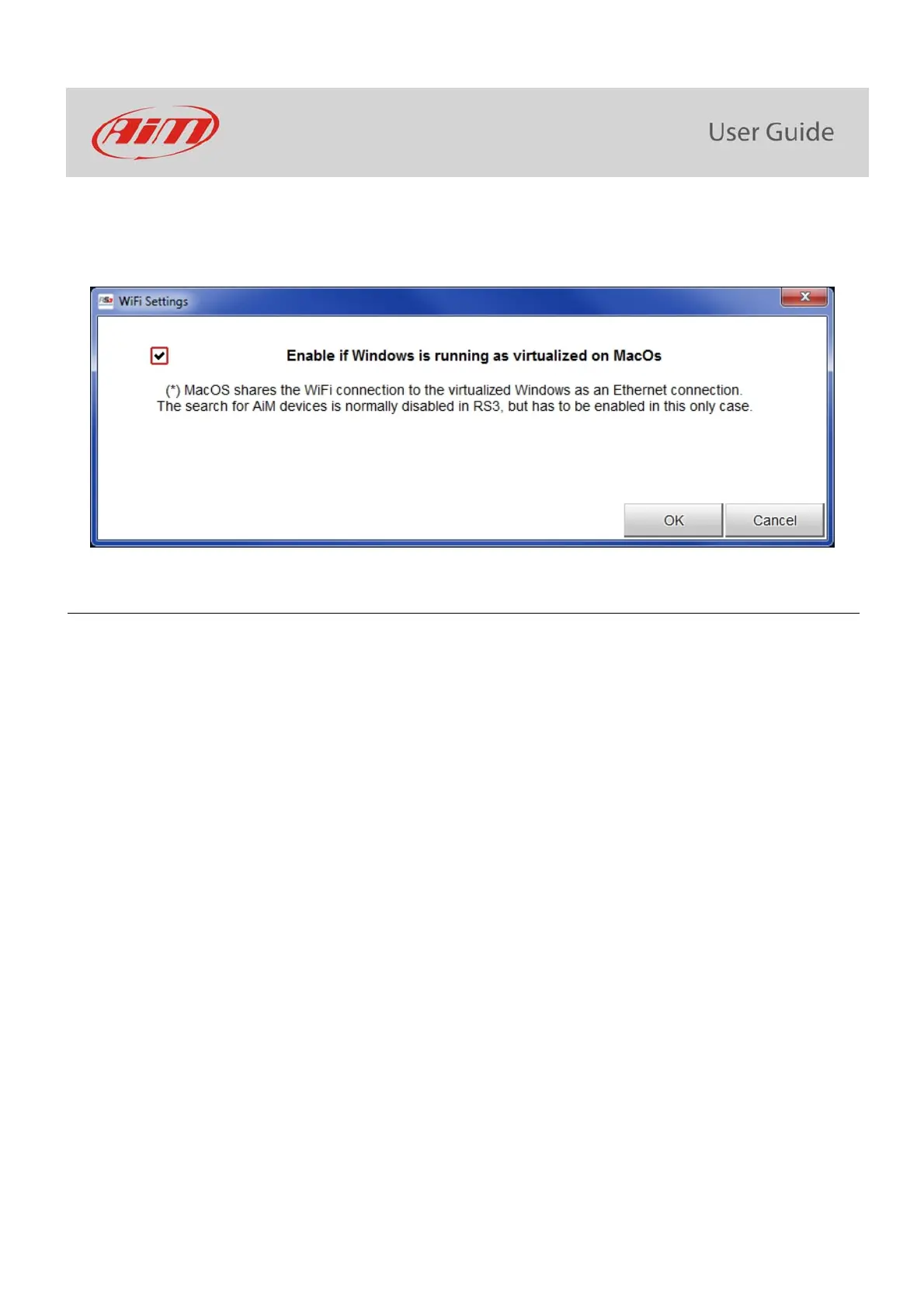
enable the checkbox shown here below.
9.7 – Connected device visualization issues
It may occur that using Race Studio 3 on an iMac with virtualized Windows the device connected via Wi-Fi takes some time to be shown in
the network or is not shown at all. This is why we always suggest using an Wi-Fi (WLAN) router.
This router work as an Access Point allowing more external devices to connect to its network. MXK10 logger Wi-Fi configuration is to be
set on Existing Network as explained before.



 To Next Page