45
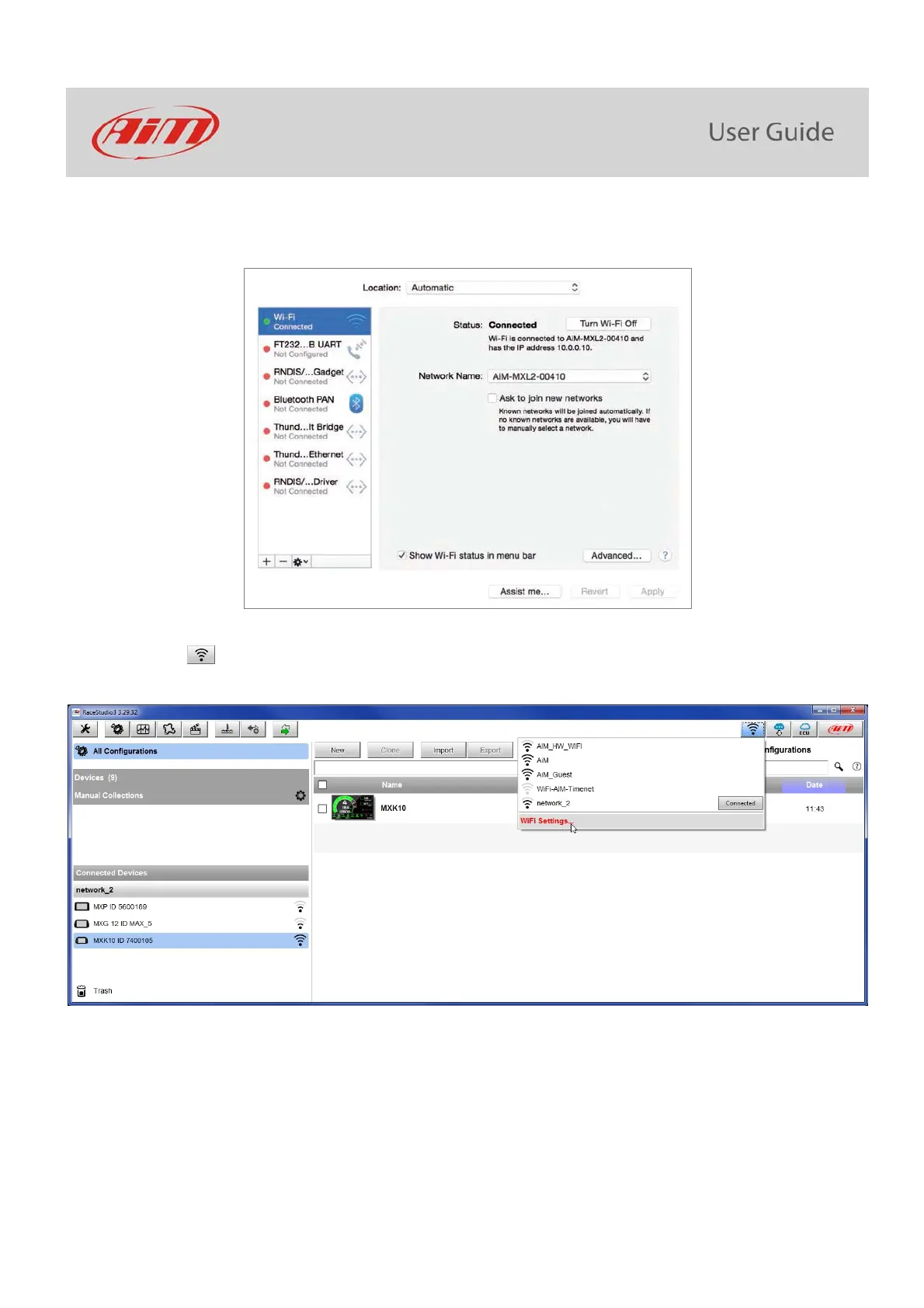
To ensure that the communication works select “Open Network preferences…” menu.
Verify that the status in the window that shows up is “Connected” and that the IP address associated is, for example, 10.0.0.10 (could be
10.0.0.11, 10.0.0.12, or generically 10.0.0.x).
To enable Race Studio 3 correctly working on a Mac with virtualized Windows
TM
.
press Wi-Fi icon
select “Wi-Fi Settings” option



 To Next Page