37
9.1 – Configuring MXK10 dash-logger as an access point (AP)
This is MXK10 default configuration and is the easiest and most direct connection mode, ideal to communicate with one MXK10 logger
using one PC. It is free and so completely accessible by anyone. Please set an access password as soon as possible.
To establish a Wi-Fi connection:
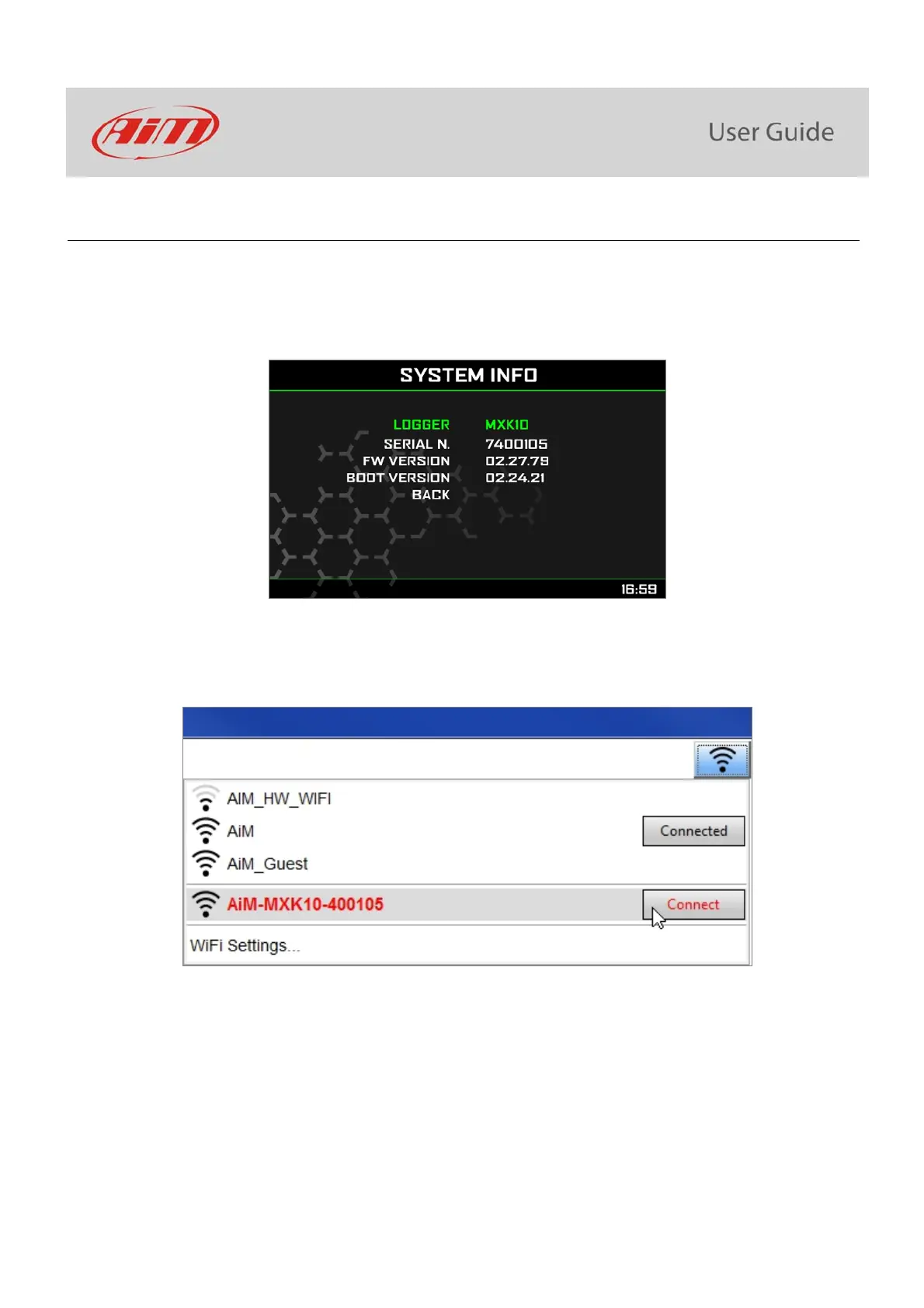
ensure that the Wi-Fi is enabled (set on Auto or on ON)
read MXK10 Name (7400107 in the image below)
run Race Studio 3
click Wi-Fi icon and select your device
in a few seconds the connection is established



 To Next Page