13
5.1 – Vehicle settings
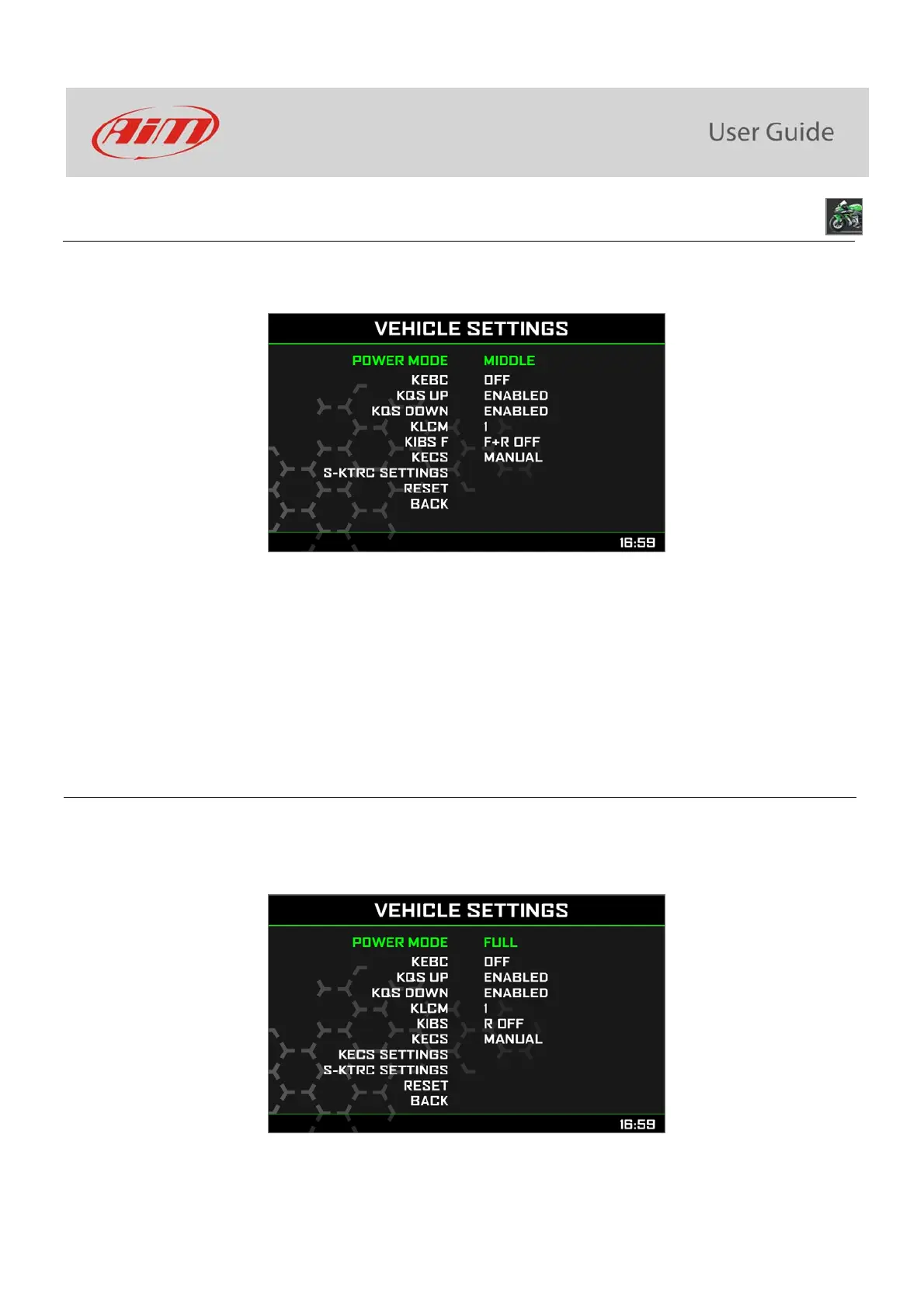
To configure the functionalities of the bike navigate through the icons with “UP” and ”DOWN” buttons, select the icon and press “SEL” to
change the selected parameters.
The parameters you may set are:
Power Mode: Full, Middle or Low
KEBC (Engine Brake): L (Low) or OFF
KQS UP (Quick shift UP): Enabled or Disabled
KQS DOWN (Quick shift DOWN): Enabled or Disabled
KLCM (Launch Control Mode): from 1 (min) to 3 (max)
KIBS F (Intelligent Braking System): R OFF or F+R OFF; with ABS dongle connected only
KECS (Electronic Suspensions Settings): Manual, Track or Road; only with KECS unit (Kawasaki ZX10R SE)
S-KTRC SETTINGS: Traction control settings
5.1.1 – Power Mode setting
Power Mode can be Full, Middle or Low. As explained in paragraph 4.5 this feature is mandatory to set Launch Control Mode on a
Kawasaki bike with stock ECU. The bike is to be:
Full Power Mode with stock ECU
Any Power Mode with Kawasaki Racing kit



 To Next Page