17
5.2 – Preferences
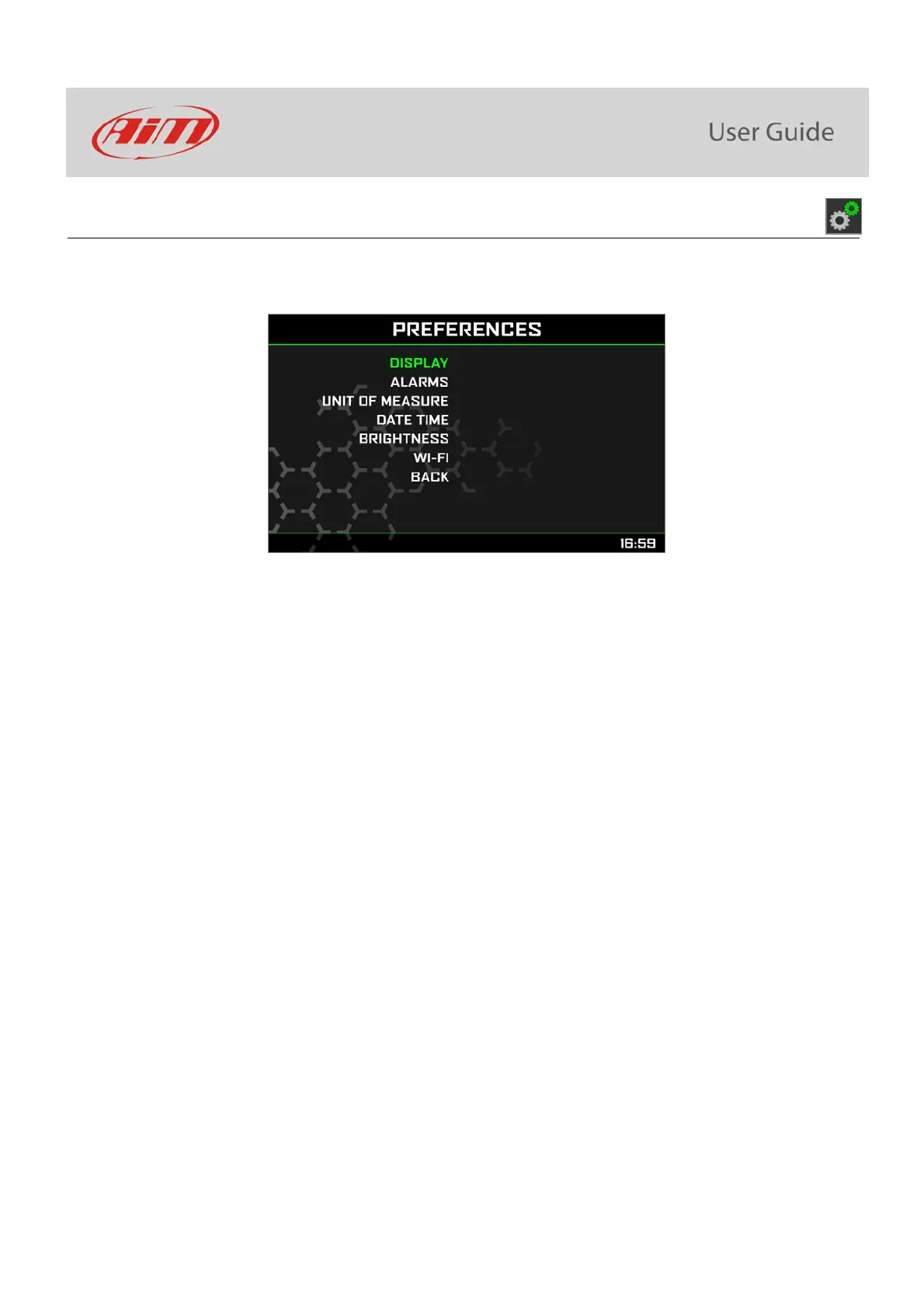
In “Menu” page navigate through the icons with “UP” and ”DOWN” buttons, select the icon you see here above and press “SEL”.
Please note: if your bike is set in road mode Lap switch option is not available.
Here you can define:
Display layout
Alarms threshold settings
Lap Switch (only if Riding Mode is Track): enabled or disabled
Unit of measure: km/h or mph
Date Time
Brightness
Wi-Fi
Back: comes back to Menu page
There is not much to explain about Unit of Measure or Date Time setting. Here follow some notes about the other parameters.



 To Next Page