25
6.2 – Configuration
Once MXK10 connected to the PC
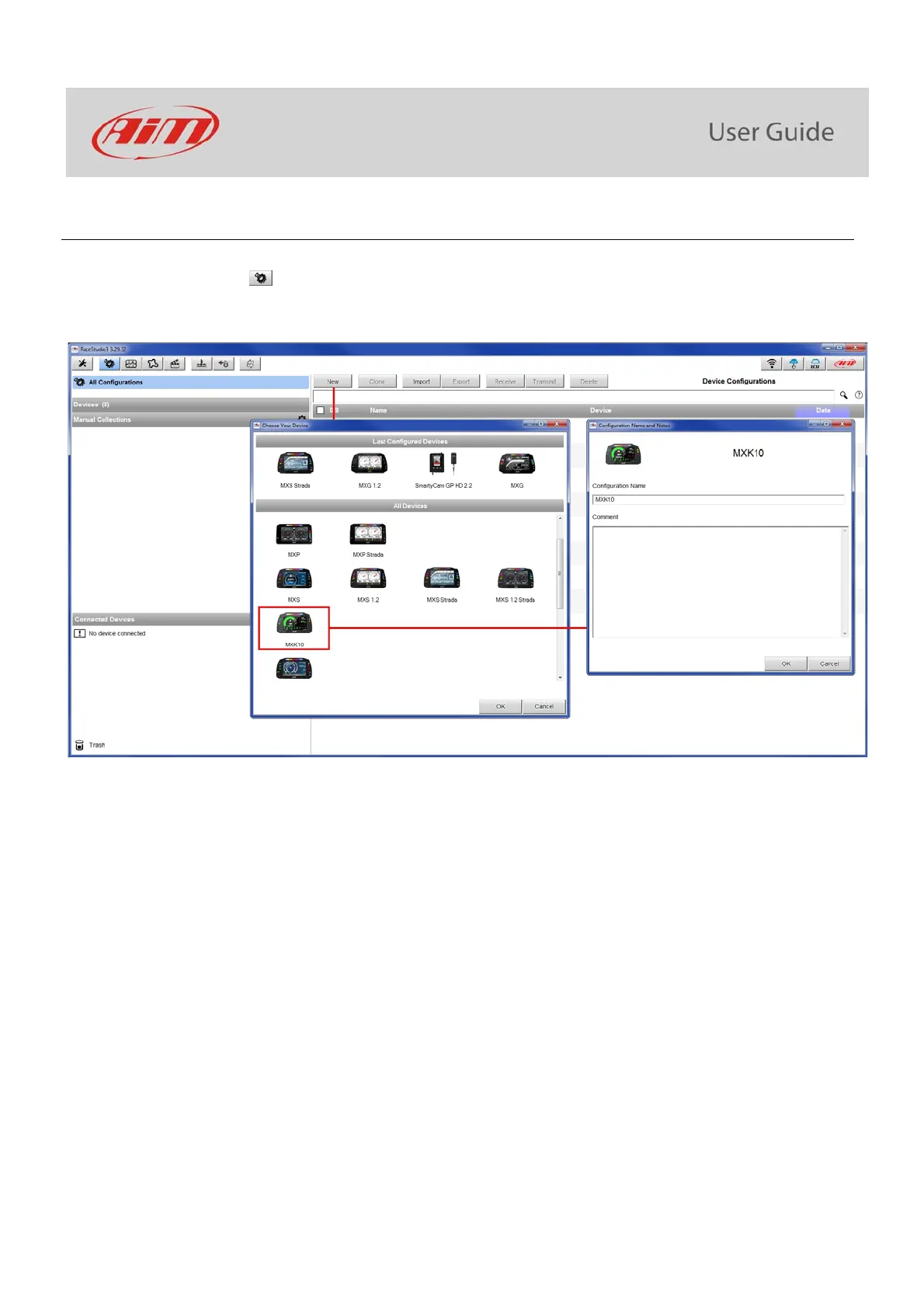
click “Configurations” icon
and configurations page appears
click “New” and new configuration panel appears: select an “MXK10” logger and press “OK”; when performing subsequent
configurations “Select Configuration” panel shows on top the last four devices you configured.
You can configure MXK10:
CAN expansions (LCU-One CAN and Channel Expansions only)
Shift lights



 To Next Page