7
4.1 – Lap Times
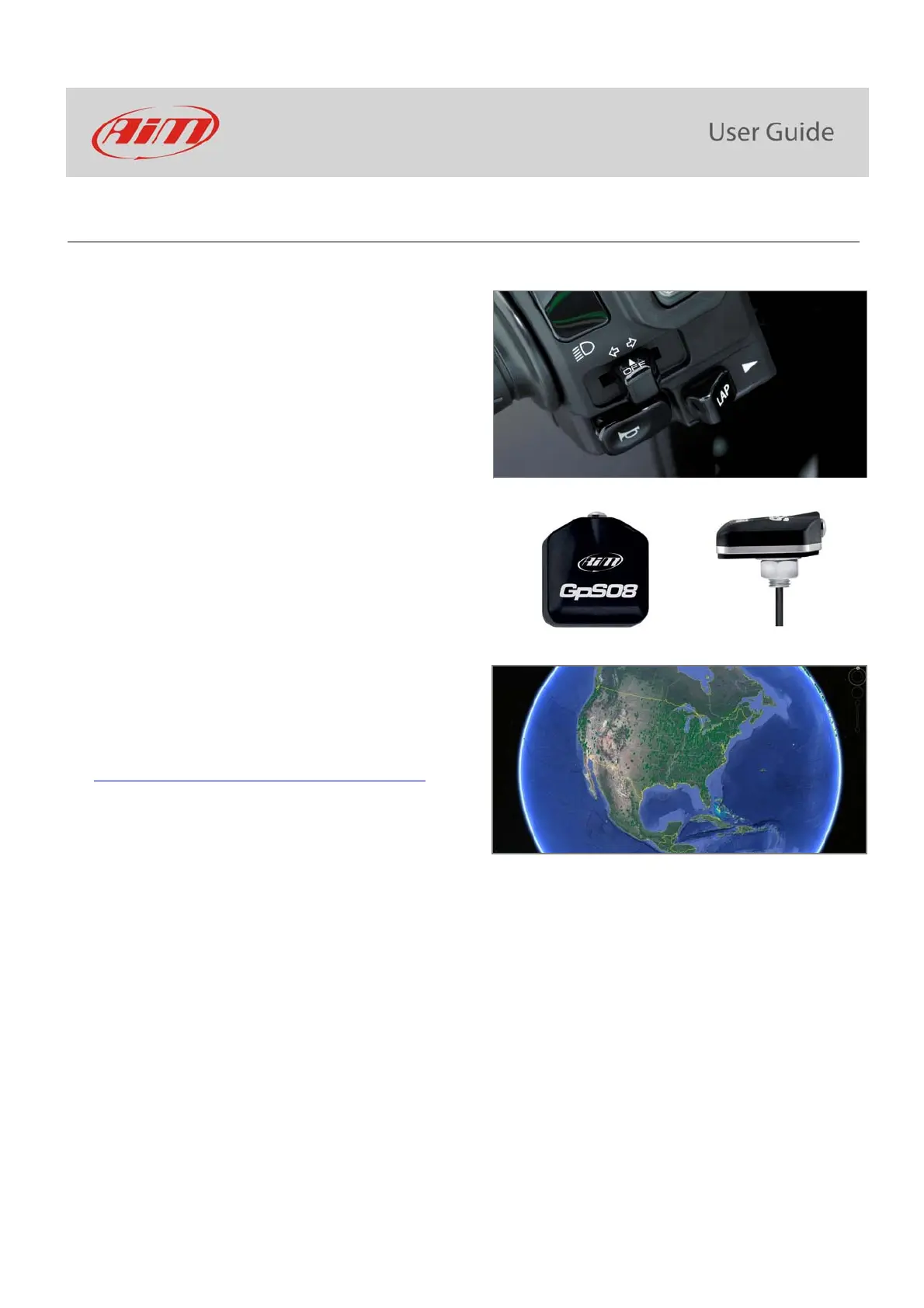
MXK10 calculates and shows lap times. This can be made in two ways:
manually pushing “Lap” on the bike left keyboard
automatically using GPS Module you find in the kit; the
Module includes most of the world tracks.
When you switch the bike on near a track the Module
automatically recognizes it, loads the start/finish coordinates
and calculates lap times when these coordinates are crossed.
If your track is not in the database you may always create and
load it in the database using Race Studio 3 software, freely
downloadable from AiM website at:
https://www.aim-sportline.com/en/sw-fw-download.htm
As said MXK10 features two working modes: road and track. In track mode the lap pushbutton can be disabled (see paragraphs 5.2.1 and
5.2.3) to avoid confusion between GPS signal and Lap button one while in road mode Lap button is always enabled and GPS Module is
always disabled.



 To Next Page