38
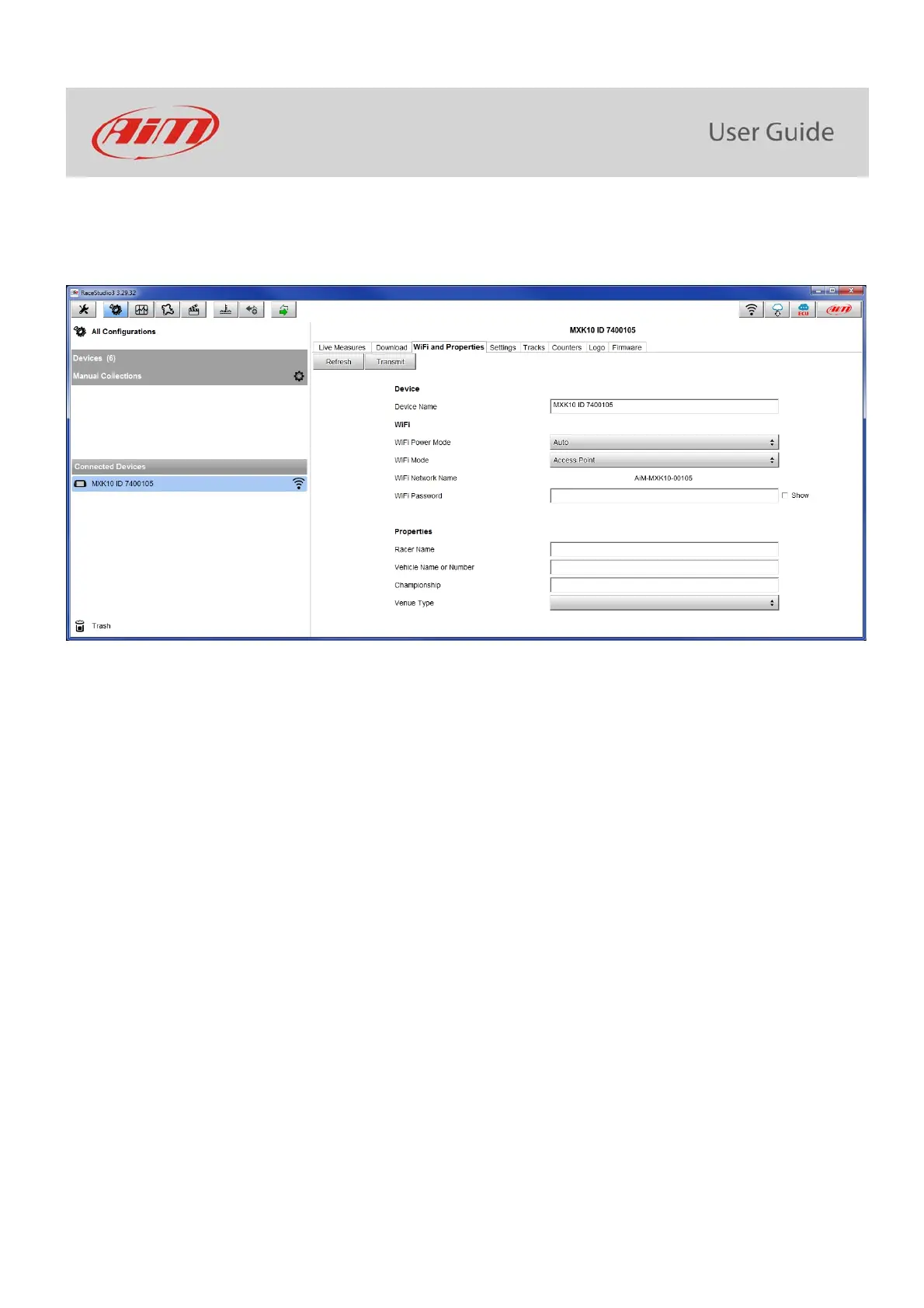
To set other parameters create a unique password to protect the device/ network. With a password the communication is safe and
encrypted using WPA2-PSK standard.
Characters allowed in the password are all letters, also capital, all digits and these characters: ‘+-_()[]{}$£!?^#@*\\\”=~.:;/%"
“Space” type can be used if it is not the first one because this could cause incomprehension in some Windows
TM
versions.



 To Next Page