29
6.2.2 – Shift Lights Configuration
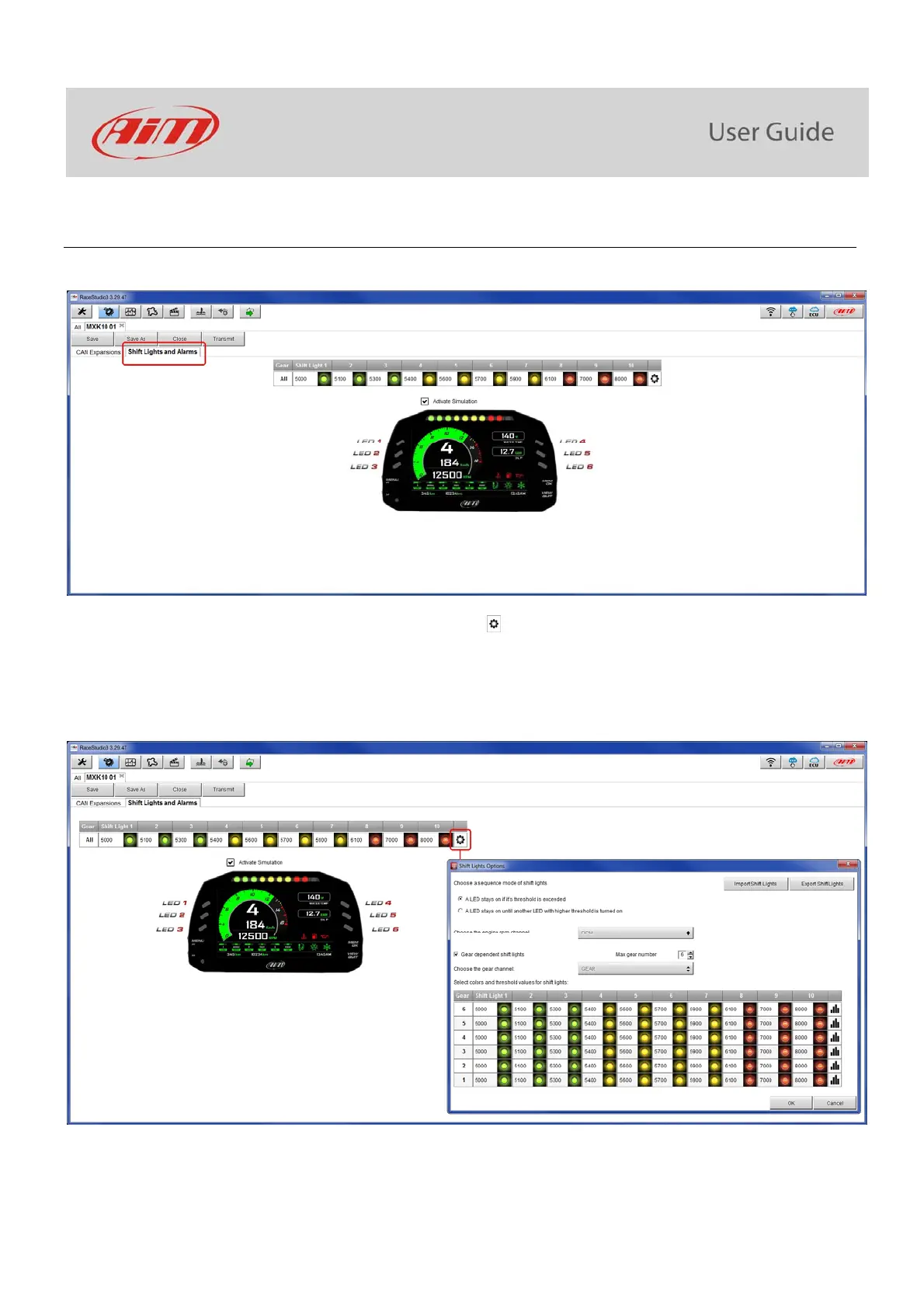
To configure MXK10 Shift Lights activate the related layer; this page shows up.
To use the led bar as shift lights (to help you shifting gear) click the icon ( ) and the setting panel shows up. Configure:
at which RPM value the single LED turns ON
the sequence mode of the LEDs enabling the desired option:
o a LED stays on if its threshold is exceeded
o a LED stays on until another LED with higher threshold turns on or
link the shift lights to the engaged gear enabling the related checkbox;



 To Next Page