HD Audio PCI-e V2.0
13
SoftwareInstallationandUn‐Installation
InsertSC808HDAudioPCI‐eAudioDeviceinstallationCD.Doubleclickthe
setup.exefile,ifautorunisdisabled.Press“Cancel”ifyouwanttoquit
installation.
Installation
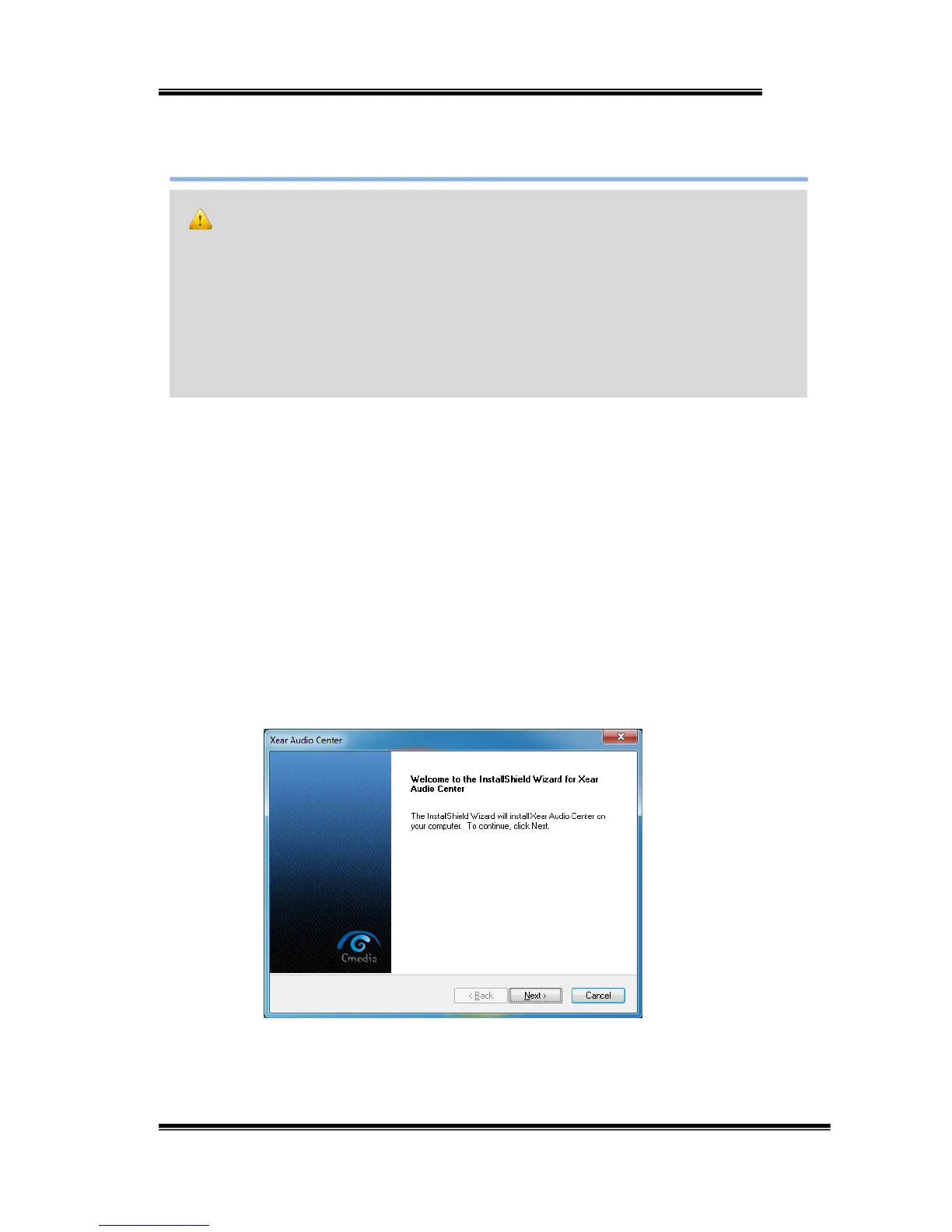
StartDriverinstallation,youcanseeawelcomewindow.Press“Next ”
buttonandfollowtheinstructionofthepoppedwindowsuntiltheend.
AllowComputerrestarttoactivatethedriver.
Notice:
Ensurethatyouhaveplug‐inthePCI‐EaudiocardbeforeinstallingHighDefinition
AudioDevicedrivers.Otherwise,driverinstallationerrormayoccur.
Beforeinstalling/Uninstalling,youshouldcloseallaudioprogramstoavoidthedriver
installationfailed.


 To Next Page