HD Audio PCI-e V2.0
8
Connections
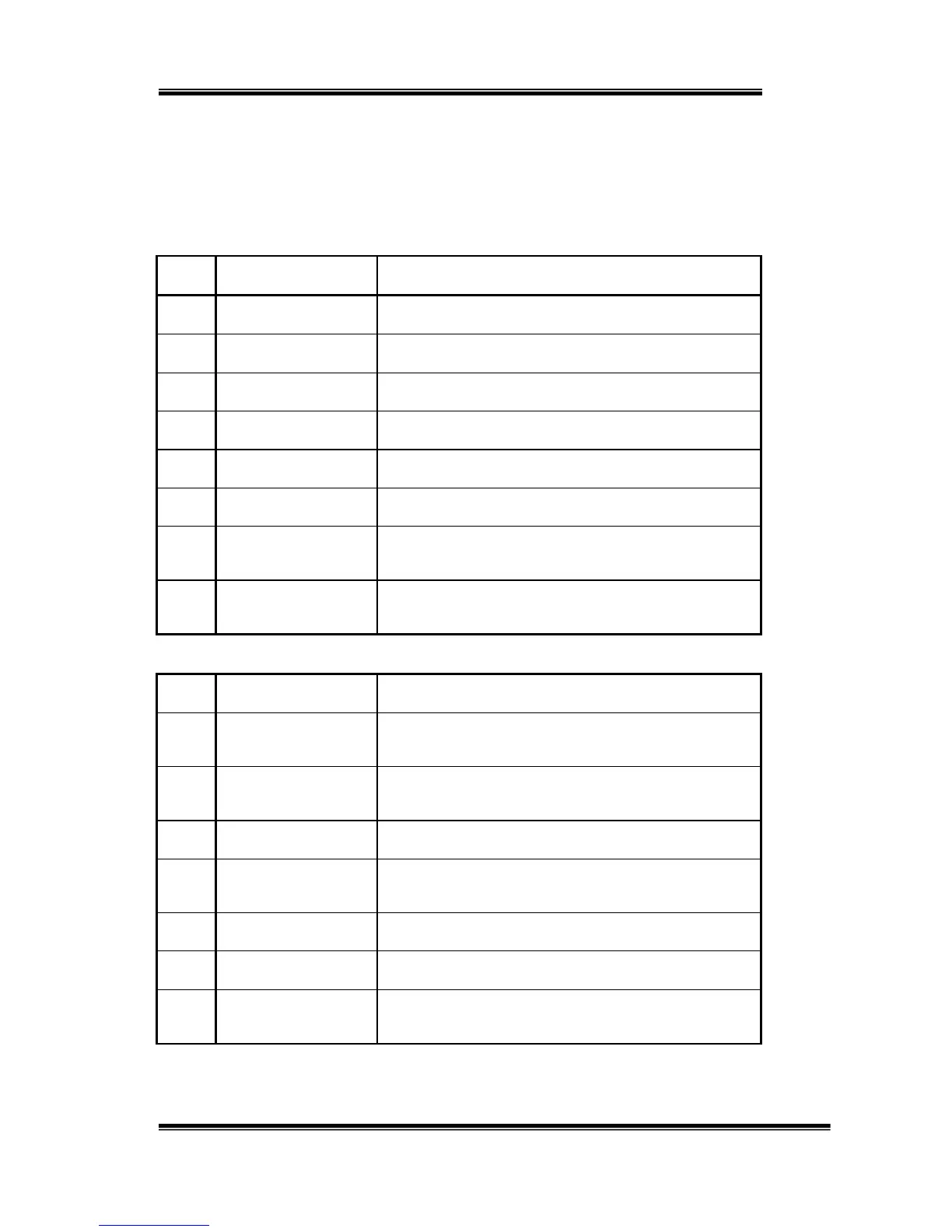
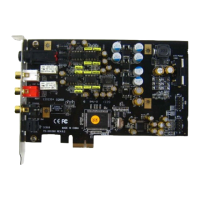
Most of the audio devices, such as Speakers, Headphones and Hi-Fi
Amplifier can be connected to the connectors of SC808. Below table
shows the connectors and their descriptions:
No Main Board Connections
J4 Phone Out (6.3mm) Connect to Front Speaker or Headphones
J1 Line Out (RCA Left) Connect to RCA connector of Speaker (Left Channel)
J2 Line Out (RCA Right) Connect to RCA connector of Speaker (Right Channel)
J3 S/PDIF (Coaxial) Connect to the Coaxial of Digital Amplifier or Decoder
FB1 S/PDIF (Optical) Connect to the Optical of Digital Amplifier or Decoder
CON1 ATX-Power (4P) Connect to Power Supply
JP1 Multi-Channel
Connect to Daughter board for multi-channel
application.
JP2 HDA (HD Audio)
Connect to the Headphone/Microphone of case or
Daughter board.
NO Daughter board Connections
PJ1
Microphone In
(3.5mm)
to external microphone
PJ2
Front Output
(3.5mm)
to the optical input of Digital Amplifier or Decoder
PJ3 Rear Output (3.5mm) to the coaxial output of DVD Player
PJ4
C/LFE Output
(3.5mm)
to the optical input of Digital Amplifier or Decoder
PJ5 Side Output (3.5mm) to the coaxial output of DVD Player
JP3 Multi-Channel Connect to the Main board.
JP4 HDA (HD Audio)
Connect to the Headphone/Microphone of case or
Main board.


 To Next Page