Enjoy Airtel Live
Enjoy Airtel Live
22 23
• The requisite charge for any content that you book will be deducted from your account balance.
• You can see your expenditure towards all pay-per-view programmes in your account statement
(see details on page 28).
• In case your account balance is lower than the cost of programme, you will need to recharge your account
before ordering it.
iTV applications or Interactive applications are specially designed applications which let you shop, play games, see horoscopes
and much more.
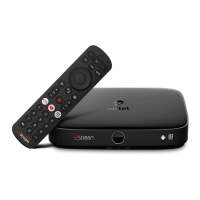
• Press ‘iTV’ button on your remote to see the list of all applications listed with your digital TV.
• Choose from iAstro, iNews, iShop or iSports etc. to enjoy the exclusive Airtel Live content.
We refresh these applications from time to time to ensure unlimited entertainment.
Interactive Applications
Paying for what you watch (Pay-Per-View)
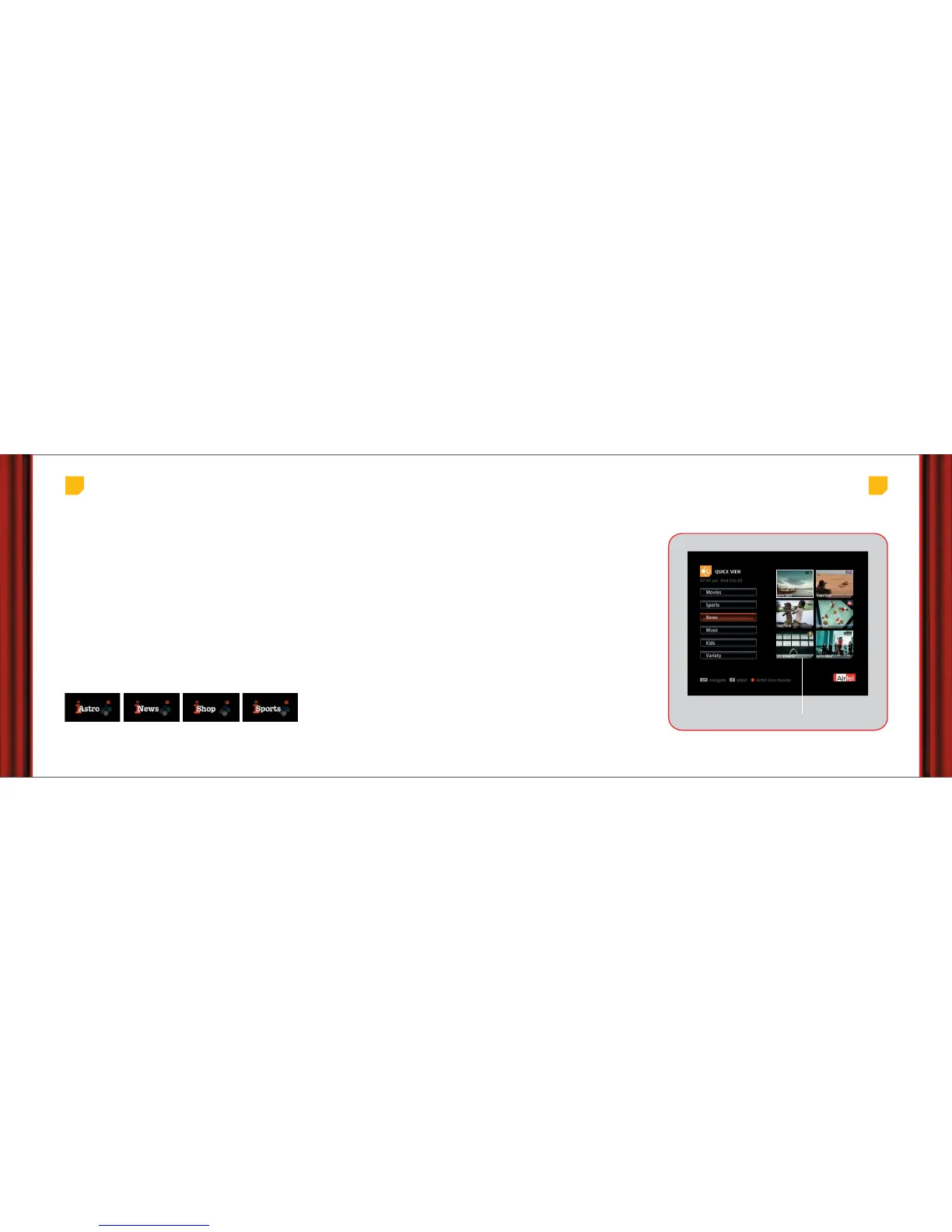
Imagine being able to see multiple channels
running on the same screen! Here is how you can
do it:
• Press the ‘Live’ button on your remote.
• Select Quick View icon on screen to see a list of
categories.
• Use the arrow and OK buttons on your remote to
navigate and select respectively.
• Choose a category to see multiple channels
simultaneously and select any one of them to
view in full screen.
Magic of Quick View
Live channel running in each category
Main Menu > Airtel Live > Quick View



 To Next Page