Enjoy Airtel Live
24
You may at times want to rest your eyes and just
listen to some good music. We bring you a vast
range of music stations. So tune in and turn your
TV into your own personal radio following these
simple steps:
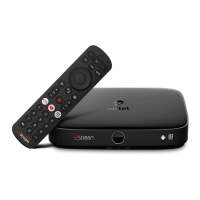
• Press the ‘Live’ button on your remote.
• Select Radio on the screen.
• Navigate through the available stations using
arrow buttons on your remote and press OK to
listen to a particular station of your choice.
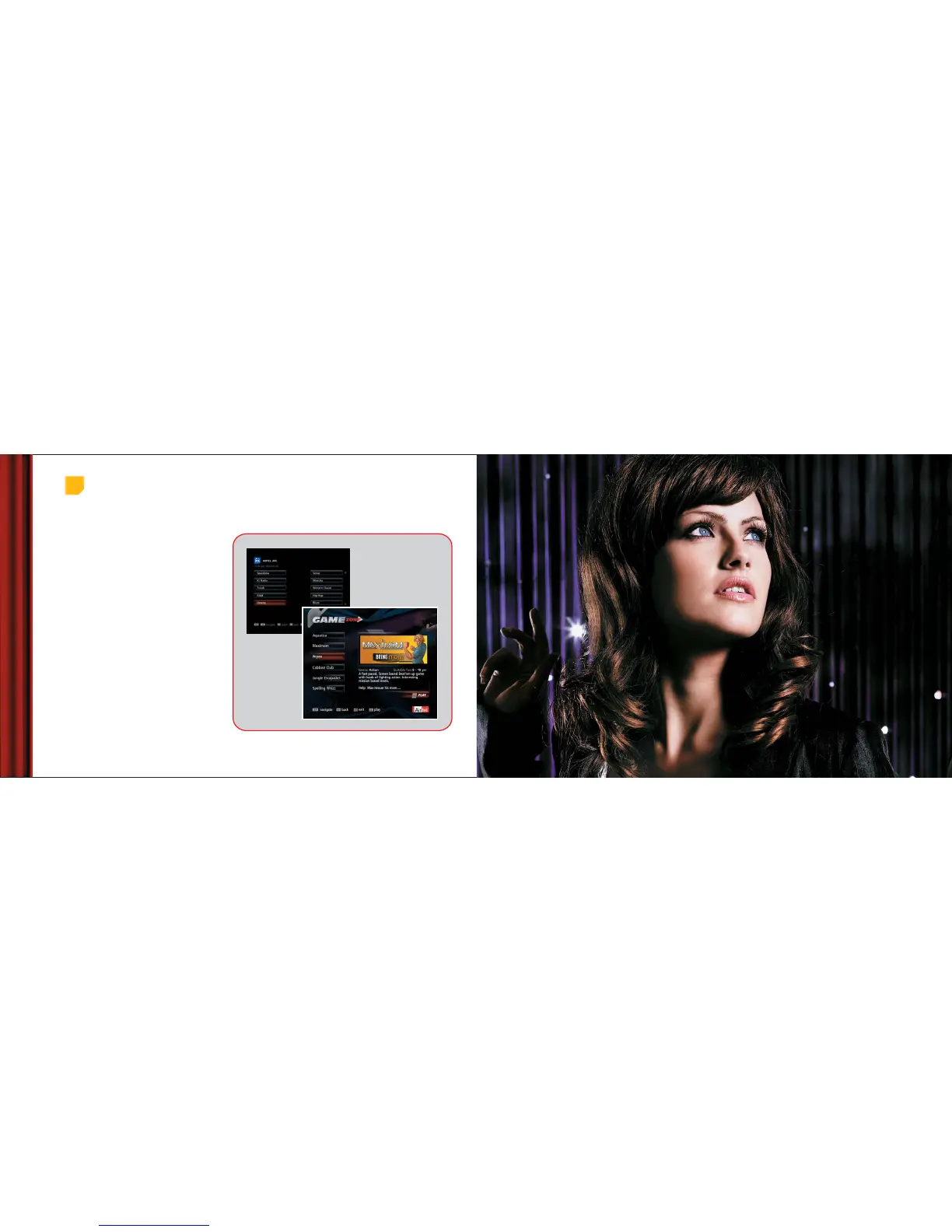
You can turn your TV into a gaming console by
selecting any game of your choice from Airtel Live.
So, bid farewell to boredom and say hello to good
times.
• You have a shortcut to reach to Games from
your remote.
• The four arrow buttons and some number keys
on your remote act as the control buttons.
Radio and Games on TV
Playing Games
Listening to Radio
1. Main Menu > Airtel Live > Radio
1.
2.
2. Main Menu > Airtel Live > Games
Customize
Your System



 To Next Page