Understand the Basics
07
Now have complete control of your entertainment
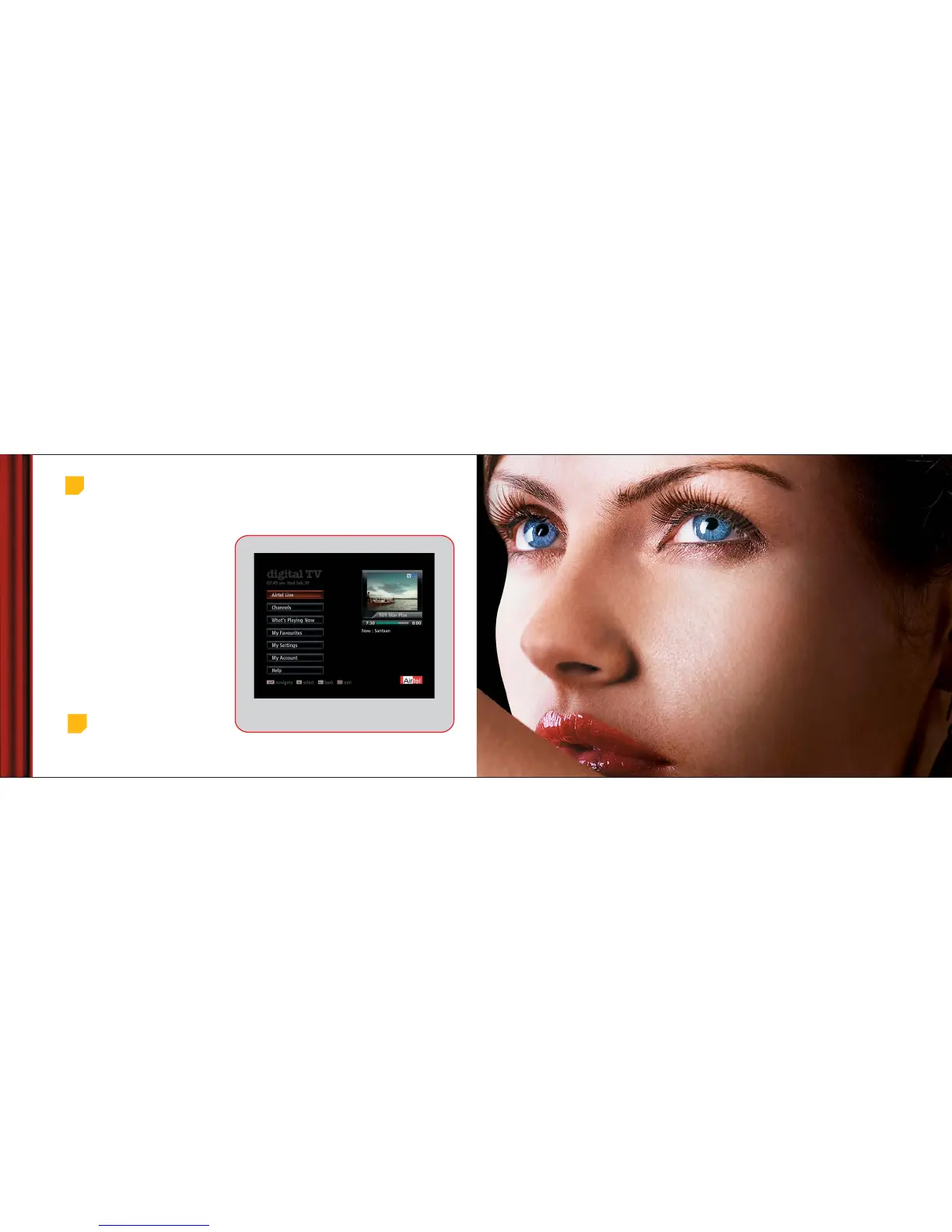
experience with the on-screen Electronic Programme
Guide (EPG). Just sit back with your remote and
browse through various options that we offer.
To access the EPG while watching TV, just press the
‘menu’ button on your remote.
The Electronic Programme Guide lets you:
• See programme calendar for the next 7 days
• View the latest of Bollywood, Hollywood &
Regional movies
• Set reminders for programmes
• Set up and see favourite channels
• Use a range of Interactive services
• Know your account status
• Change settings of your digital TV system
• Play exciting games
Electronic Programme Guide (EPG)
Press ‘menu’ button on remote to start the
Electronic Programming Guide
Top
tip
In case you get stuck press the ‘back’ or ‘exit’
button to return to the channel you were
watching!
Main Menu
Watch TV



 To Next Page