Manage Your Account
Manage Your Account
28 29
We give you constant updates to keep a check on
your expenses with an on-screen display of your
account status. You can always know where and
when you have spent your recharge amount.
Whenever your payment is due, you will receive a
message indicated by a yellow envelope on your
TV screen. Press yellow button on your remote to
read it. Once you have read through the details
you can again press the yellow button to delete
the message and go back to the last channel with
‘back’ button.
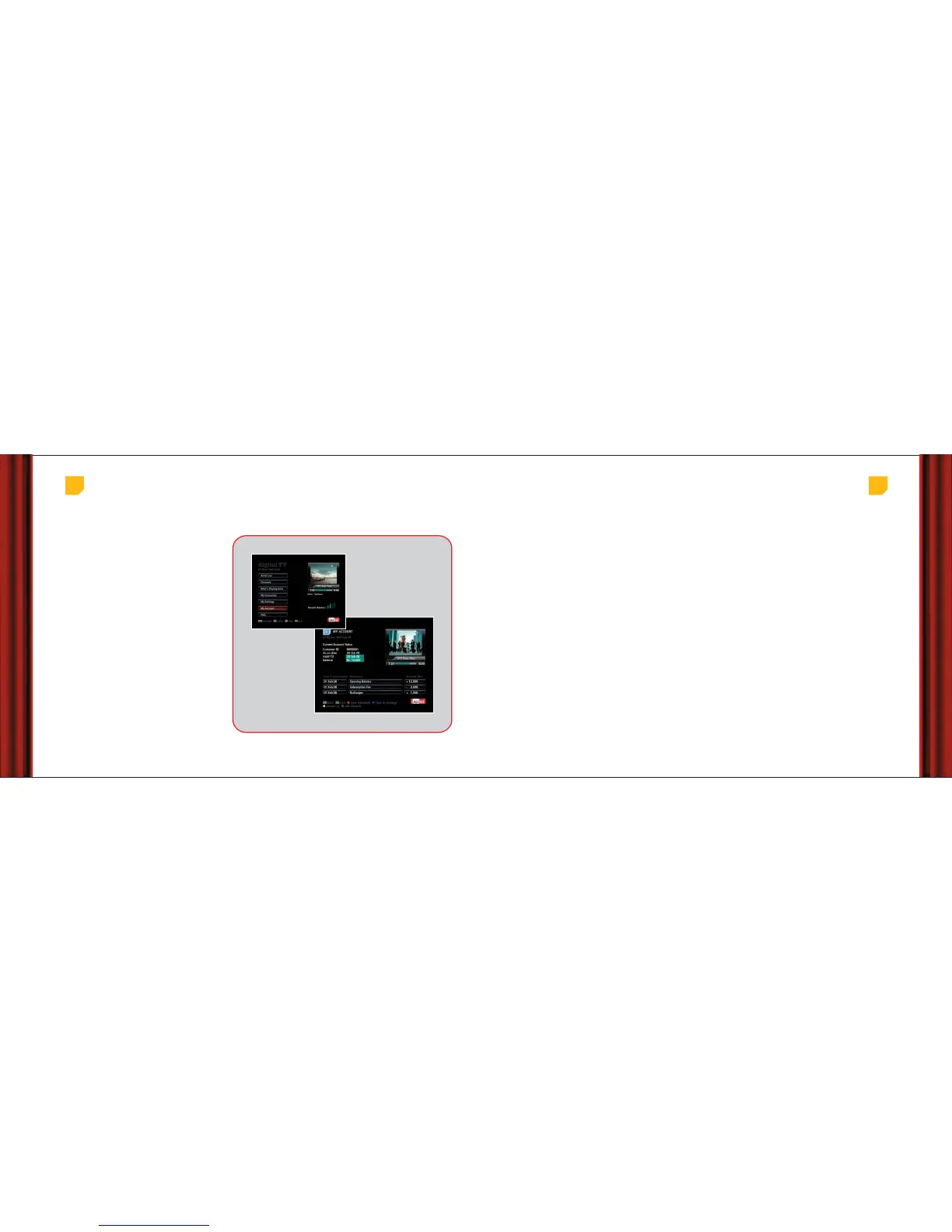
If you want to check your monthly account status,
payment confirmation or account balance you can
go to ‘My Accounts’ section from the ‘Main Menu’
of the EPG.
Know your current balance and spend details
Your monthly Account
status
Manage your Account
Main Menu > My Account
Account balance at a glance
To get a summary of the recharge balance available with you, we show an account meter to you on the TV, something like the
fuel tank in your car. This will let you know if you need to recharge before you order movies for the weekend.
Recharging your account is simple. To start with, whenever your payment is due, you will receive a message on your TV.
Alternately you can also go to ‘My Account’ section to see your account details. Choose from a host of convenient
payment/recharge options mentioned below and follow the simple steps.
1. Recharge vouchers
Visit any of our authorized dealers or Airtel Relationship Centres (ARCs) to buy a recharge voucher. Scratch it to find out the
Unique Recharge Code and call 1800 102 8080
(Toll Free) / 020 40181400 (Tolled)
from your registered telephone number to
recharge your account.
2. Recharge on phone
You can call us on our Customer care number 1800 102 8080
(Toll Free) / 020 40181400 (Tolled)
from your registered
telephone number for recharging your account through a credit card.
3. Recharge on the web
Simply log on to our website www.airtel.in/digitaltv, select the amount to recharge and pay through your credit card.
All you need to do is to register once. This will help us generate a login and password for you.
Our Customer Care is always available to help you.
Recharge your account



 To Next Page