FS-HDR Frame Synchronizer/Converter/HDR-WCG Processor v1.0r1 90 www.aja.com
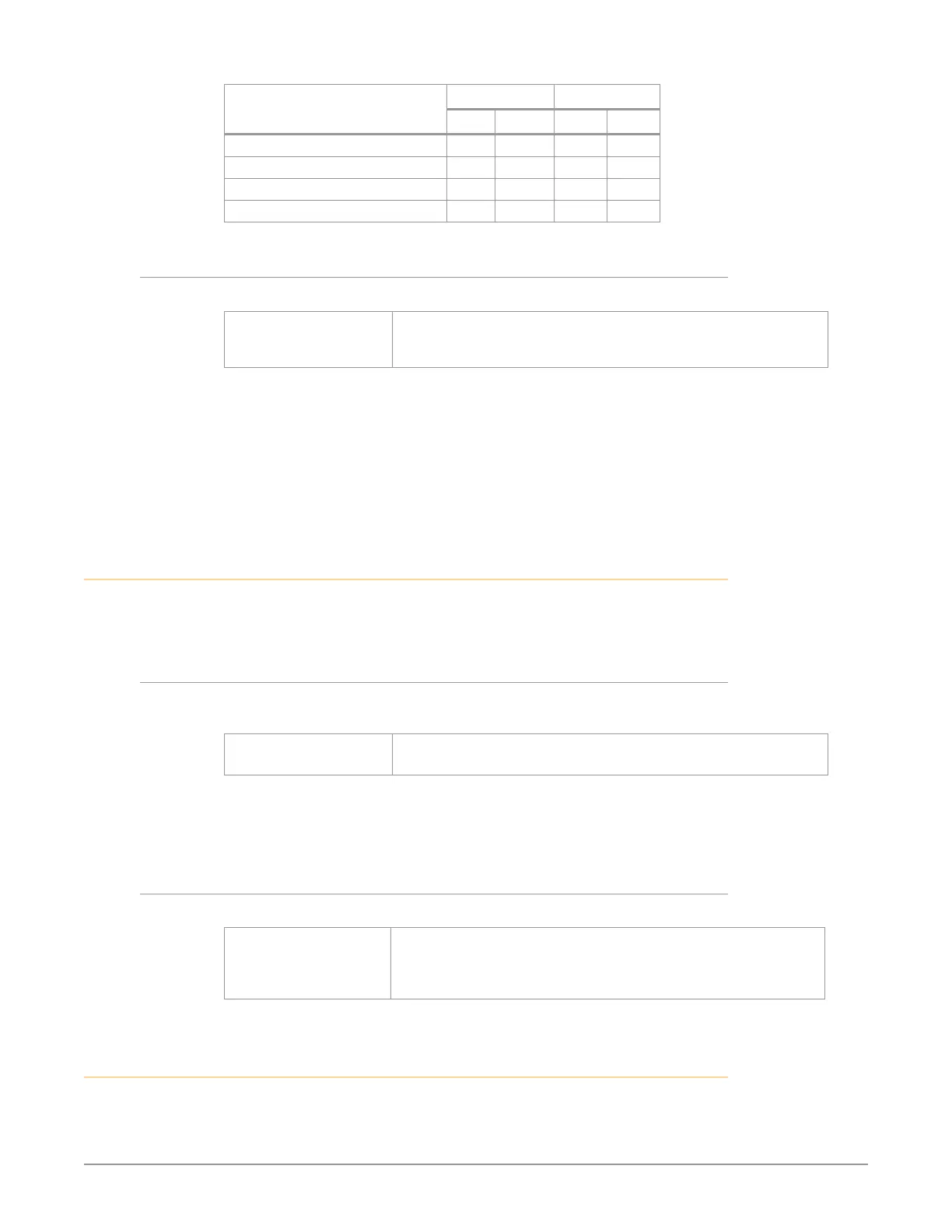
Output Frame Rate
Horizontal Vertical
Min Max Min Max
720p25 0 3959 -375 375
720p29.97, 720p30 0 3299 -375 375
720p50 0 1979 -375 375
720p59.94, 720p60 0 1649 -375 375
3 Frame Delay
This parameter adjusts Video Processor output timing.
Variable Adjustment output timing from 0 to 6 frames in one frame
increments.
Default: 0
NOTE: This delay amount is in addition to the FS-HDR’s default video latency. In Four
Channel Mode and in Single Channel Mode with no Ultra-HD/4K up or down
conversion, this default latency is nominally two frames at low frame rates
(23.98/24/25/29.97/30 fps) or four frames at high frame rates (50/59.94/60 fps). In
Single Channel Mode with UltraHD/4K up or down conversion being performed
this default latency is nominally 3 frames at low frame rates or five frames at high
frame rates.
TSTGEN Menu Group
IMPORTANT: In Four Channel Mode, the settings in this menu group apply only to the
selected Video Processor (VID1- VID 4).
1 Test Pattern Gen
This parameter turns selects whether test pattern is output by that Video
Processor.
O (default)
On
Normal video is output (no test pattern).
The output is the test pattern generator.
NOTE: Normal output can be a version of its currently selected input, a Sidebar or
Letterbox display, Black, or a Freeze of last good video, depending on the current
configuration.
2 Test Pattern
This parameter selects the type of test pattern output if Test Pattern Gen is on.
75% Bars (default)
Flat
Black
100% Bars
Sets the test pattern to 75% color bars.
Sets the test pattern to at eld gray.
Sets the test pattern to black.
Sets the test pattern to 100% color bars.
FREEZE Menu Group
IMPORTANT: In Four Channel Mode, the settings in this menu group apply only to the
selected Video Processor (VID1- VID 4).


 To Next Page