FS1-X v1.1 www.aja.com
27
Unpacking
Shipping Box
Contents
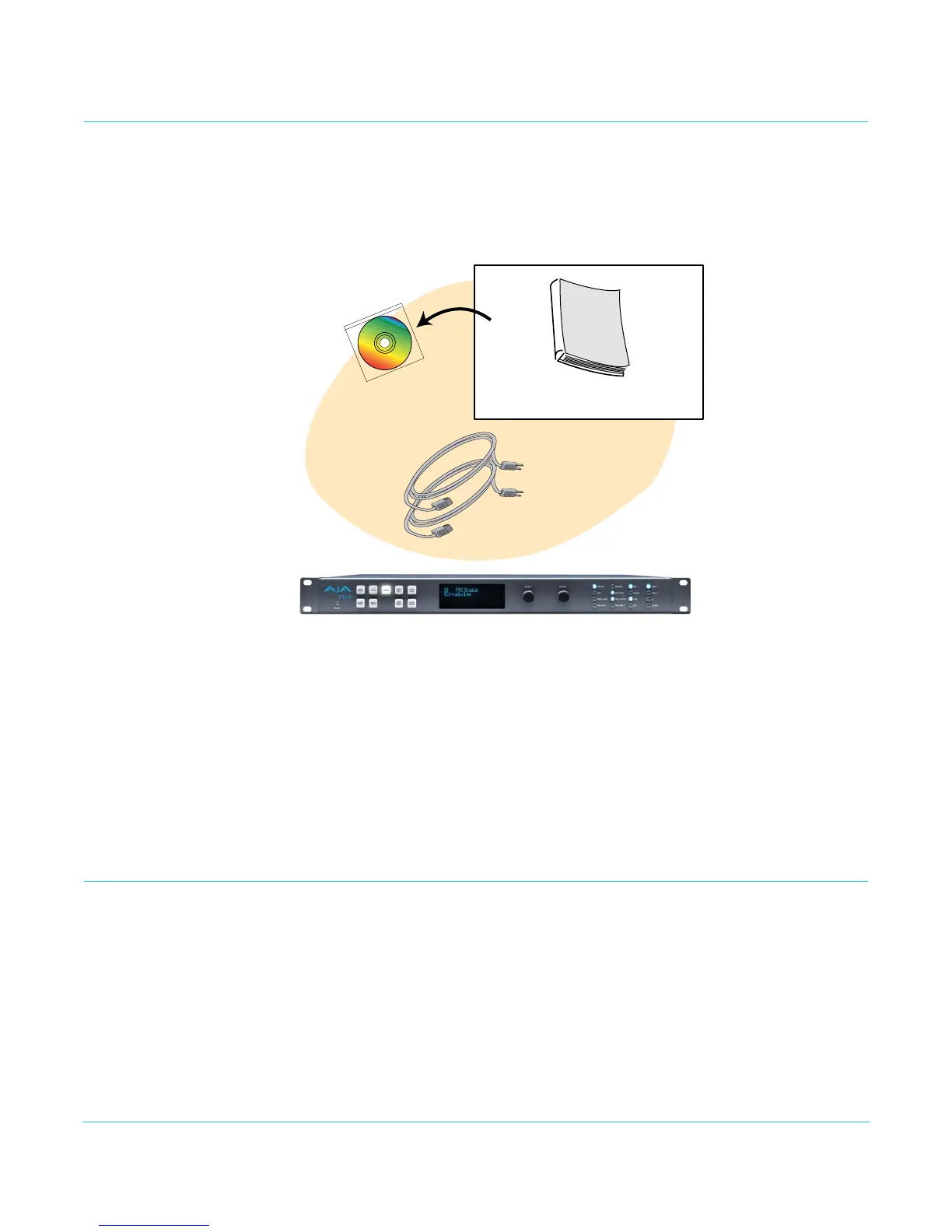
An FS1-X chassis is shipped with two AC power cords, a user manual CD, and any late-
breaking news bulletins (if applicable). Chassis rackmount brackets are provided as part
of the chassis with screws.
Figure 5. Shipping Box Contents
As you unpack the shipping box, carefully examine the contents. Ensure you received
everything and that nothing was damaged during shipment. If you find any damage,
immediately notify the shipping service and supply them with a complete description of
the damage. AJA will repair or replace damaged items.
If you find shipping damage, contact your AJA dealer or distributor for details on how to
have your FS1-X repaired or replaced.
NOTE: Save packing materials and the shipping box. If your FS1-X ever requires service or you move
your system, use the packaging materials and box for safe shipment.
Installing Optional Fiber Optic I/O Modules
The optional AJA Fiber Optic I/O modules are purchased separately from the FS1-X.
These AJA fiber modules work with the FS1-X:
•Single-channel LC connector modules
• Single-channel SC connector modules
• Dual-channel LC connector modules
AC Power Cords (2)
AJA FS1-X Panel Chassis
Installation and Operation Manual
(PDF le on CD)



 To Next Page